
White space on Homepage after uninstalling POWR from Shopify
If you've uninstalled your POWR apps from your Shopify Apps admin but still see a white space on your homepage where the app used to be, you're likely affected by a legacy bug. A leftover empty container div can remain in your theme code and reserve vertical space on the page even though no content loads into it anymore.
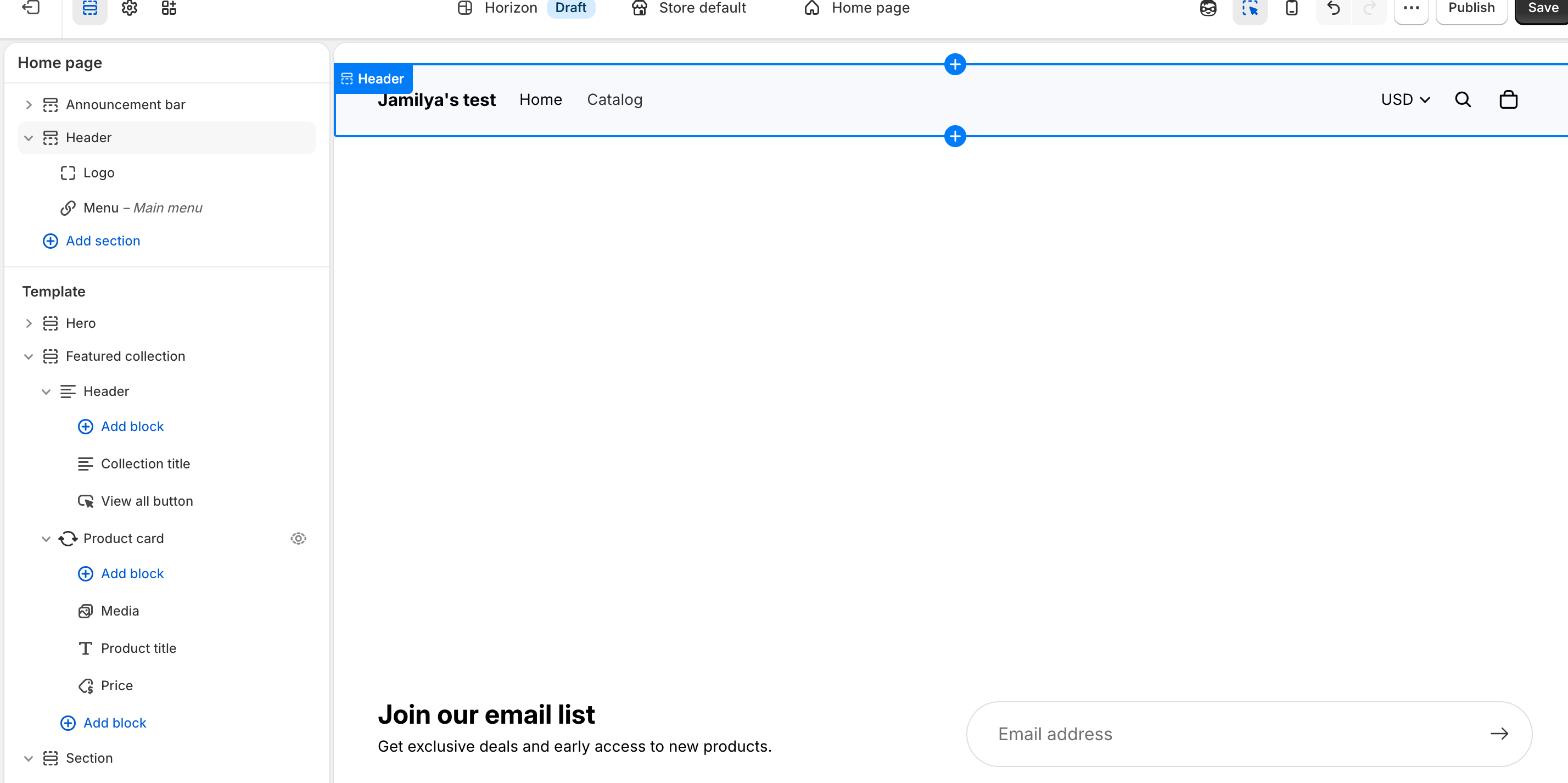
How to fix it
In your Shopify Admin, go to Online Store > Themes
On your active theme, click Actions > Edit code
Open your
index.liquidfileSearch the file for a POWR div, which looks like:
<div class="powr-[app-name]" id="[unique-id]"></div>
Delete the entire div, including both the opening and closing tags
Click Save
Refresh your homepage, the white space should now be gone.
If the white space is on a different page, check that page's corresponding .liquid template file (e.g., product.liquid, page.liquid) and follow the same steps.
Related articles
Need help?
If you need any help or have any questions about our apps, our support team is happy to help.
Contact our support team
When contacting us, you'll be prompted to authenticate your email by signing in, and a confirmation code will be emailed to you. This helps ensure our support team's reply will be delivered to you with no issue.
For more information about available features, visit our Pricing Page:
https://www.powr.io/pricing