
Sending test emails on Shopify
In POWR Email, you can send a test to any address to check how your email looks before it goes out for real.
You'll find Send Test in the email builder toolbar.
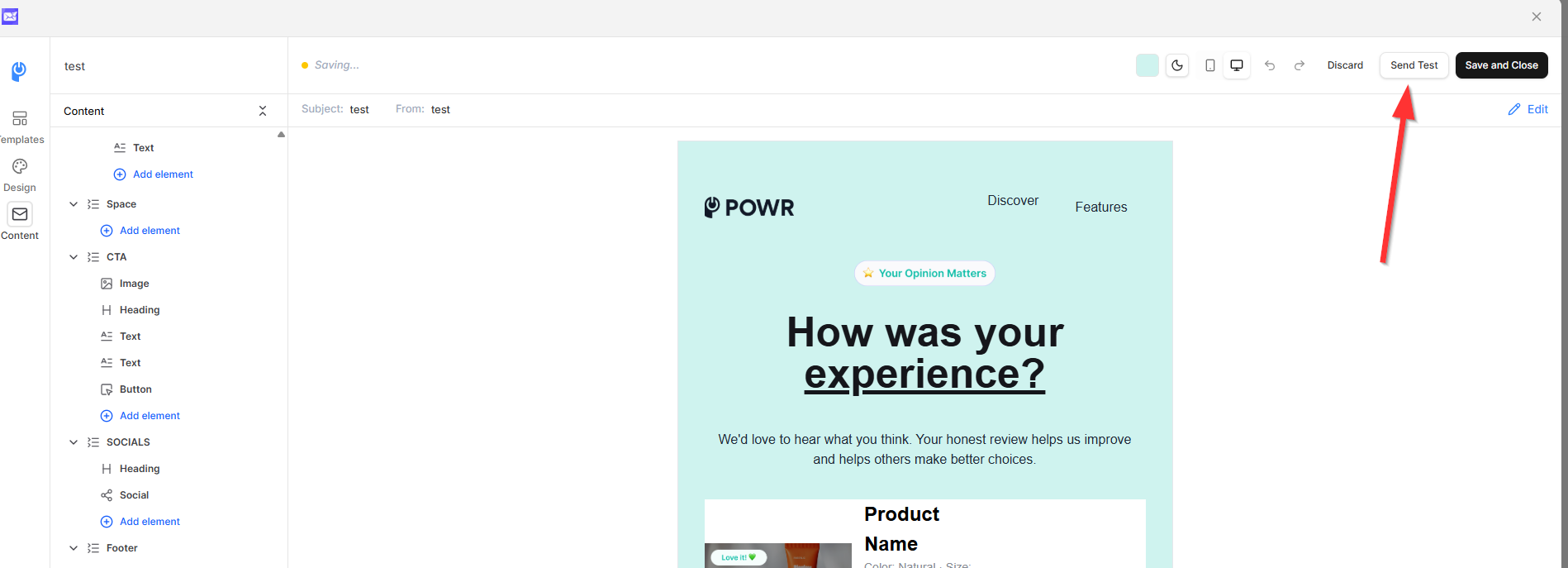
Open your broadcast, or an email inside a sequence or automation, in the builder.
Click Send Test.
Enter the email address where you want to receive the test, then send.
Check your inbox.
Tips for a good test:
Test in more than one email client if you can, like Gmail and Outlook.
Check it on desktop and mobile, and preview it in light and dark mode.
Click every link, including your header, footer, and buttons, to make sure they work.
Your email is not auto-saved. Click Save and close once you're happy with it.