
Email settings: subject line, sender name, reply-to, and preheader
Every campaign has a few settings that control how it shows up in the inbox. You'll find them in Mail settings when you create a broadcast, and per email inside a sequence or automation.
Title. An internal name for your reference only. Recipients never see it.
Subject line. The headline in the inbox. Keep it short and clear so people know what the email is about.
Preview text (preheader). The short line that appears after the subject in the inbox. Use it to build on the subject and give people a reason to open. Aim for under about 70 characters so it isn't cut off.
Sender name. The name recipients see the email is from.
Reply-to address: Where replies go.
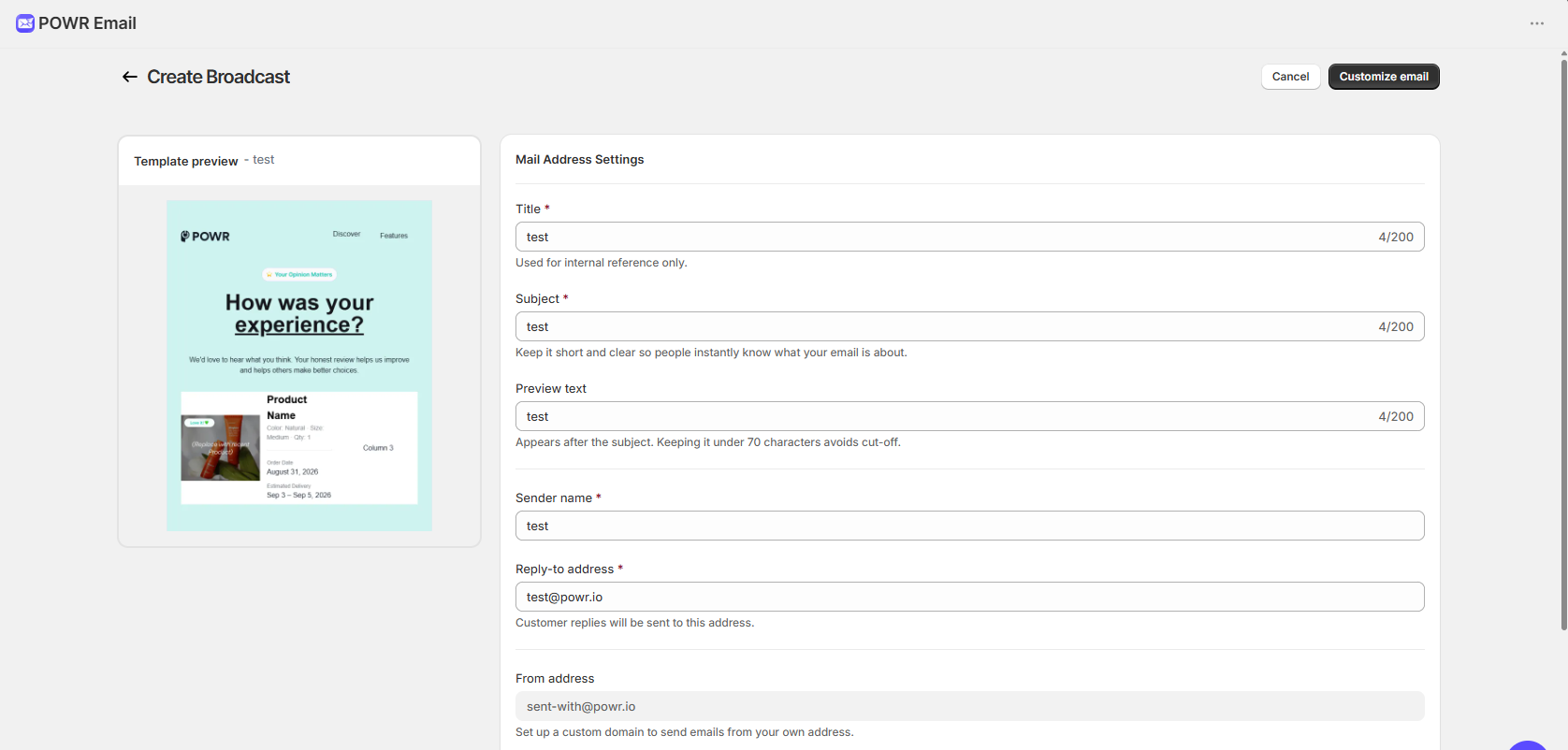
Your sender name, reply-to, and mailing address are pre-filled from onboarding, and you can edit them per campaign. To send from your own domain instead of the default POWR address, see How to add DNS records for your custom sending domain.