
Tracking links with UTM parameters (Shopify)
POWR Email for Shopify shows revenue attribution built in, so you can see the orders and revenue each email drove without any setup. UTM parameters are still useful when you want your own analytics tool (like Google Analytics) to show which emails drive traffic and sales.
What a UTM looks likehttps://yourstore.com/sale?utm_source=powr_email&utm_medium=email&utm_campaign=summer_sale
utm_source — where traffic comes from, e.g.
powr_email.utm_medium — the channel, usually
email.utm_campaign — the specific campaign, e.g.
summer_sale.
How to add them
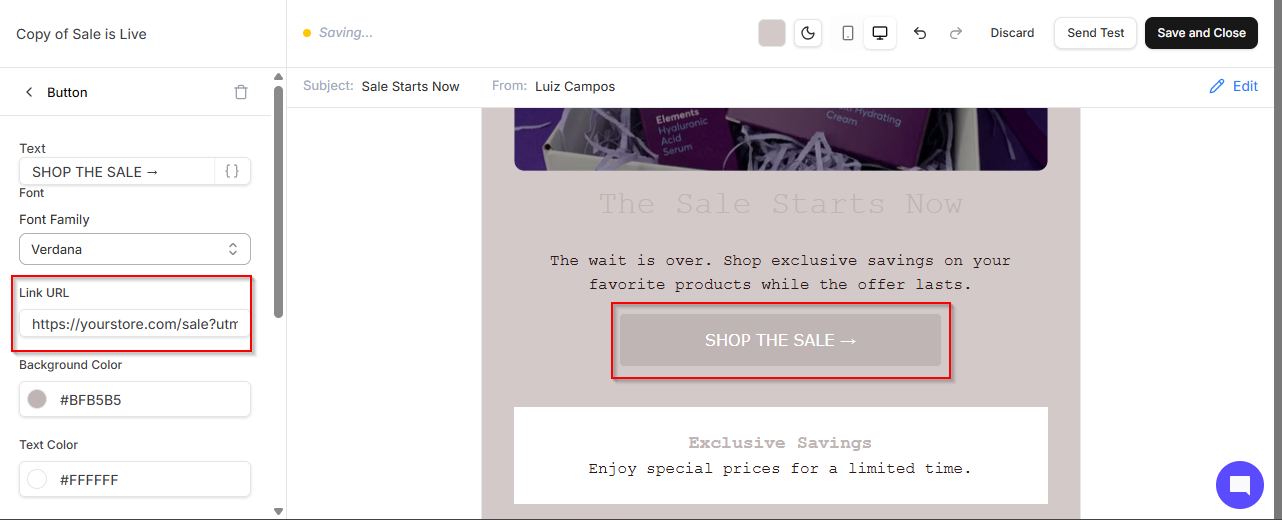
Anywhere you enter a link in the builder (button, linked image, or navigation link), paste the full URL with your UTM parameters included.
Tips
Keep naming consistent (lowercase, underscores) so reports stay clean.
Use the same
utm_campaignacross all links in one send to measure the whole campaign together.