
I cannot delete the app
Issue description:
You're trying to delete the app in POWR Dashboard, but unfortunately, it does not work. This is probably caused by other apps previously being synced to your app.
Solution:
Please follow the steps below:
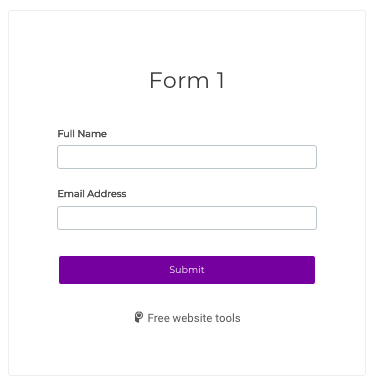
In the example below, both "Form 1" and "Form 2" are Form Builder apps saved in your POWR account, and Form 2 is synced to Form 1.
Original App
Synced App
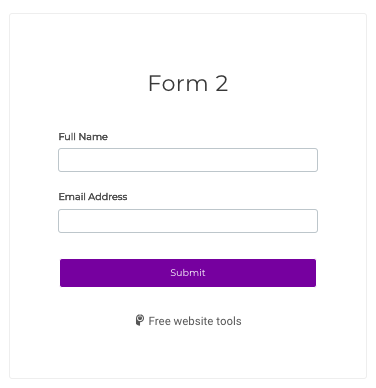
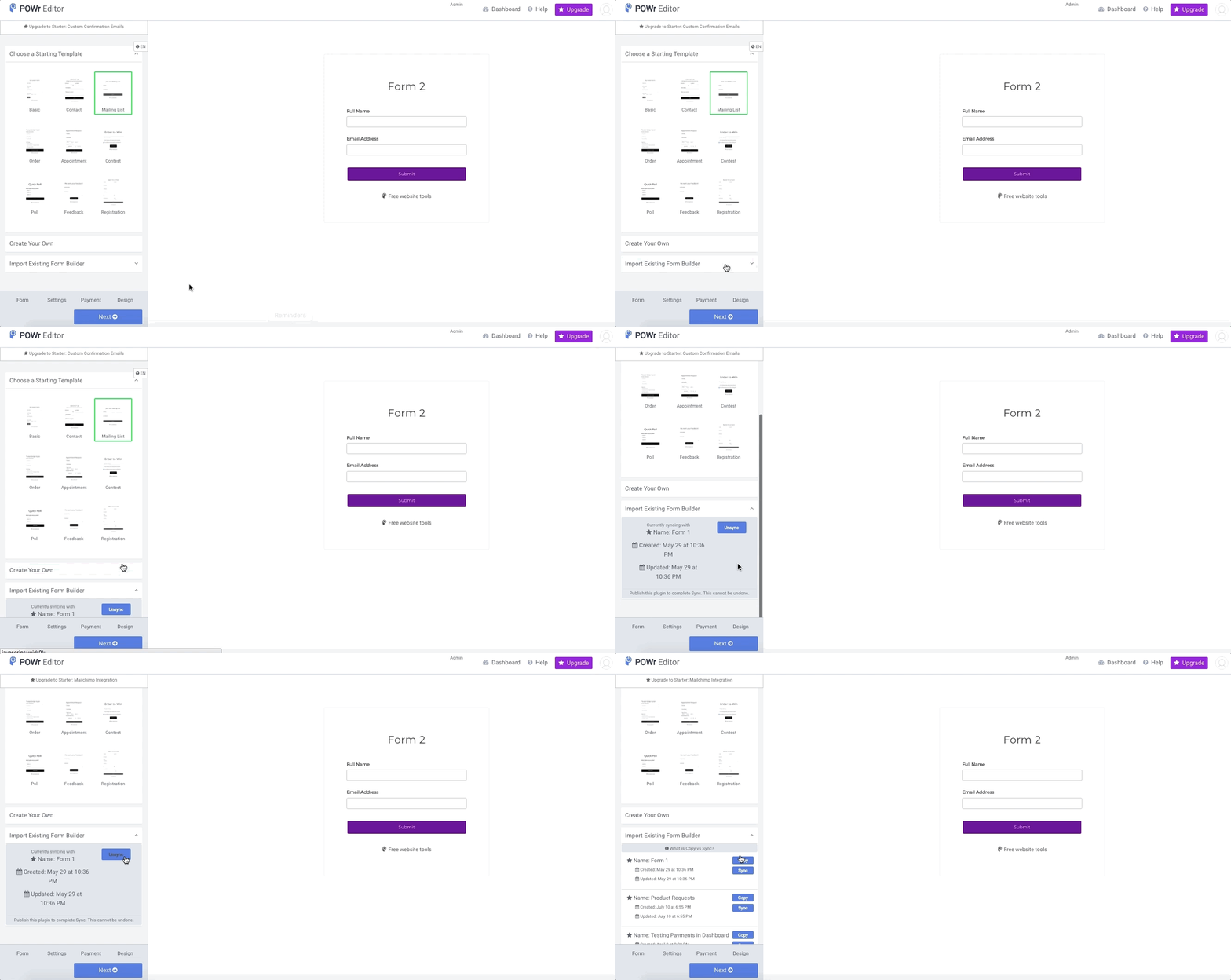
To un-sync Form 2 from Form 1, open the editor for Form 2 and follow these steps:
- Click the Back button in your Settings panel until you see the Import Existing [App] feature
- Click Import Existing [App]. Here, you will see the app(s) synced to your current app(Form 2).
- Select Unsync
- Click on ""Publish" to save the changes.
Now you'll be able to delete the apps.