How to sync My Contacts with Omnisend for Shopify Users.
⚠️ This integration is only available for Shopify and Bigcommerce users.
Integrate Omnisend with My Contacts using Shopify
1. Login to your Shopify Store
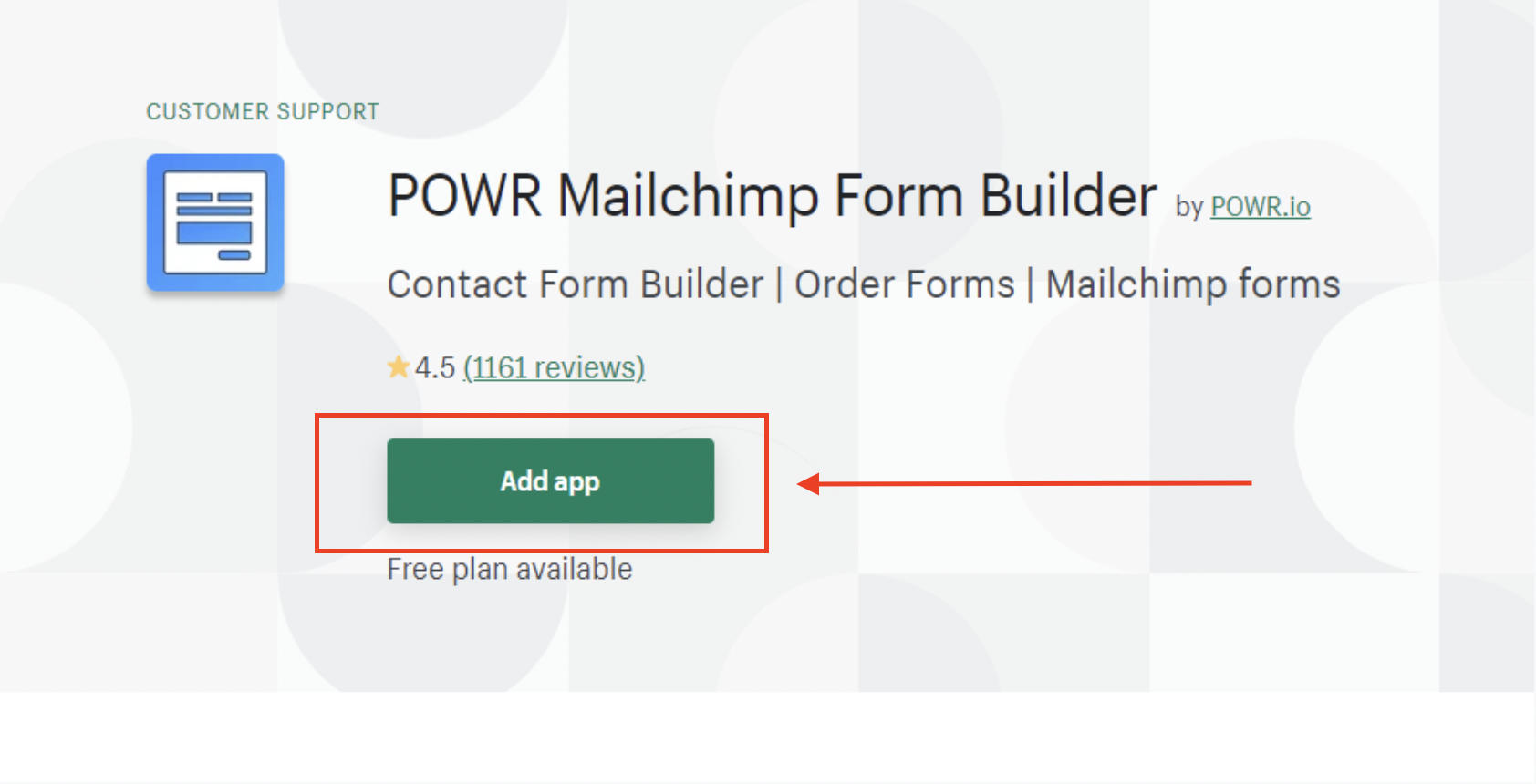
2. Add POWR Form Builder or Popup app from Shopify App Store
3. You will be redirected to POWR Dashboard.
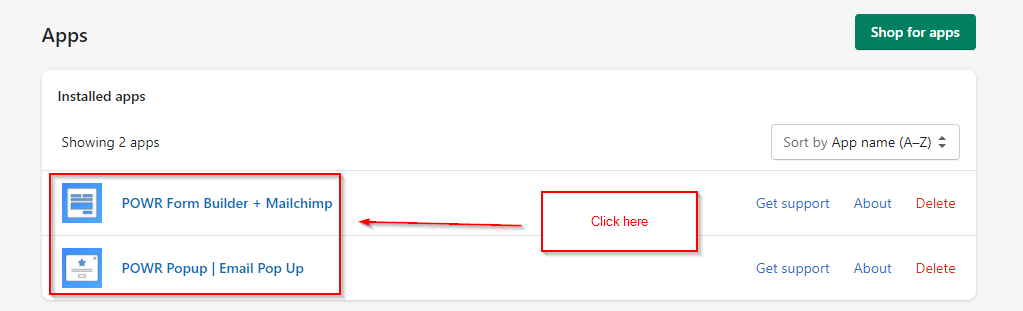
If you already have POWR Form builder or Popup, click on your app under Apps in your Shopify Dashboard.
How to sync My Contacts with Omnisend in POWR
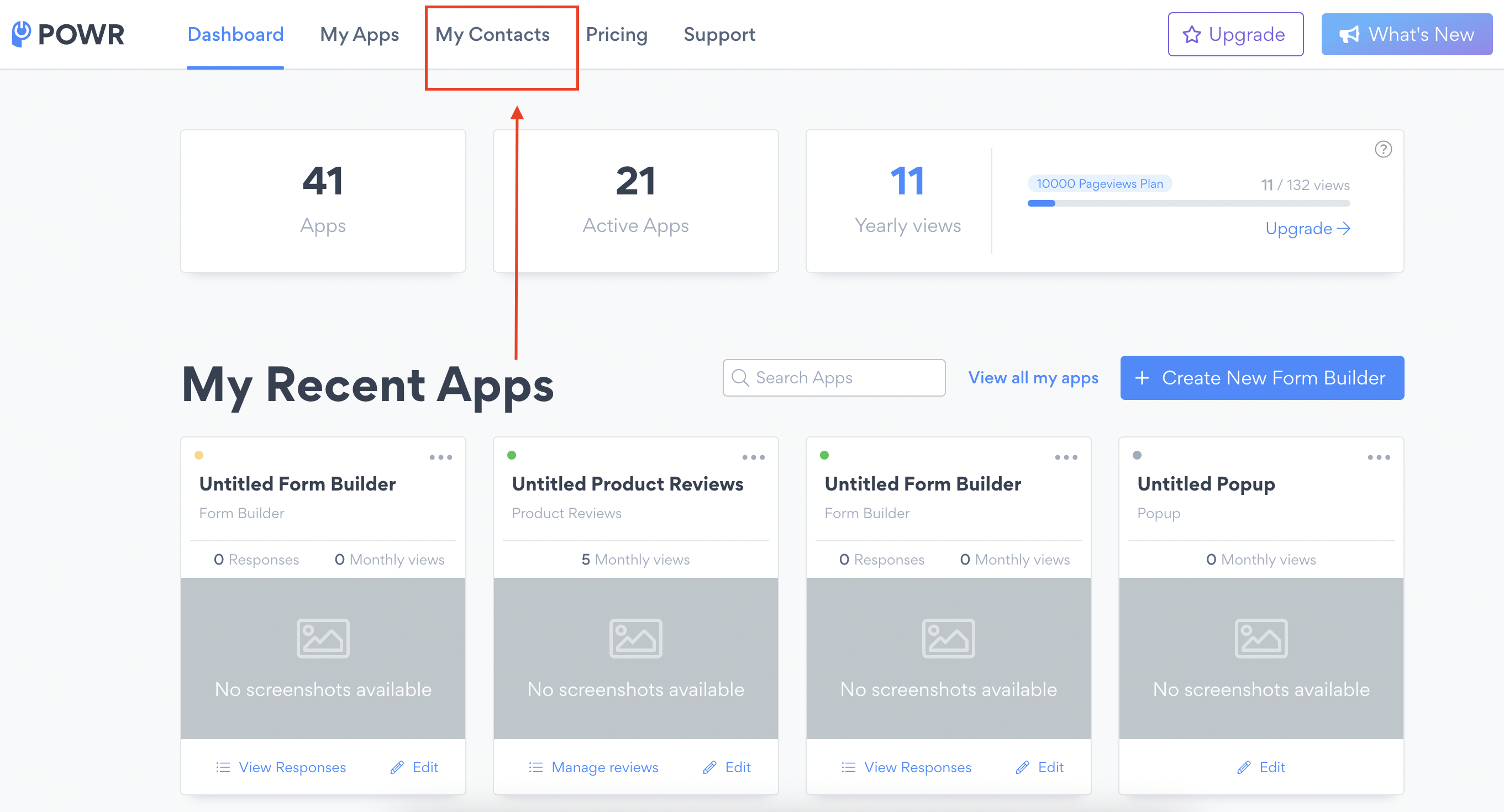
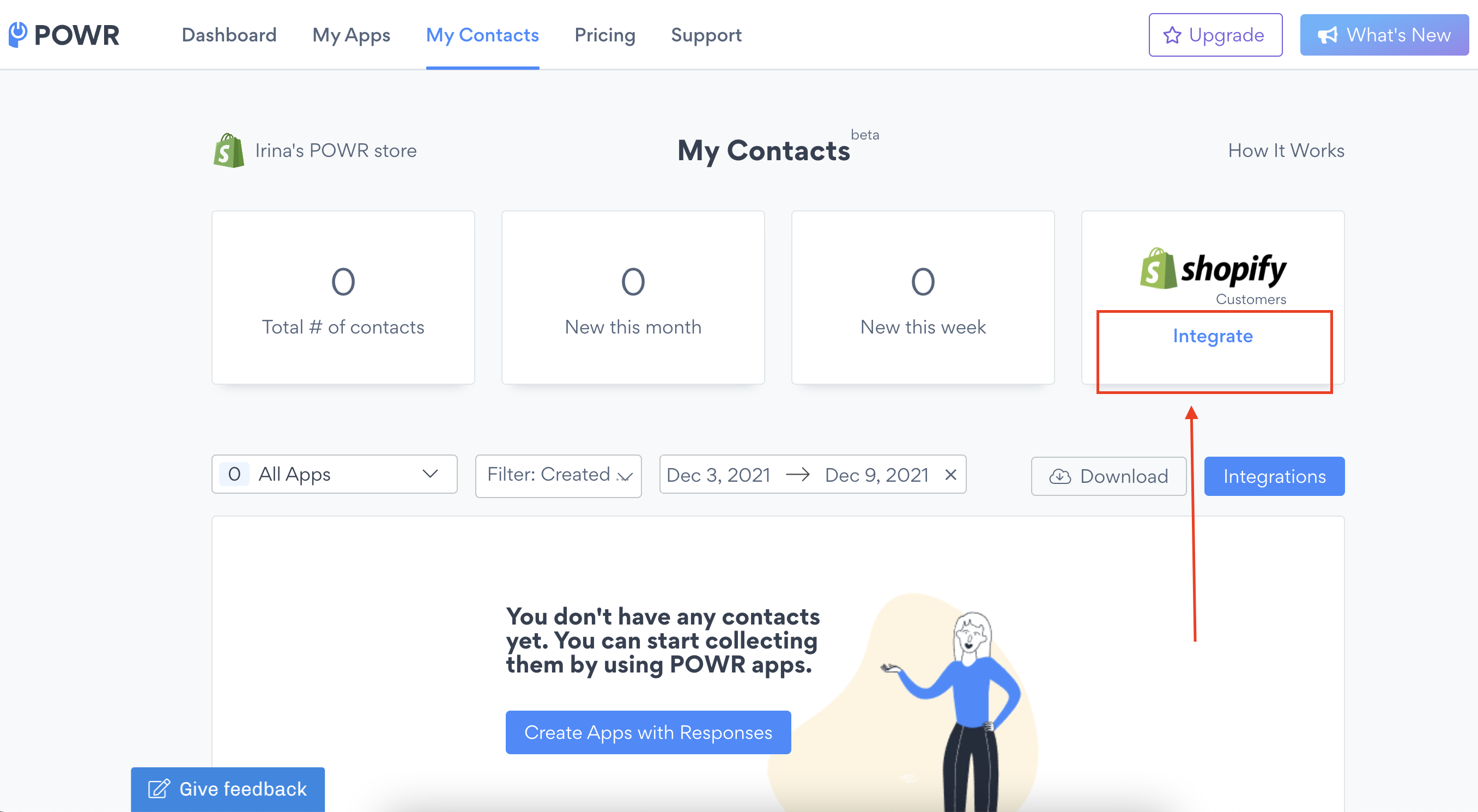
1. In your POWR dashboard click on My Contacts
2. Click on Integrate Button
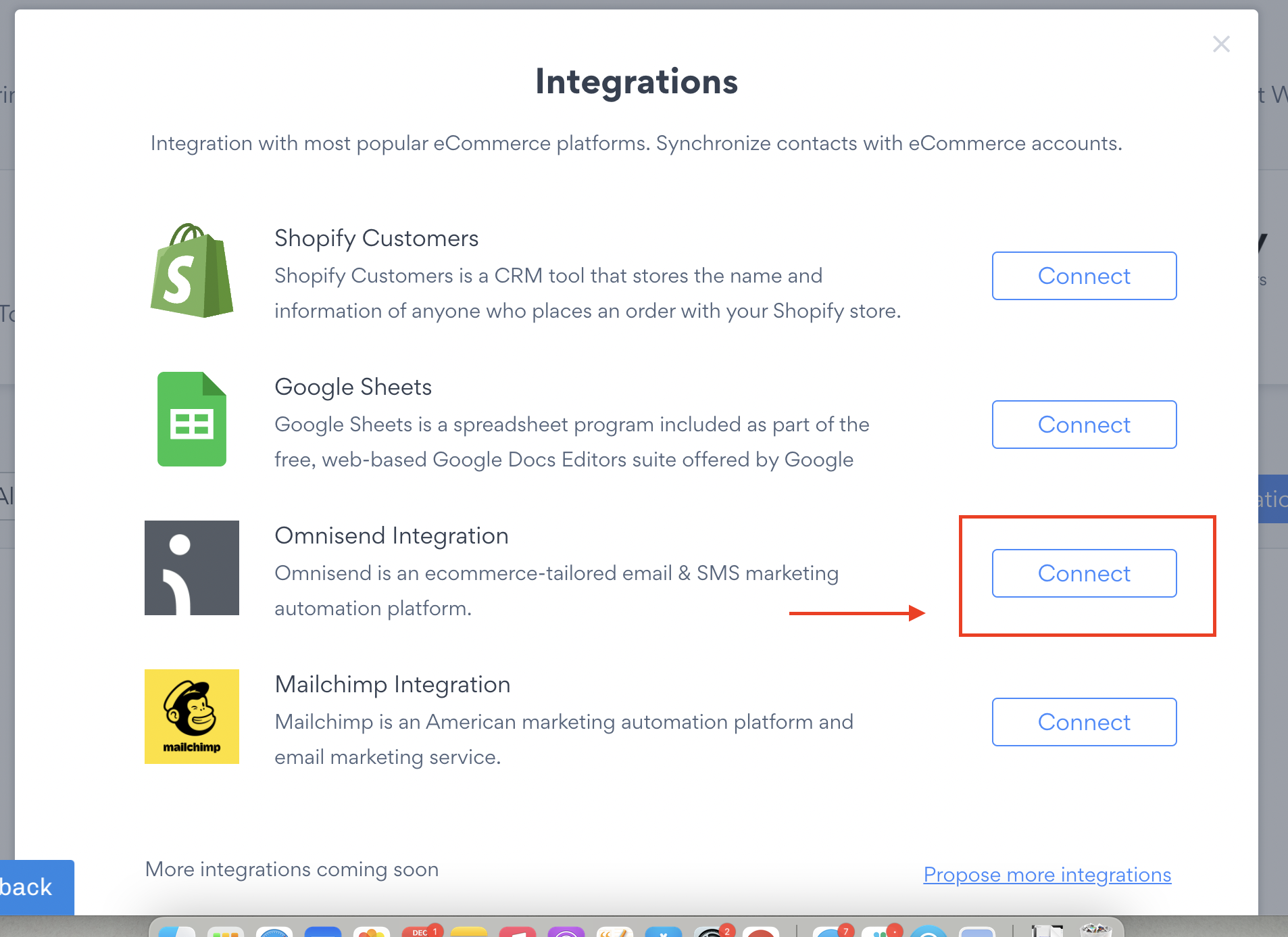
3. Choose Omnisend from the list.
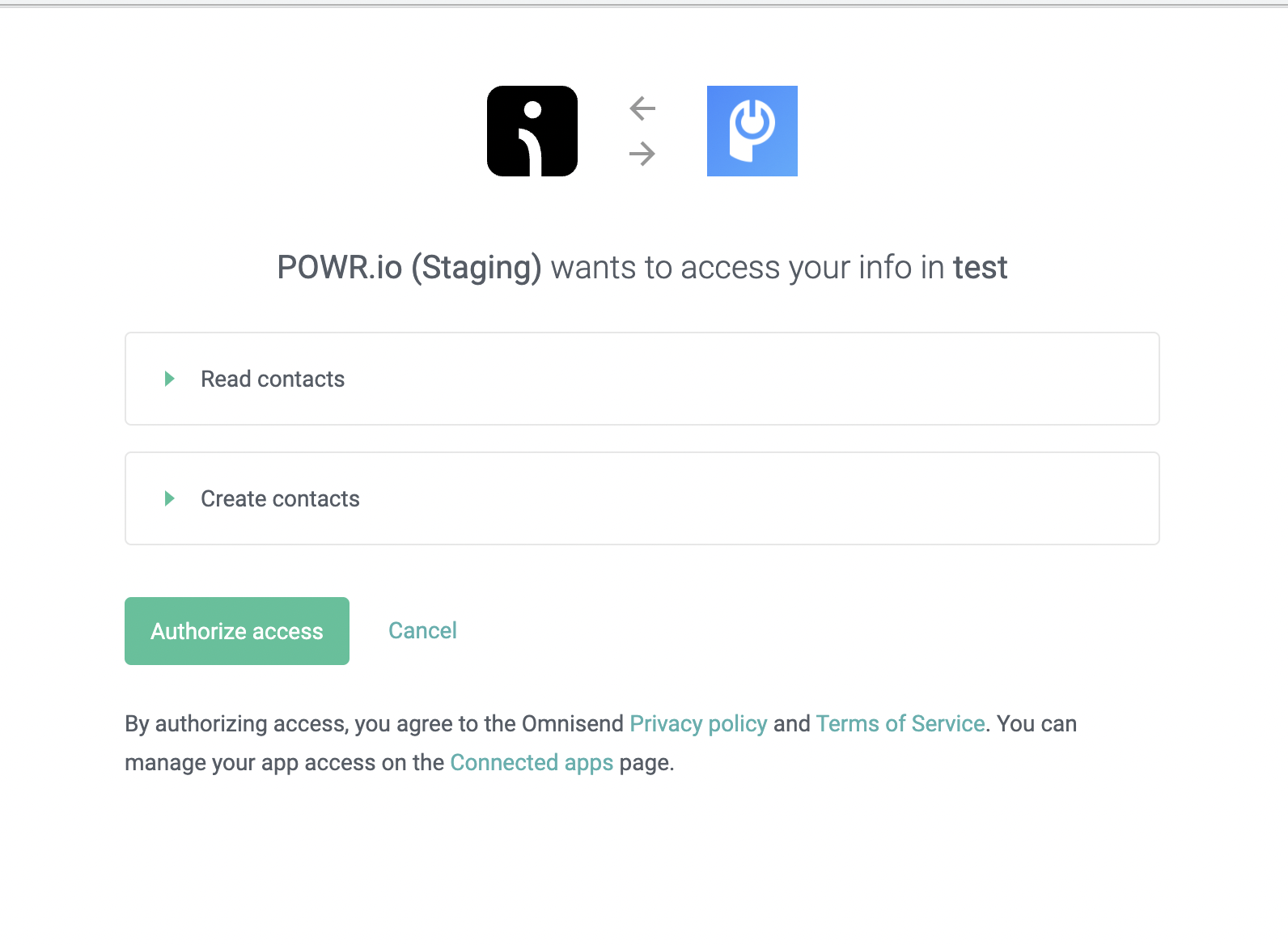
4. Login to your existing Omnisend Account.
5. Click on Authorize Access.
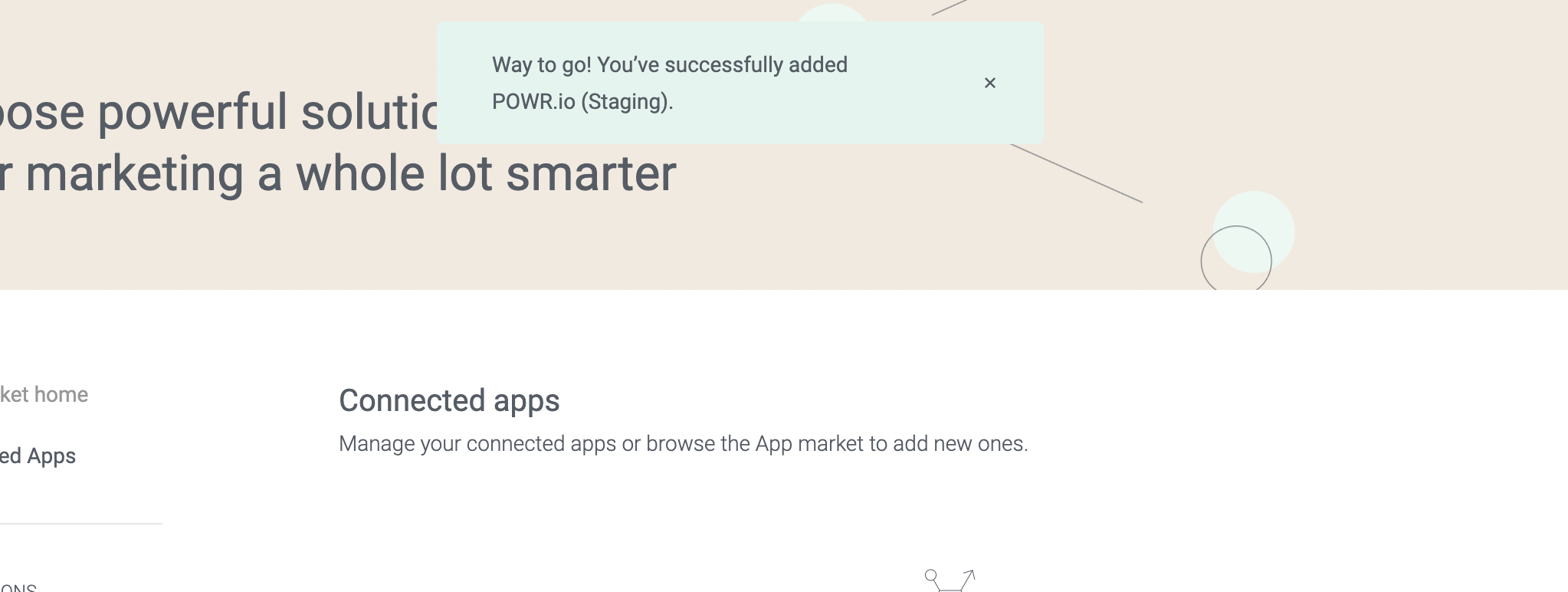
5. Congratulations! Now Contacts are integrated with your Omnisend Audience.
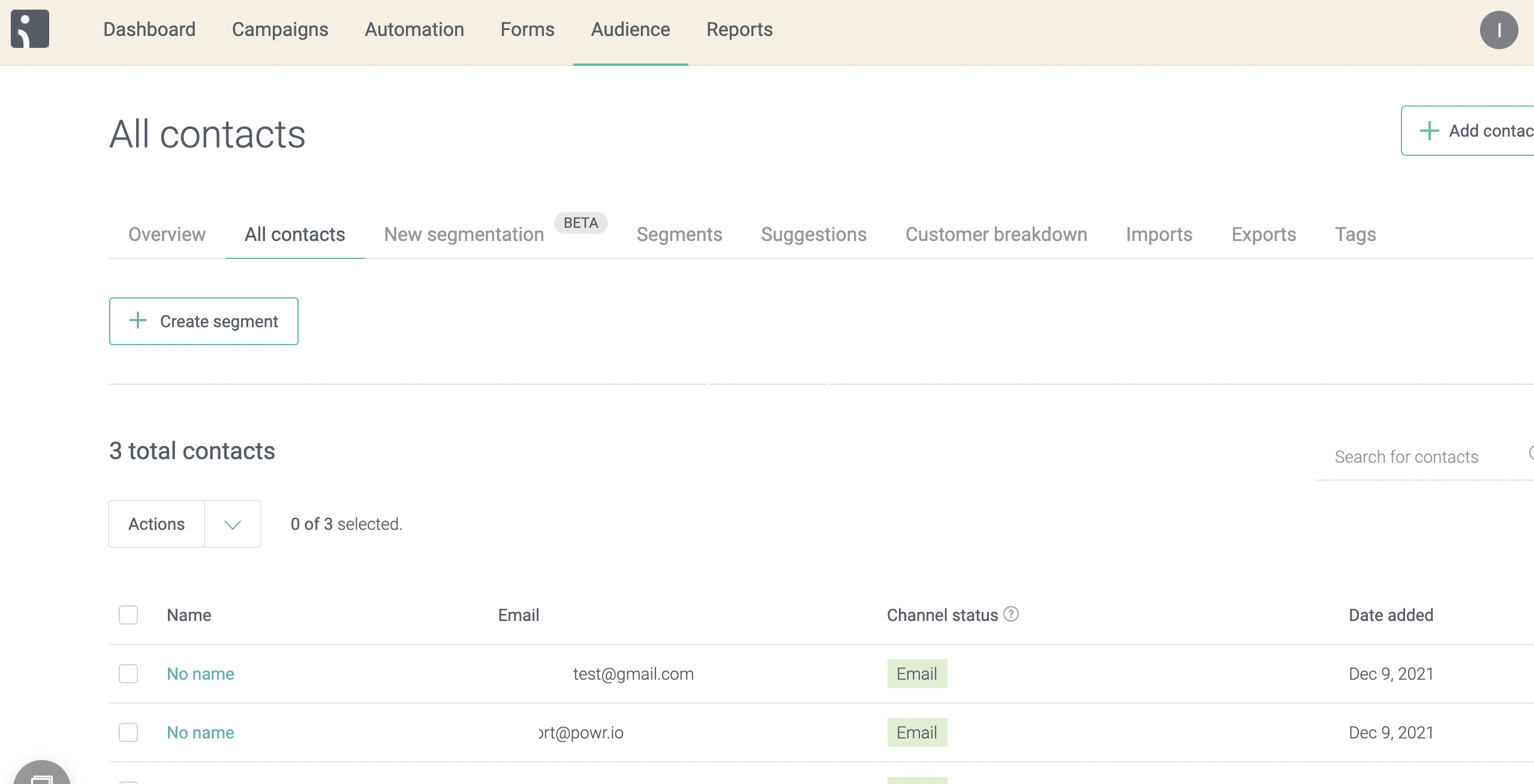
6. Make a test submission and check your Omnisend Audience: