
How to disconnect integration with Omnisend
To disconnect an integration with Omnisend:
1. Go to POWR Dashboard.
2. Click on My Contacts.
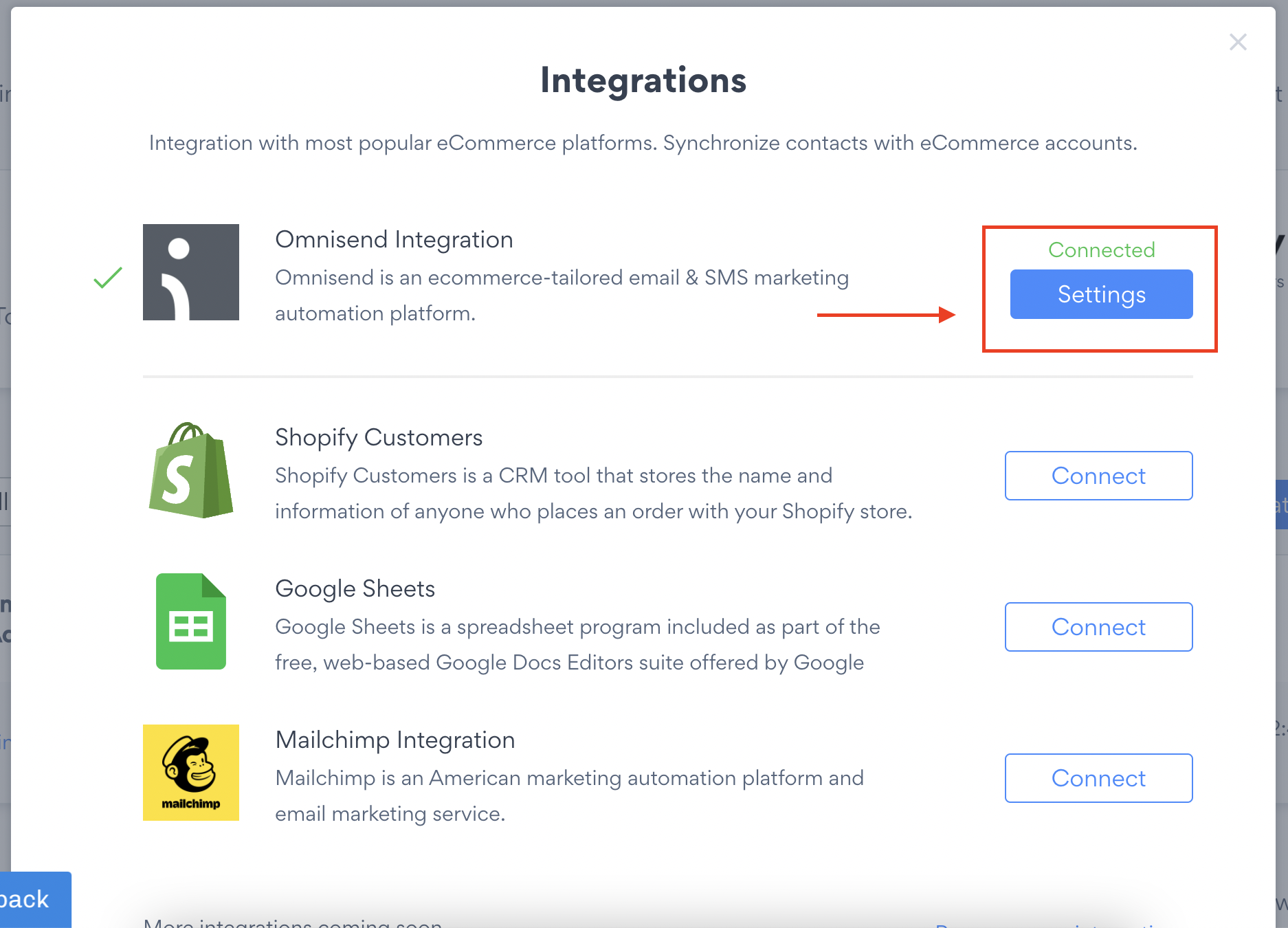
3. Press on Settings button next to Omnisend.
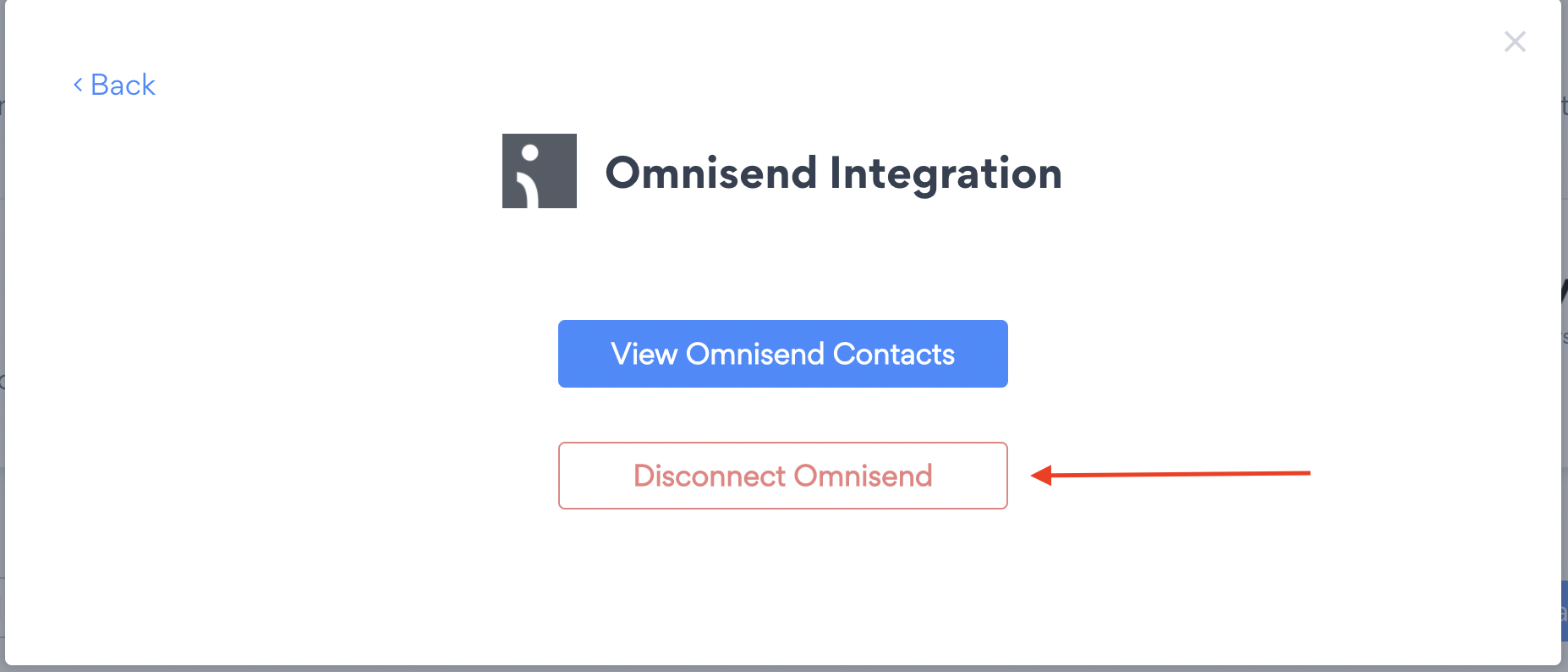
4. Click on Disconnect Omnisend.
⚠️ This integration is only available for Shopify and Bigcommerce users.
What happens to my contact list in Omnisend, if I stop using your services?
If you disconnect the Integration or/ and delete your app all contacts populated to Omnisend remain unchanged. POWR does not erase any information that is been already synched with third party services.