How to set shipping fees in eCommerce
POWR eCommerce allows you to add shipping fees to Products in two ways: Per Order and Per Item.
Per Order
Charge a single fee for an entire order, no matter how many items are included. This is good for lightweight products that don't cost much to ship.
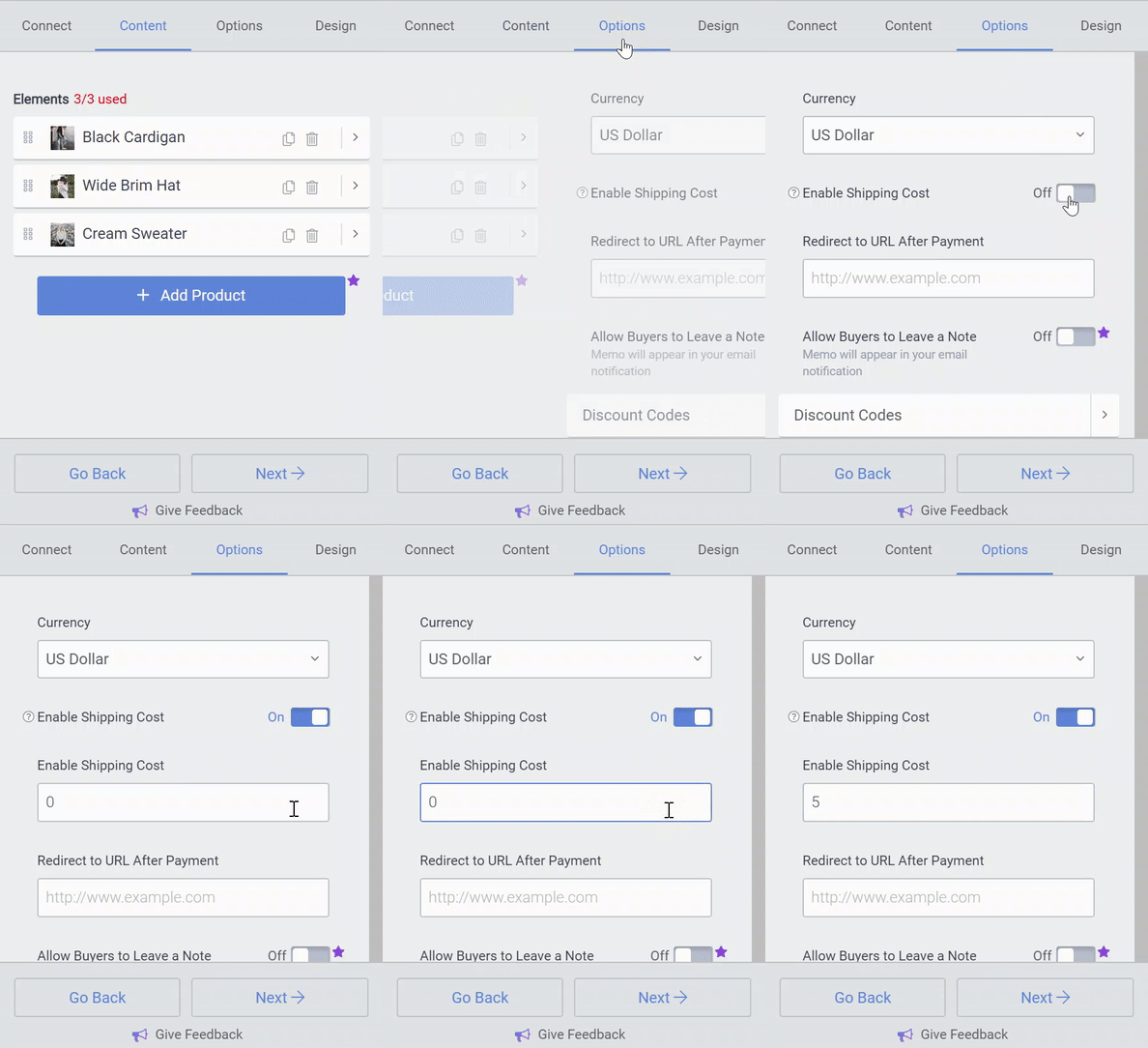
Go to Options and toggle on Enable Shipping Cost and enter a shipping price. This will disable all Per Item shipping fees.
Per Item
Charge a different fee for each product individually. This is good for heavy products, or products with very different shipping costs.
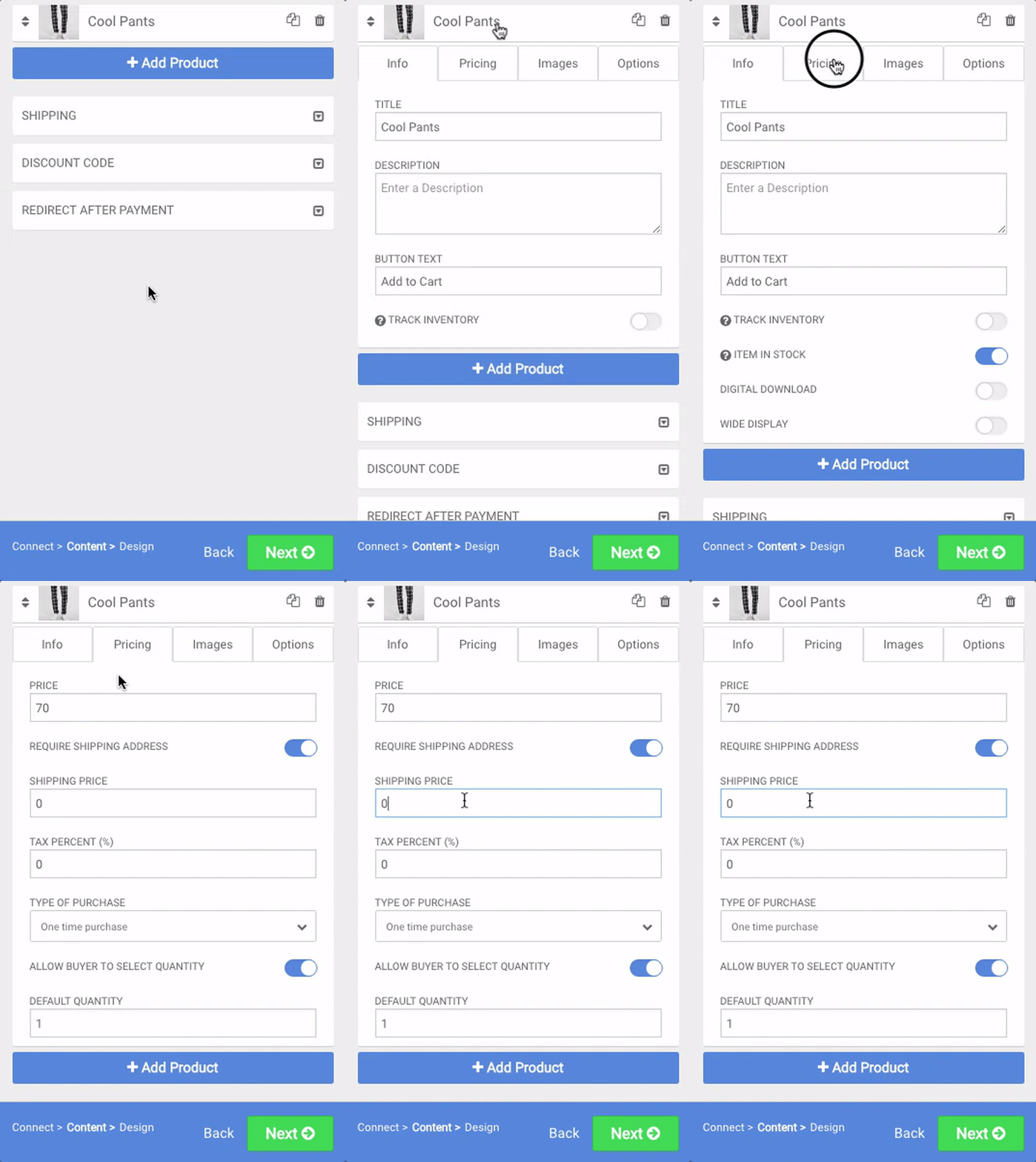
Disable Per Order shipping. Then go to Content > Open the product you wish to add a Shipping Price to > Click Pricing and enter the amount you would like to charge to ship that item.