
How to move an app between platforms
If you'd like to install the app on another platform, there are 2 ways to do so:
1. Change Platform preferences in Account settings:
- Go to the POWR dashboard
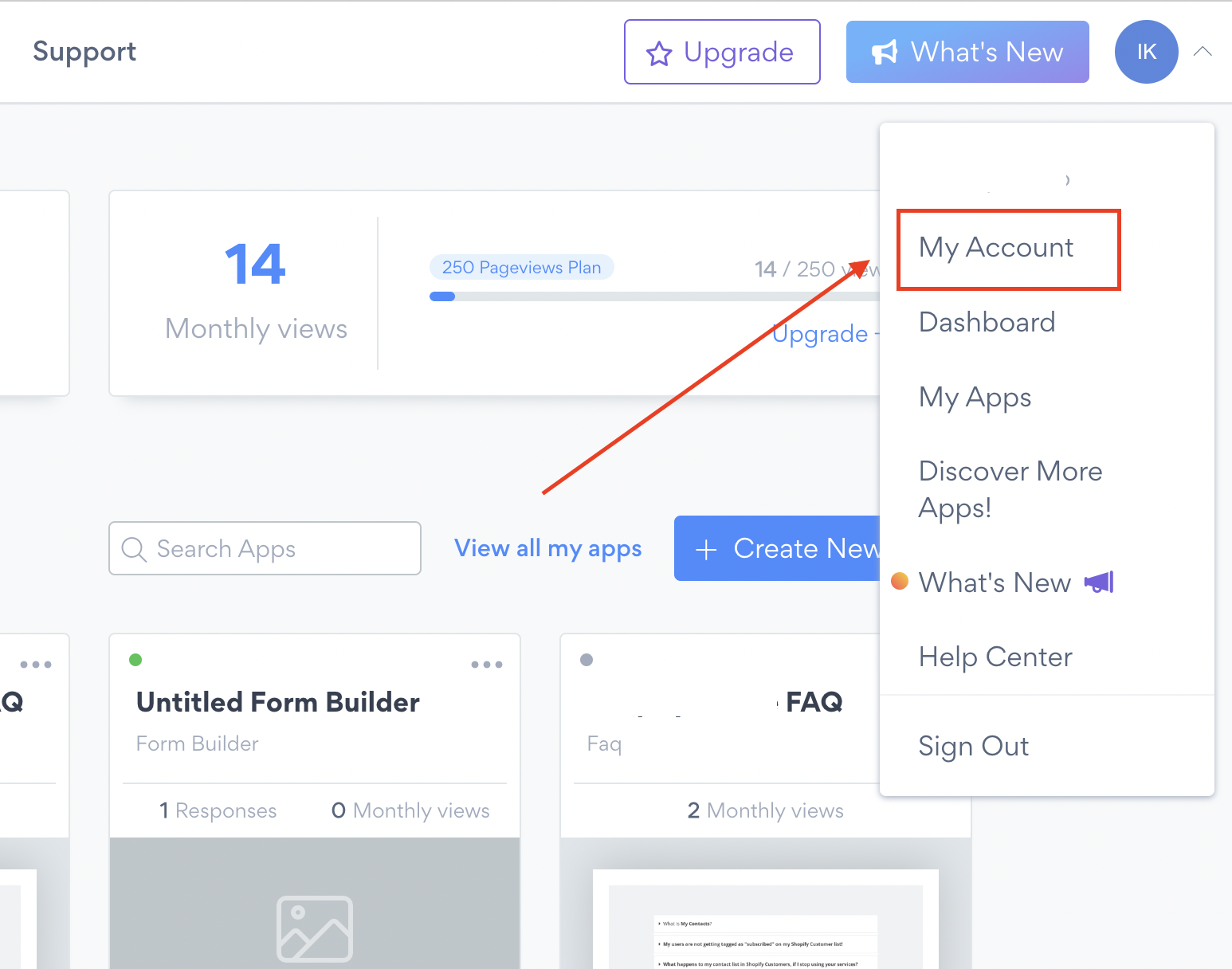
- Hit the icon on the top-right corner
- Choose My account
- In Account info change the Website platform to preferred one:
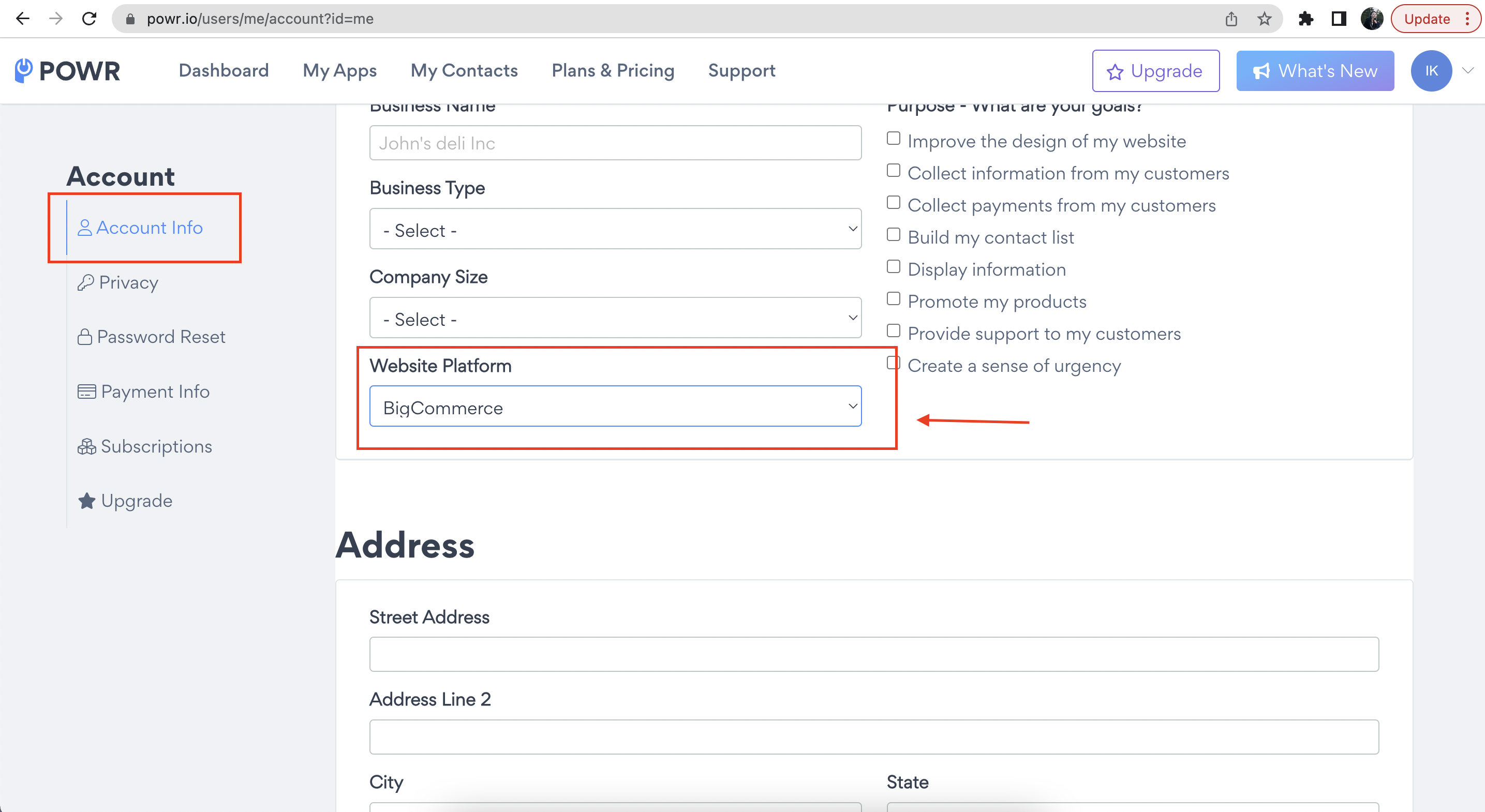
- Click on save changes.
- Go to your app editor.
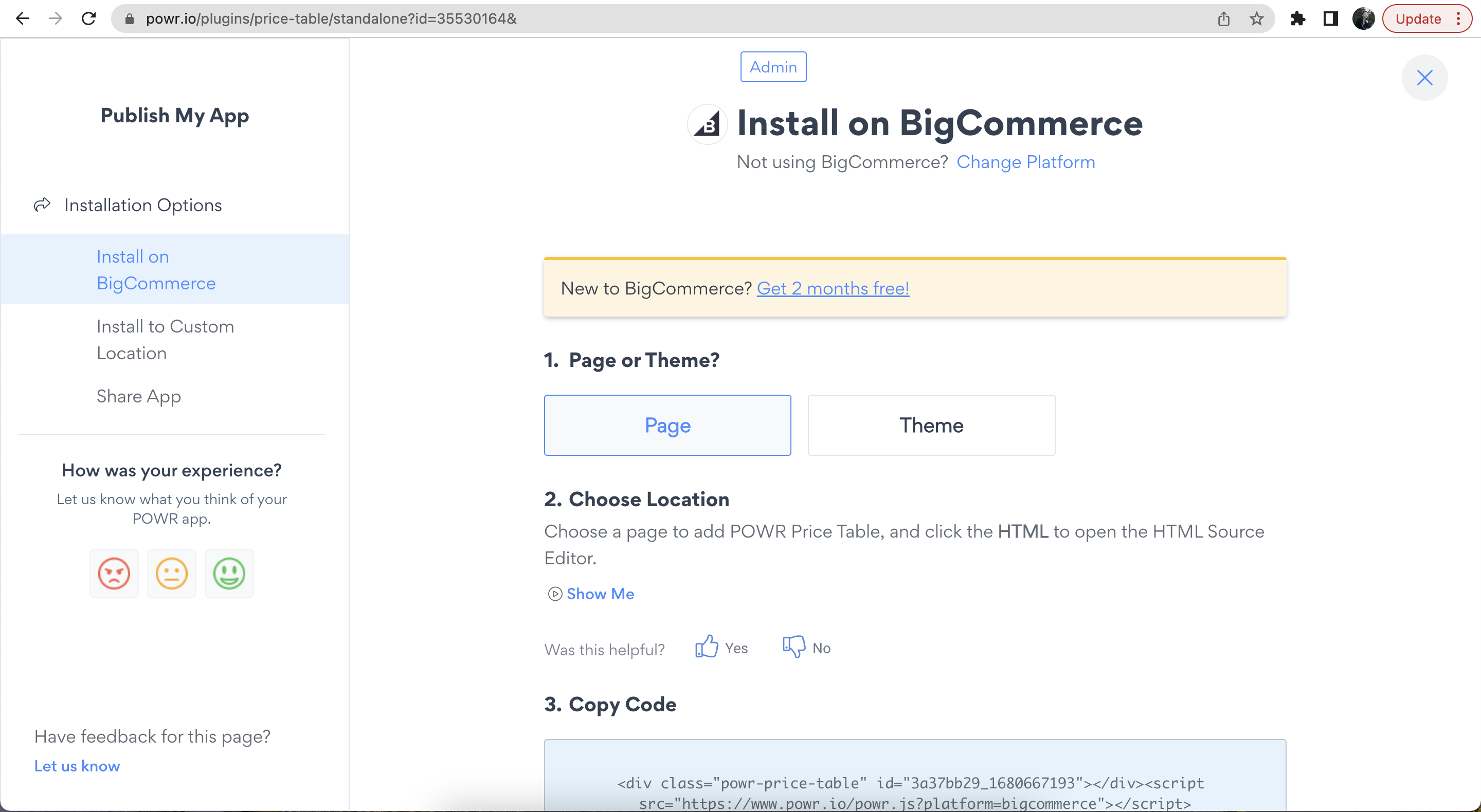
- Click on Publish Button.
- Follow instructions to install your app in a new platform.
⚠️ If you'd like to use automatic installation wizard for Bigcommerce / Shopify and connect your app with Bigcommerce / Shopify Customers, please install the app from Bigcommerce / Shopify App Market.
2. Choose the Platform in Publish page
- Go to your app editor.
- Hit the Publish Button.
- Click on Change platform:
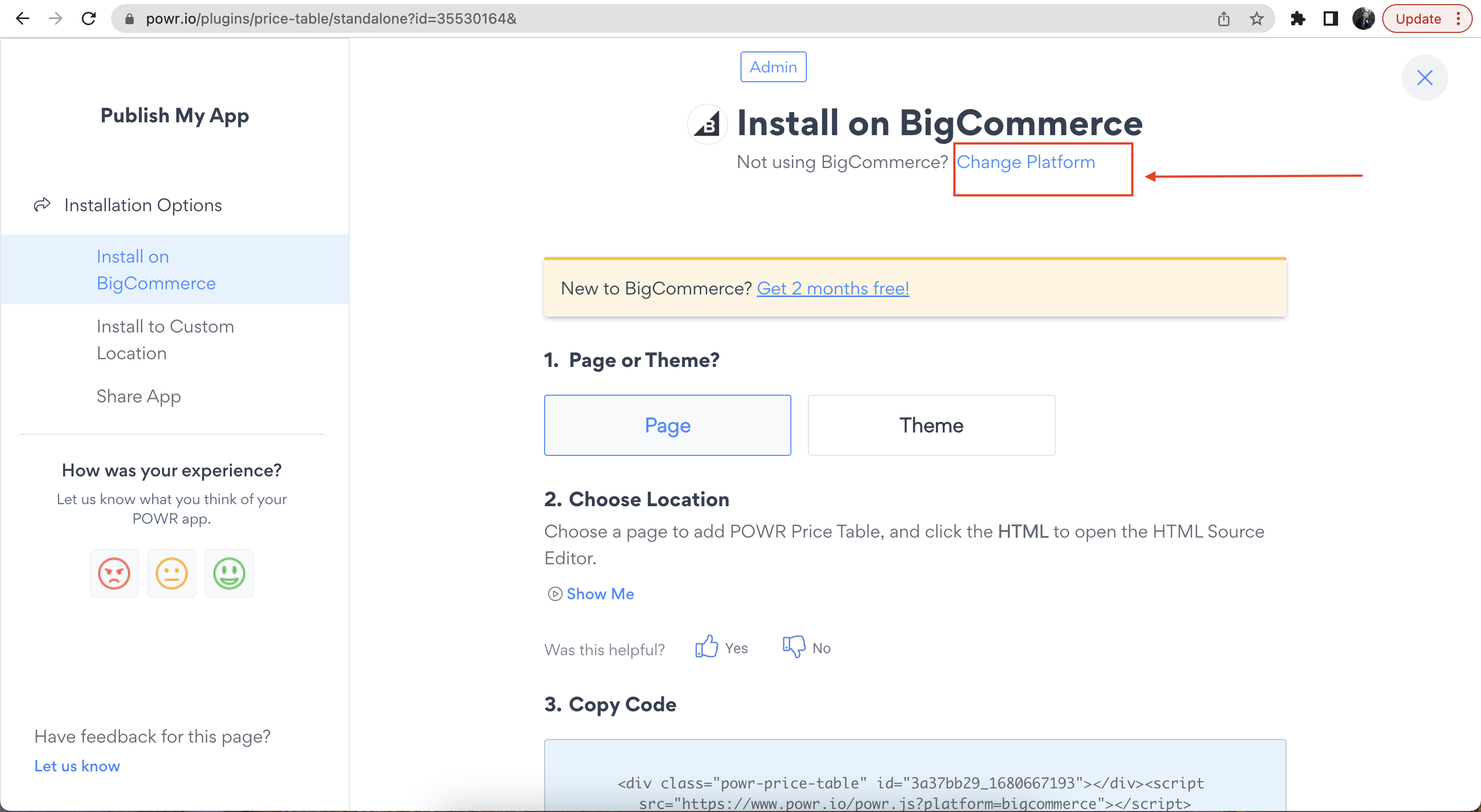
- Select your preferred platform from the list and follow instructions.