
How to collect customers' country (location) in Shopify customers?
Shopify customers allow to collect 'Customer name', Email and Location.
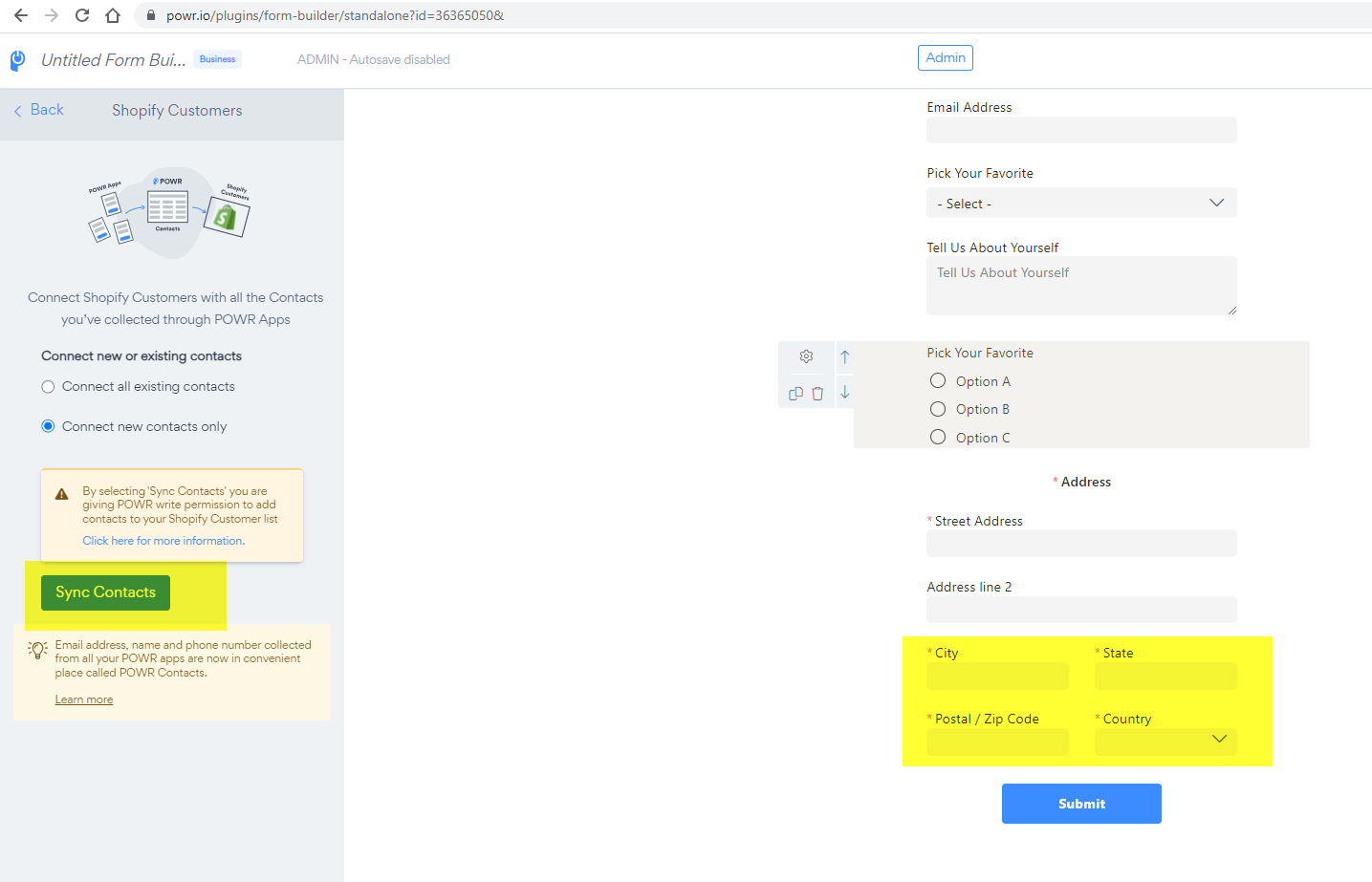
To add ADDRESS element, open app settings > Add element > Select "Address" > Save changes (PUBLISH)
Once you add the Address element, customers will be able to fill in the Zip Code, City and Country.
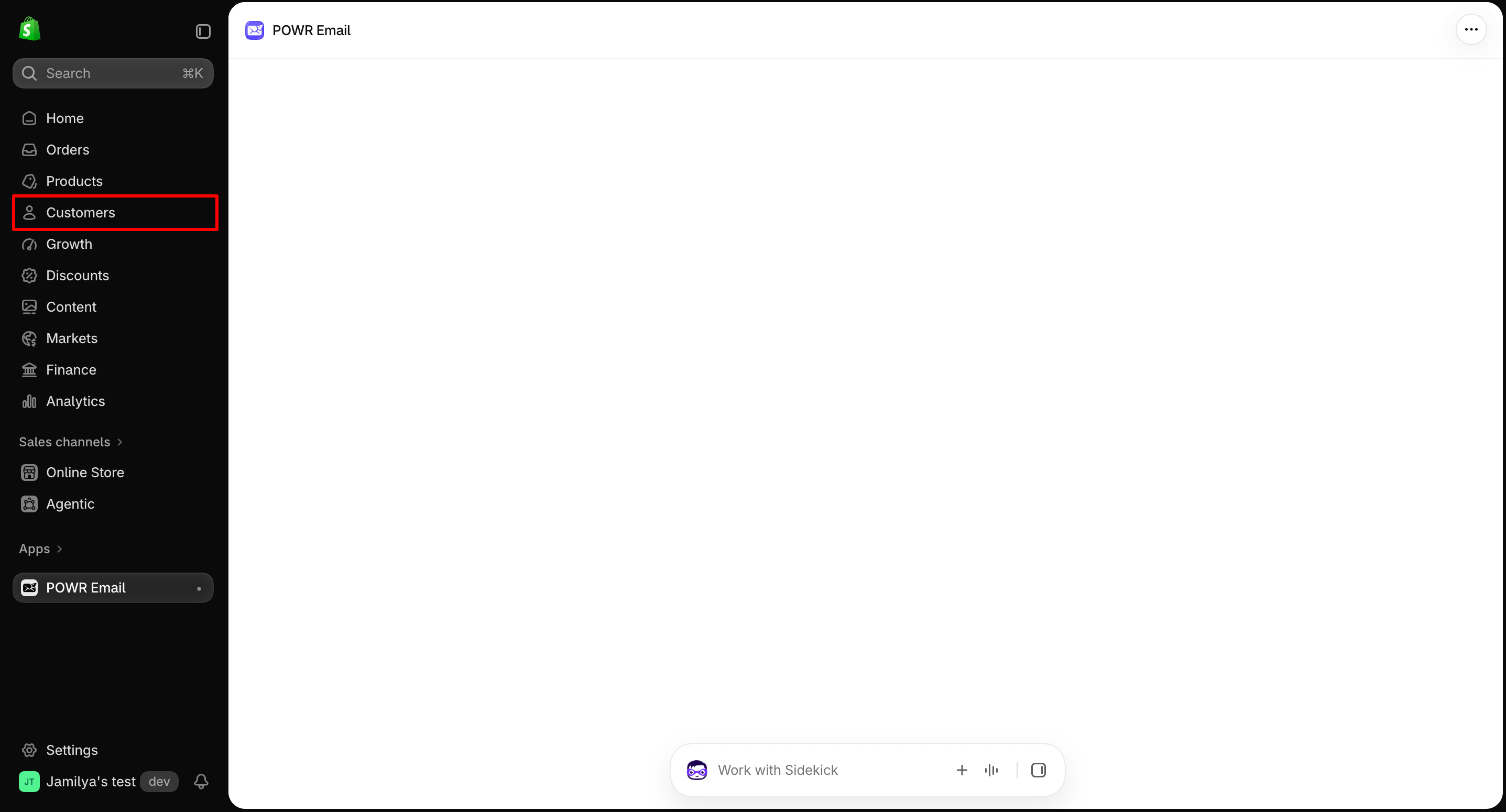
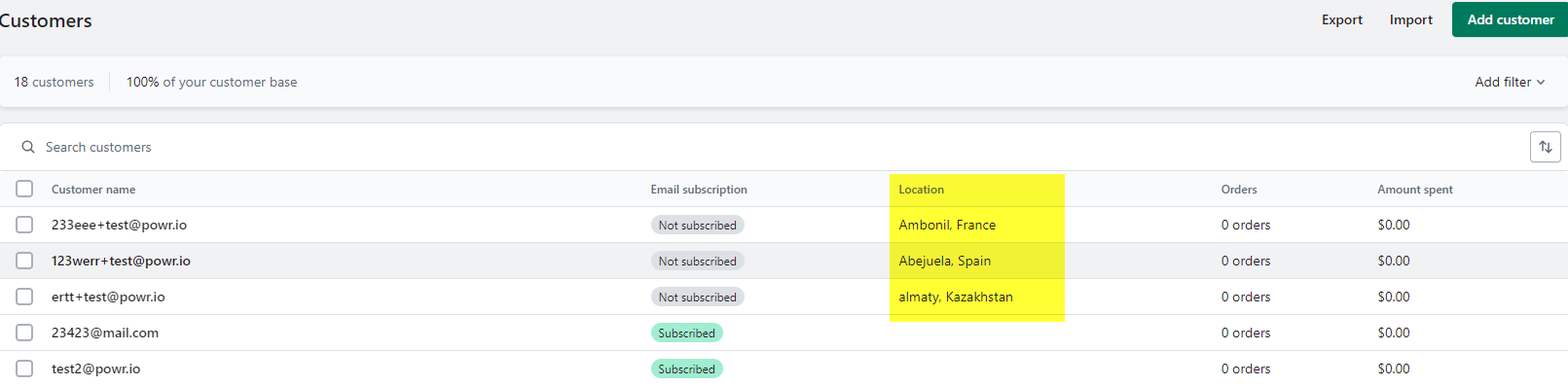
In order to see the city and country in the Location tab, please go to the customers section in Shopify
Please refer to the following screenshot to see an example:
Need Help?
If you need help or have questions about our apps, our support team is happy to assist.
Contact our support team
When you contact us, you'll be prompted to authenticate your email by signing in, and we'll email you a confirmation code. This helps ensure our support team's reply reaches you without issues.
For more information about available features, visit our Pricing Page:
https://www.powr.io/pricing