
How to change my app width
Most apps have controls to adjust width. Height is determined by your content.
Some apps, like Galleries and Social Feeds, determine the app's width based on column width.
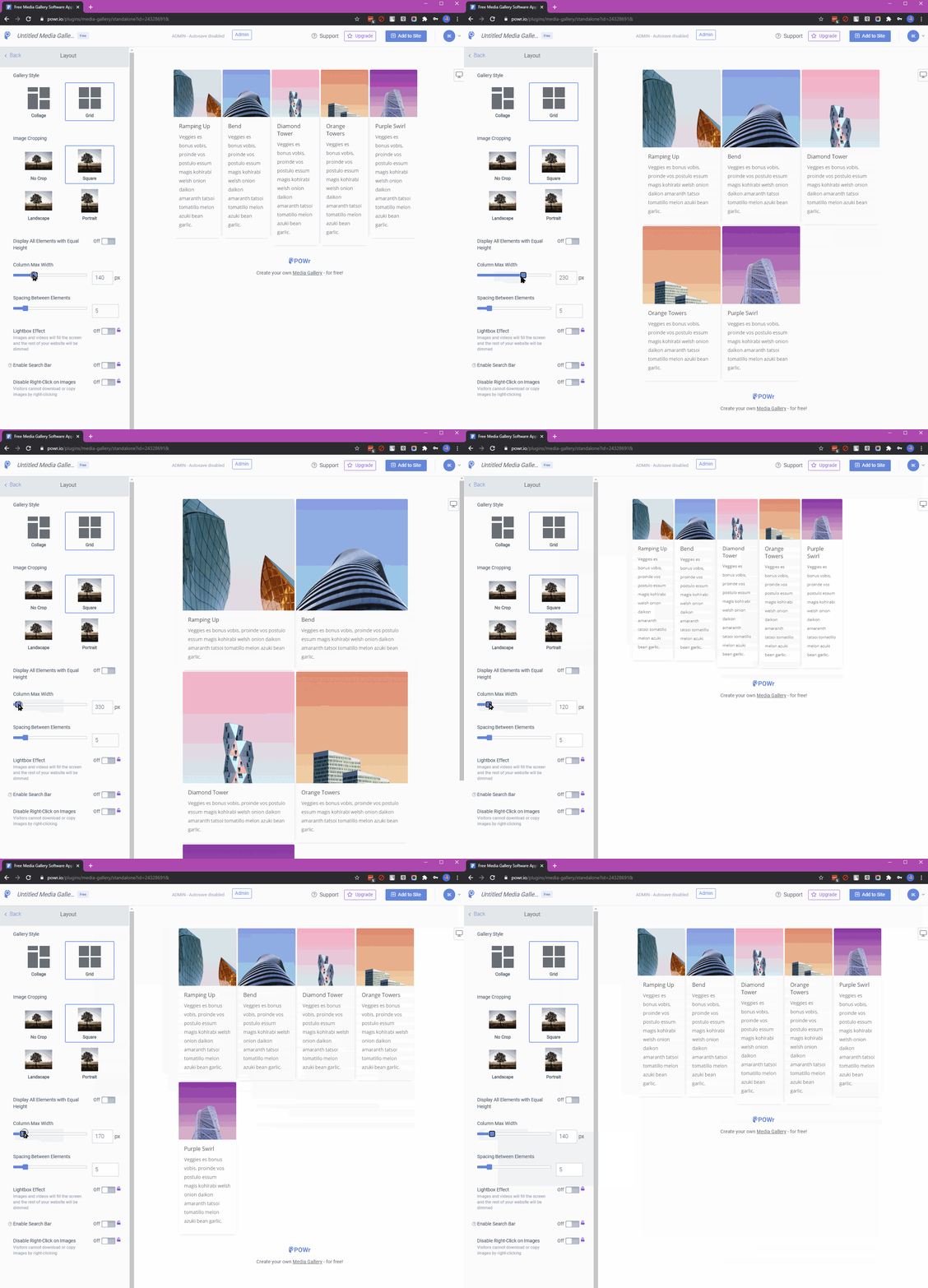
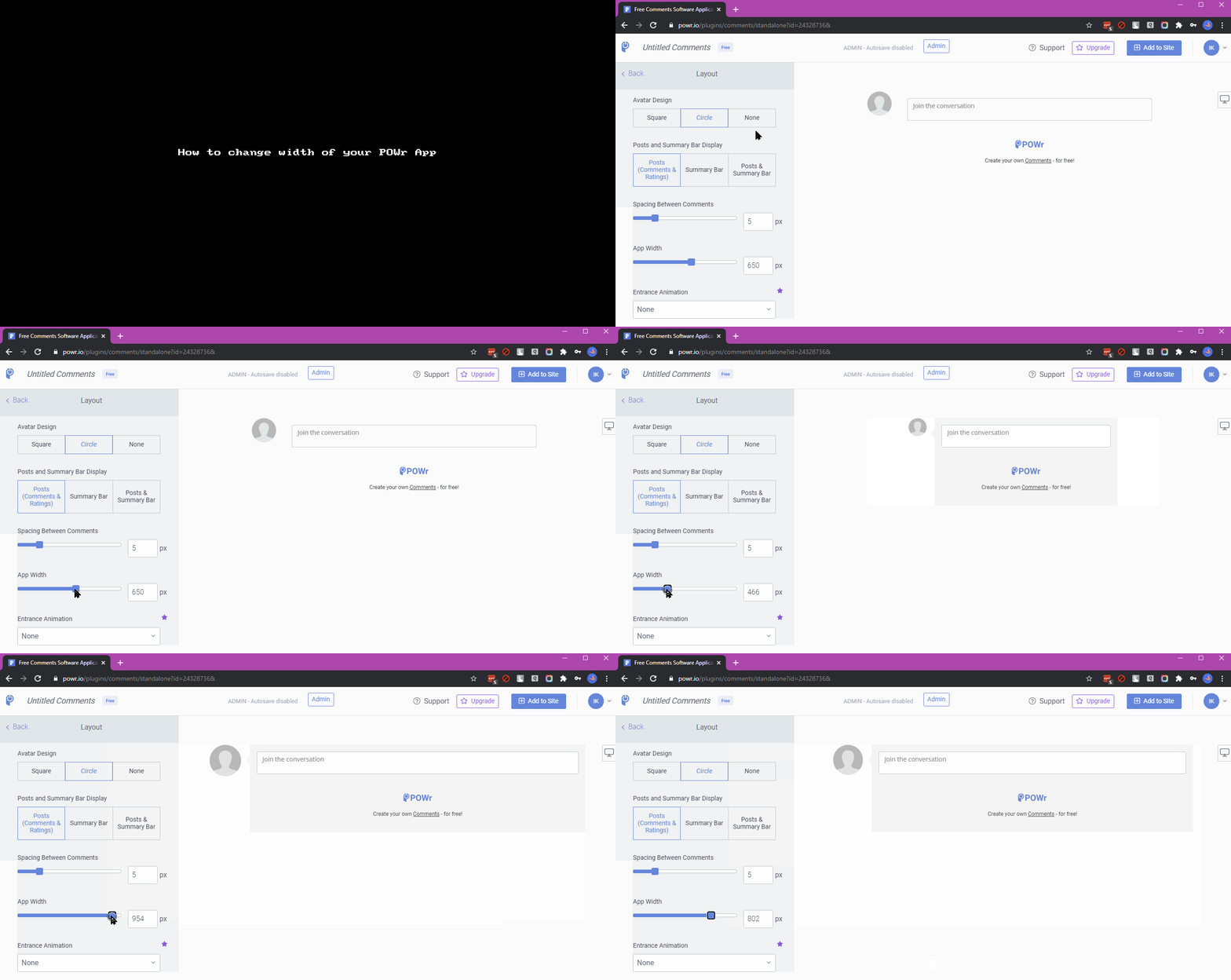
To change your app's width:
- Open the POWR Editor (or App Settings in Wix).
- Go to the Design section.
- Look for App Size or Sizing.
- Use the App Width slider to adjust the width.
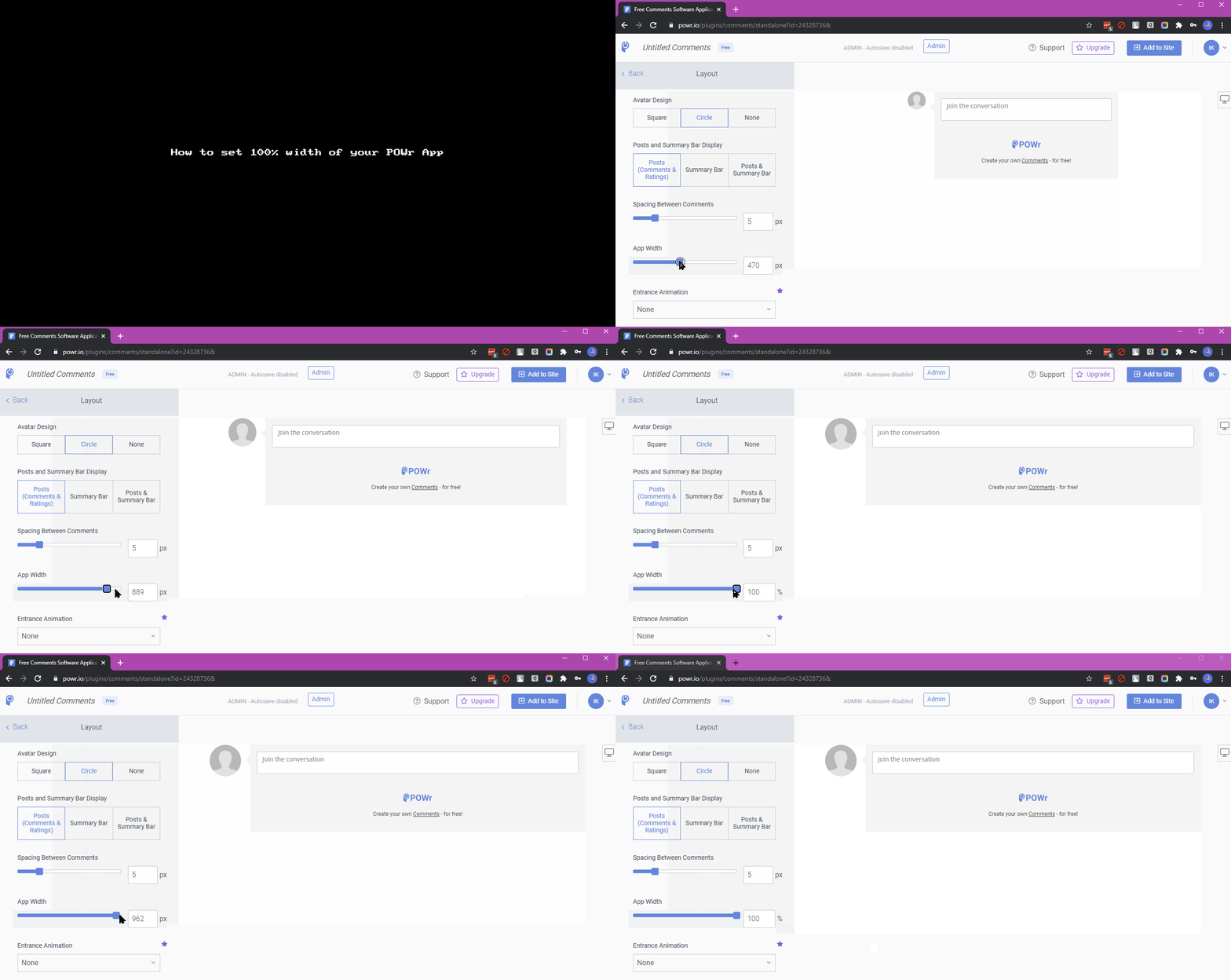
Full-width
To make a POWR app take up the full width of the content area in which it is placed, set the app width to 100%.
An app can only be as wide as the content area in which it was placed. If you set your app's width to 800px, but your website's theme uses 600px for the width of the content area, the app will resize to fit into that area. Check with your theme designer if you wish to make an area of your site wider.