
Buyer Receipts in POWR Pay Me
After every payment, POWR emails your customer a receipt from your business. It uses your Brand Kit (logo and colors), and replies go to you. Receipts are on by default.
What's in the Receipt
The item, quantity, amount, shipping and tax (when there are any), the total, the date paid, the payment method, a receipt number and the transaction ID. For an invoice payment, the receipt also shows the invoice number.
Turn Receipts On or Off
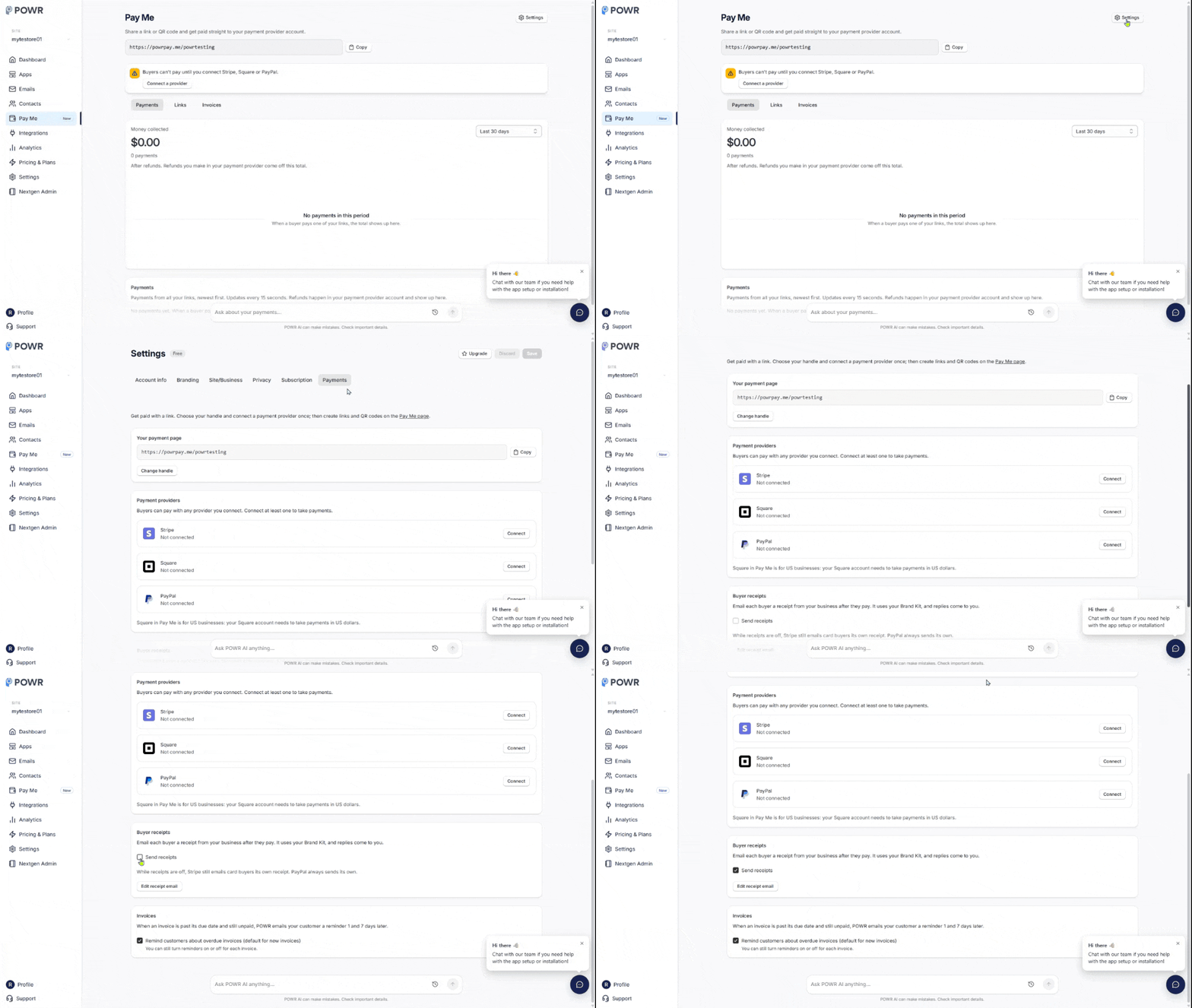
Go to Settings → Payments.
Under Buyer receipts, switch Send receipts on or off.
While receipts are off, Stripe still emails card customers its own receipt. PayPal always sends its own. While yours are on, Stripe doesn't send a second one. Square may also email its own receipt, depending on your Square account's receipt settings.
Edit the Receipt
Click Edit receipt email to open it in the email editor and change the wording or design.
To save it, your business mailing address needs to be set in Settings → Site & Business.
Just Set Up Pay Me?
Your receipt email is created for you automatically. If you see Your receipt email is being set up, give it a minute.
Frequently Asked Questions
My customer didn't get a receipt.
Ask them to check spam, and make sure Send receipts is on and your mailing address is set. Receipts go to the email the customer typed on the payment page. Still missing? Contact our support team with the payment time.
Can I send other emails after a payment, like a thank-you or review request?
Yes, with a Payment received automation (see Automations When Someone Pays You).
Need Help?
If you have any questions about POWR Pay Me, our support team is happy to help.