Using POWR apps in a Wix lightbox
Wix Lightbox
With Wix's built-in Lightbox, you can create customizable popups for your website. Learn more about using Lightbox, here.
How to add POWR to Lightbox
You can add any POWR app to your Wix Lightbox the same way you'd add it to a regular page. Follow these steps:
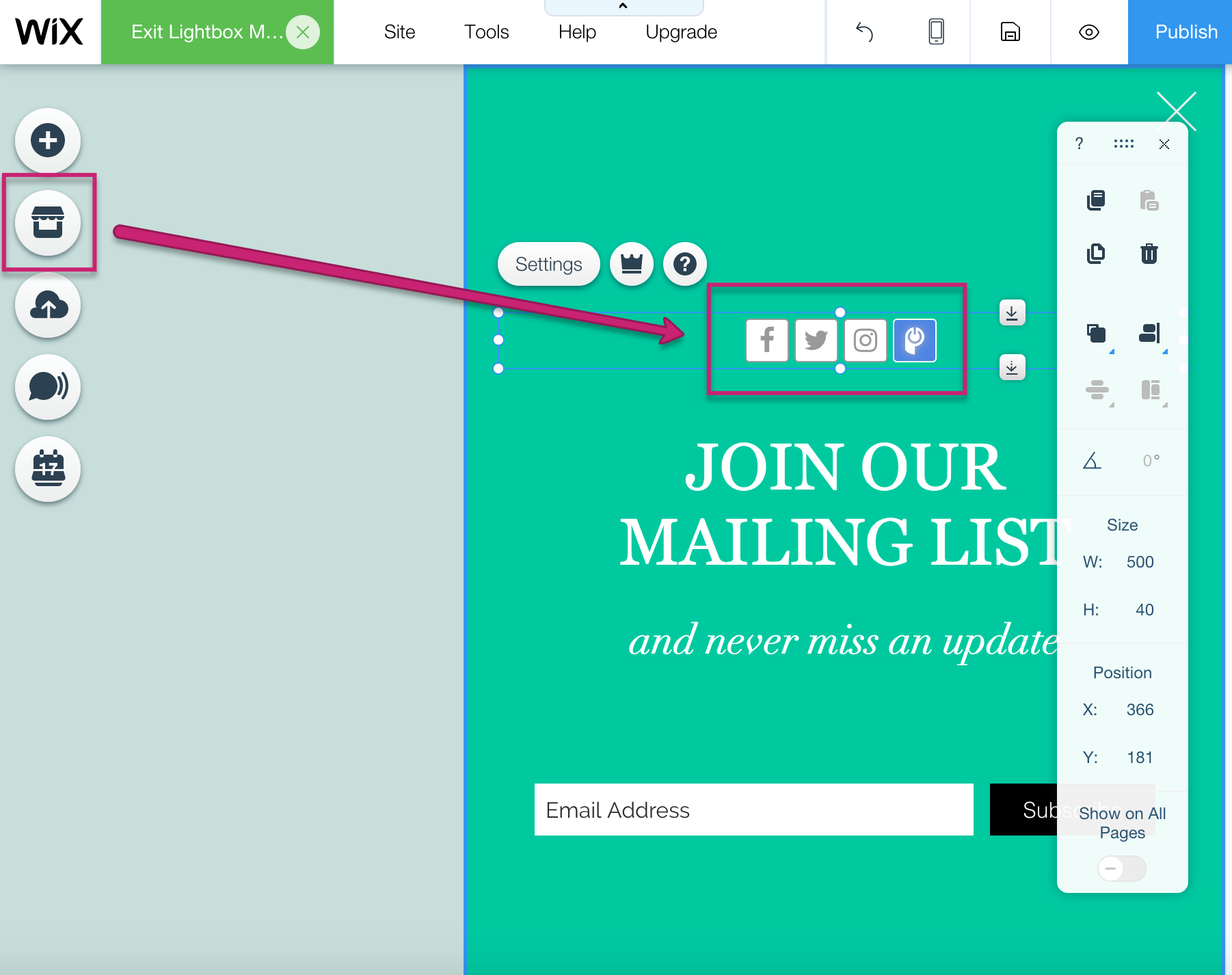
- Click on the App Market icon.
- Find your preferred POWR app (e.g. Form Builder Plus+).
- Click Add.
- Drag the app into the Lightbox.
Default app content showing on published page
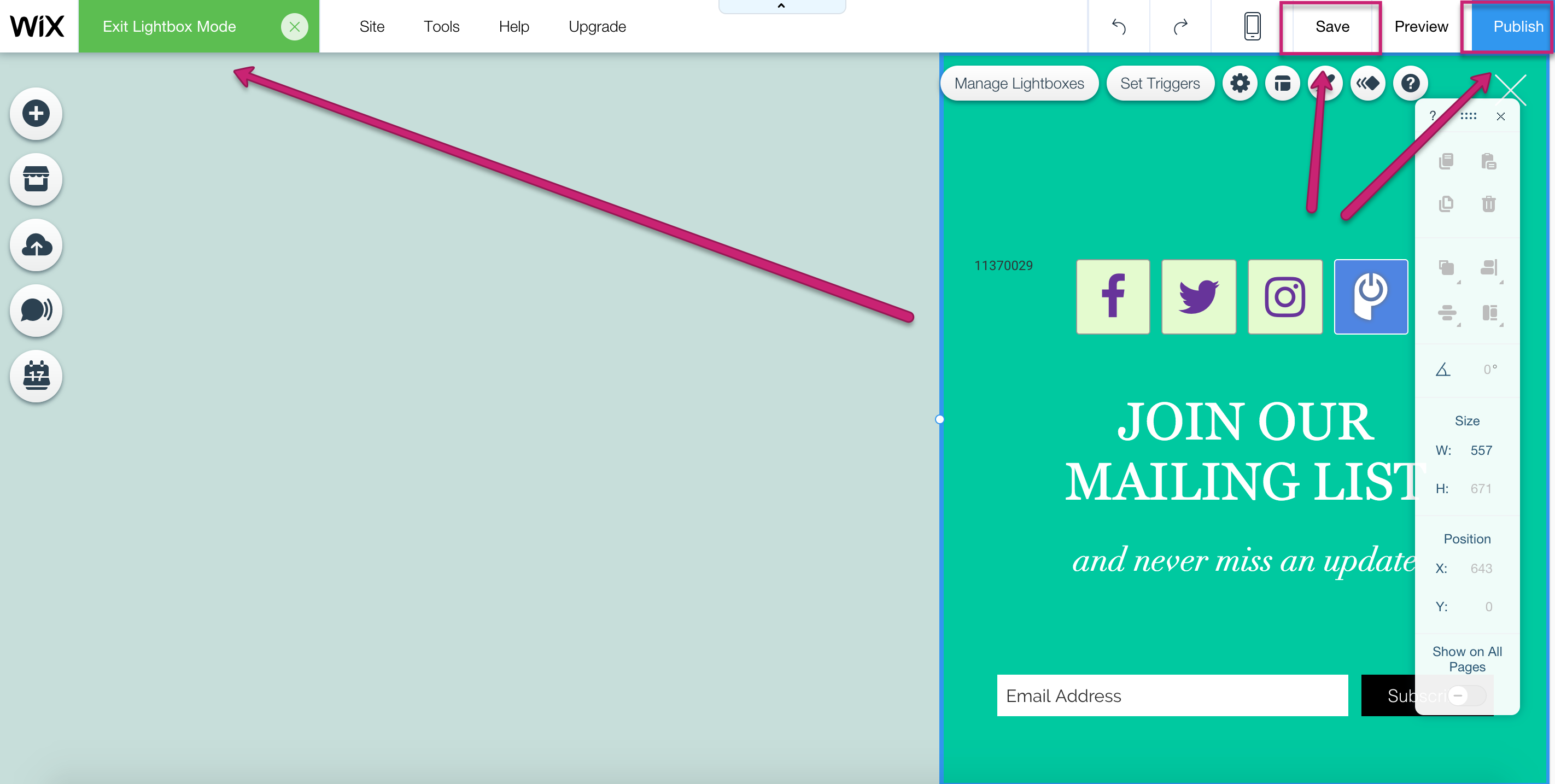
Customizations you made to your app will only appear on the published site if you click Save and Publish while in Lightbox Mode.
You are in Lightbox Mode if you see a green Exit Lightbox Mode button in the upper left of your Wix Editor.
Click Save, then Publish. Check your published page. If the changes aren't showing, Save/Publish again until you see the right version of your app on the page.