
Troubleshooting Paypal Error. "OrderTotal (Amt): Required Parameter Missing or 'Bad Math' Error"
When using POWR Form Builder with PayPal integration, you might encounter the following error during checkout:
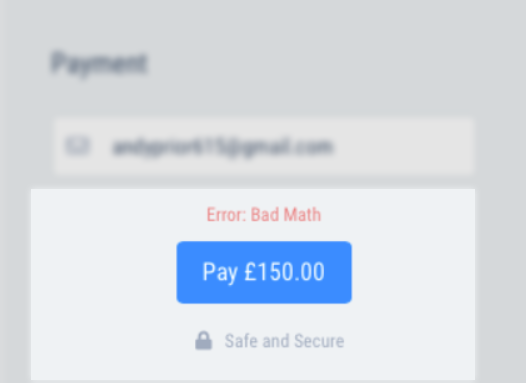
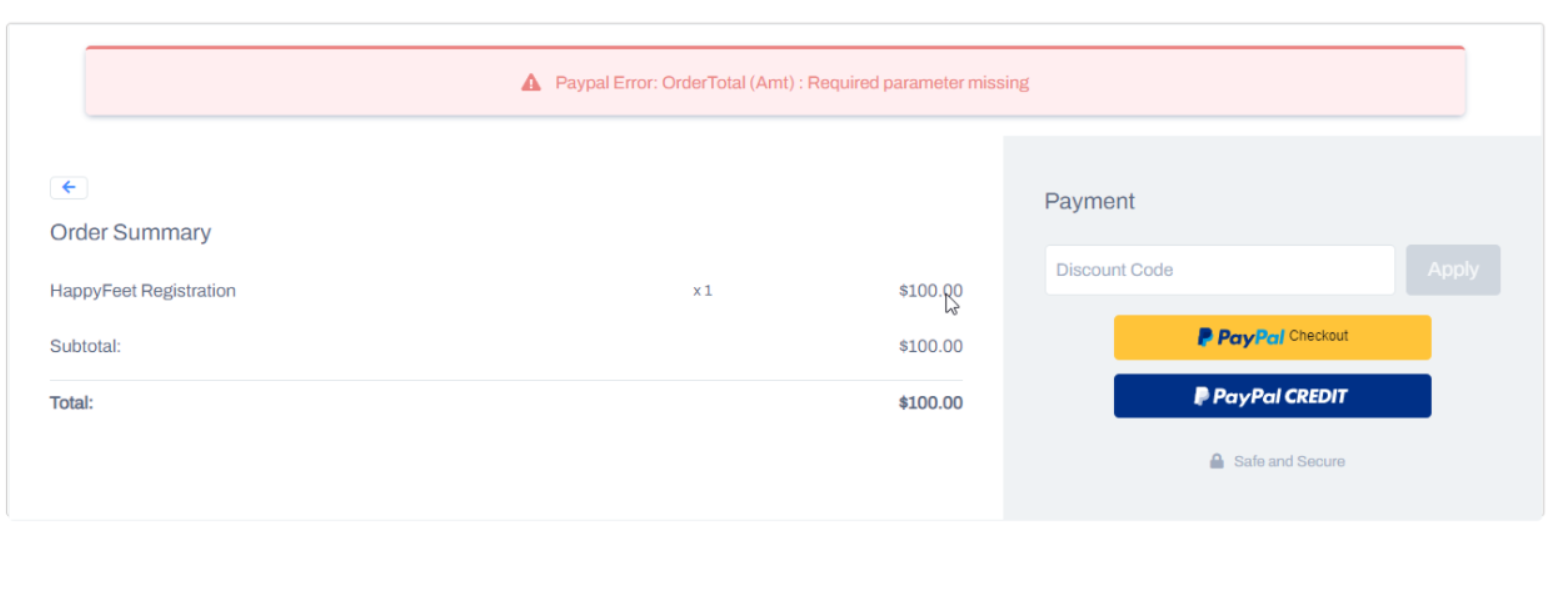
PayPal Error: "OrderTotal (Amt): Required parameter missing OR 'Bad Math' error"
This error typically arises due to specific configurations within your form.
In This Article:
Understanding the Error
The error message indicates that PayPal is either missing a required parameter (OrderTotal or Amt) or there's a discrepancy in the total amount calculation, leading to a "Bad Math" error.
Common Causes
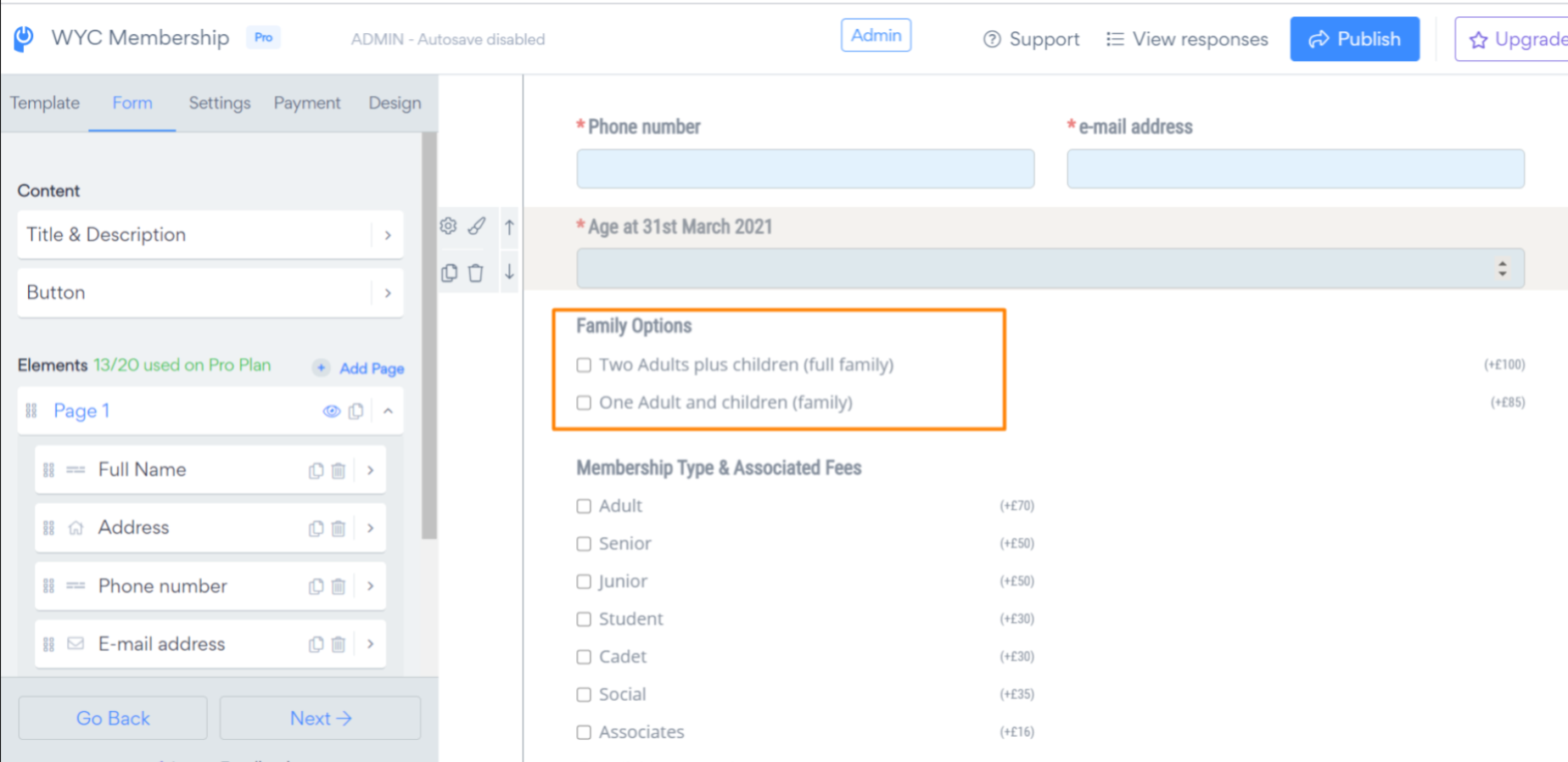
Identical Checkbox Options: Having multiple checkbox options with identical or overlapping text can confuse the total amount calculation. For example:
Option 1: "Basic Plan"
Option 2: "Basic Plan Plus Support"
Here, "Basic Plan" is a subset of "Basic Plan Plus Support," which can lead to calculation errors. For example, use clear separation of plans as below:
Use of Special Characters: Including special characters, especially the ampersand (
&), in option labels can cause issues. For instance:- "Research & Development" should be replaced with "Research and Development."
Recommended Solutions
Ensure Unique Option Labels: Modify checkbox option texts to be distinct and non-overlapping. This helps in accurate total calculations.
Avoid Special Characters: Replace special characters like
&with their word equivalents. For example, use "and" instead of "&."Separate Checkbox Elements: If you have options that might overlap, consider using separate multiple checkbox elements for each group. This segregation can prevent calculation conflicts.
Additional Tips
Review Form Configurations: Regularly check your form settings to ensure all options are correctly configured.
Test Before Publishing: Always test your form's payment process applying discounts to catch potential errors early.
FAQs
Q: Why does the error occur only with certain checkbox configurations? A: Overlapping or identical option texts can confuse the system's calculation logic, leading to errors.
Q: Can I use symbols in option labels?
A: It's recommended to avoid special characters like & in option labels to prevent potential issues.
Need Further Assistance?
If you've implemented the above solutions and still encounter issues, please contact POWR Support for personalized assistance.