The Product Reviews app has recently introduced three new features across all plan options, aiming to enhance user experience and streamline feedback management. Let's explore these additions:
1. Download Responses: Easy Data Export
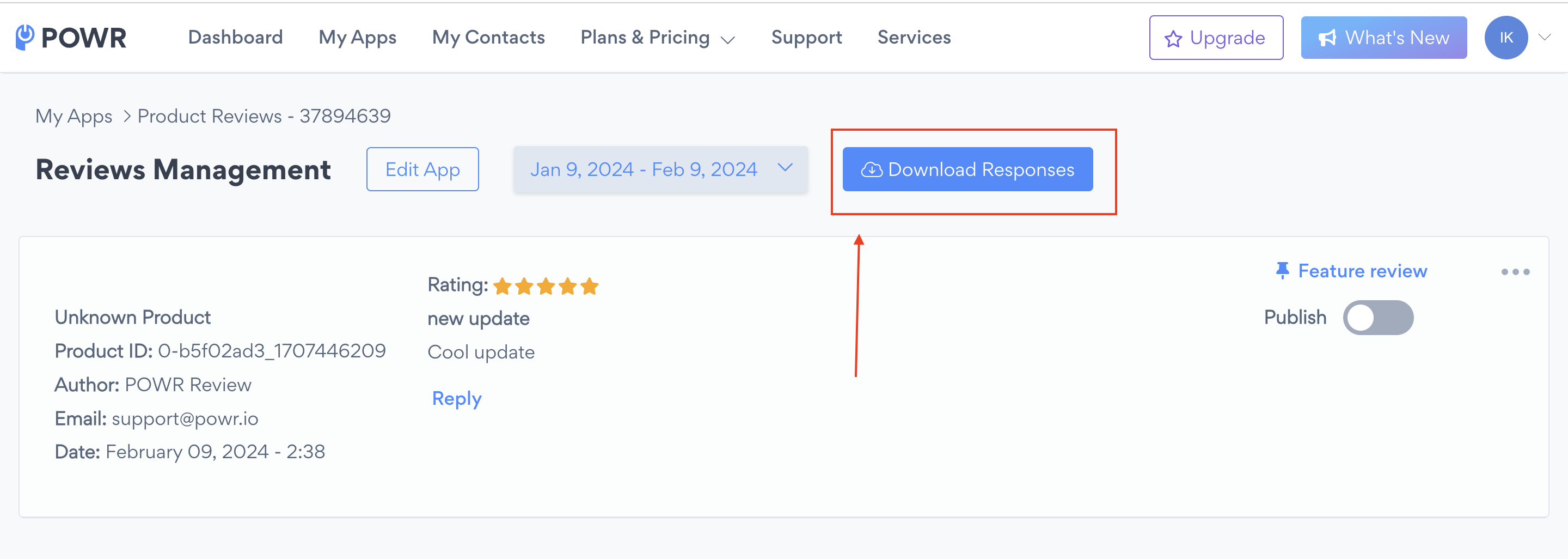
Now available to everyone, "Download Responses" simplifies data management by allowing you to export review responses in CSV format. To download responses:
Navigate to the patented POWR Editor.
In the upper right corner, click on "Manage reviews."
Click on "Download Responses."
2. Pin Featured Review: Enhanced Visibility (Starter Plan)
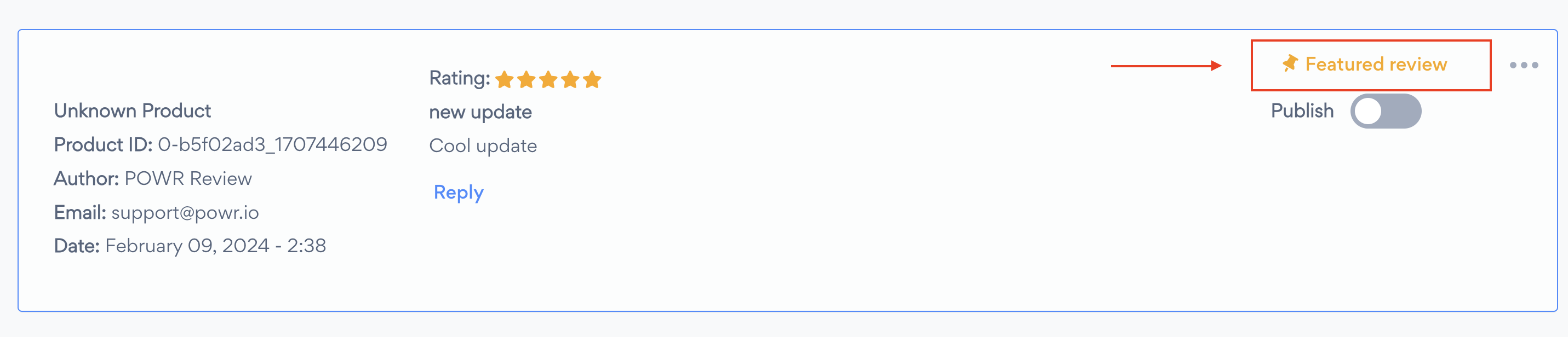
Available on the Starter and Pro plan is "Pin Featured Review." This feature lets you highlight a chosen review at the top of your feed, amplifying its visibility.
To enable this feature:
Follow the instructions as before to access the POWR Editor and "Manage reviews."
Choose the review and click on "Feature review."
3. Reply to Reviews: Direct Engagement (Pro Plan)
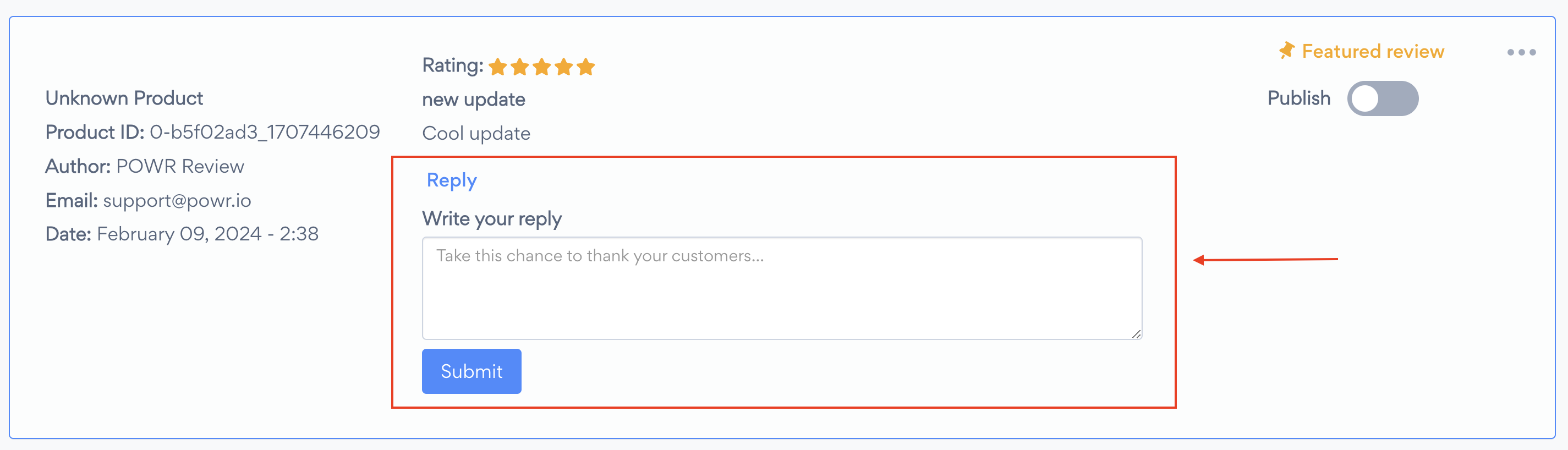
Exclusive to the Pro and Business plan is "Reply to Reviews." Publicly replying to customer reviews shows that you care about them and lets others who have not purchased from you yet know that your company is one they can trust.
Additionally, you may find the following articles helpful for further guidance:
Publishing and Unpublishing User Reviews: Learn how to effectively publish and unpublish user reviews to control their visibility and manage your online reputation.