
Popup size for mobile view
Issue description:
Sometimes popup displays properly on desktop, but cannot be viewed the same on mobile devices.
For instance, the popup is cropped, the close button does not fit into the mobile screen without rotation or any other size issues may arise.
Solution:
To resolve this issue, try adjusting the app width or popup positioning.
Follow the steps below to change app width:
- Open app settings
- Click on the "Design" tab
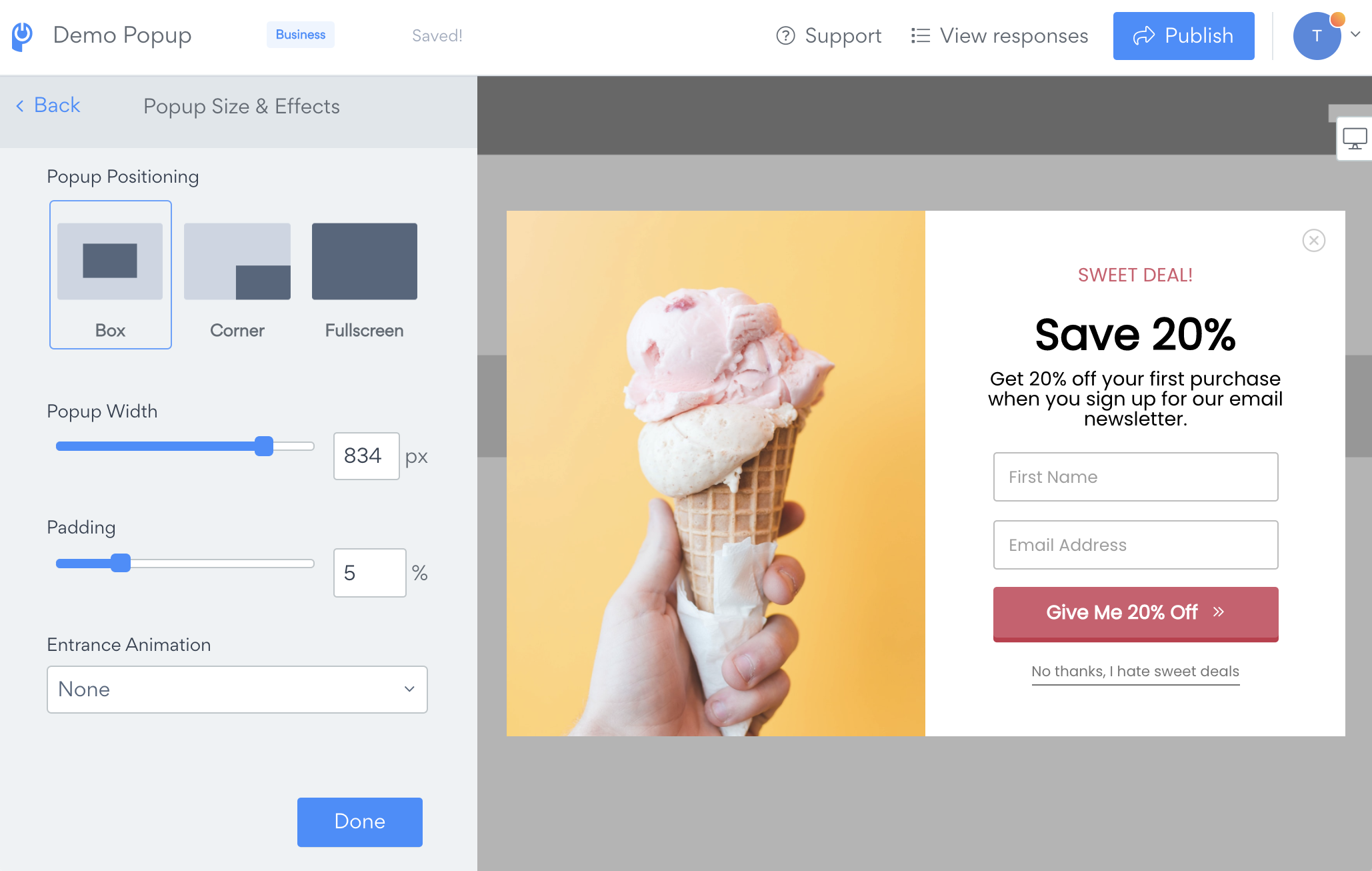
- Open Popup Size and Effects and try to adjust the Popup Positioning, Popup Width or Padding.
If using a left or right image with your popup, you can select mobile-specific display rules. Change these settings in the Content tab, inside Layout. At thebottom of the settings, adjust the Image Position on Mobile Devices to hide or change the responsive stacking order.
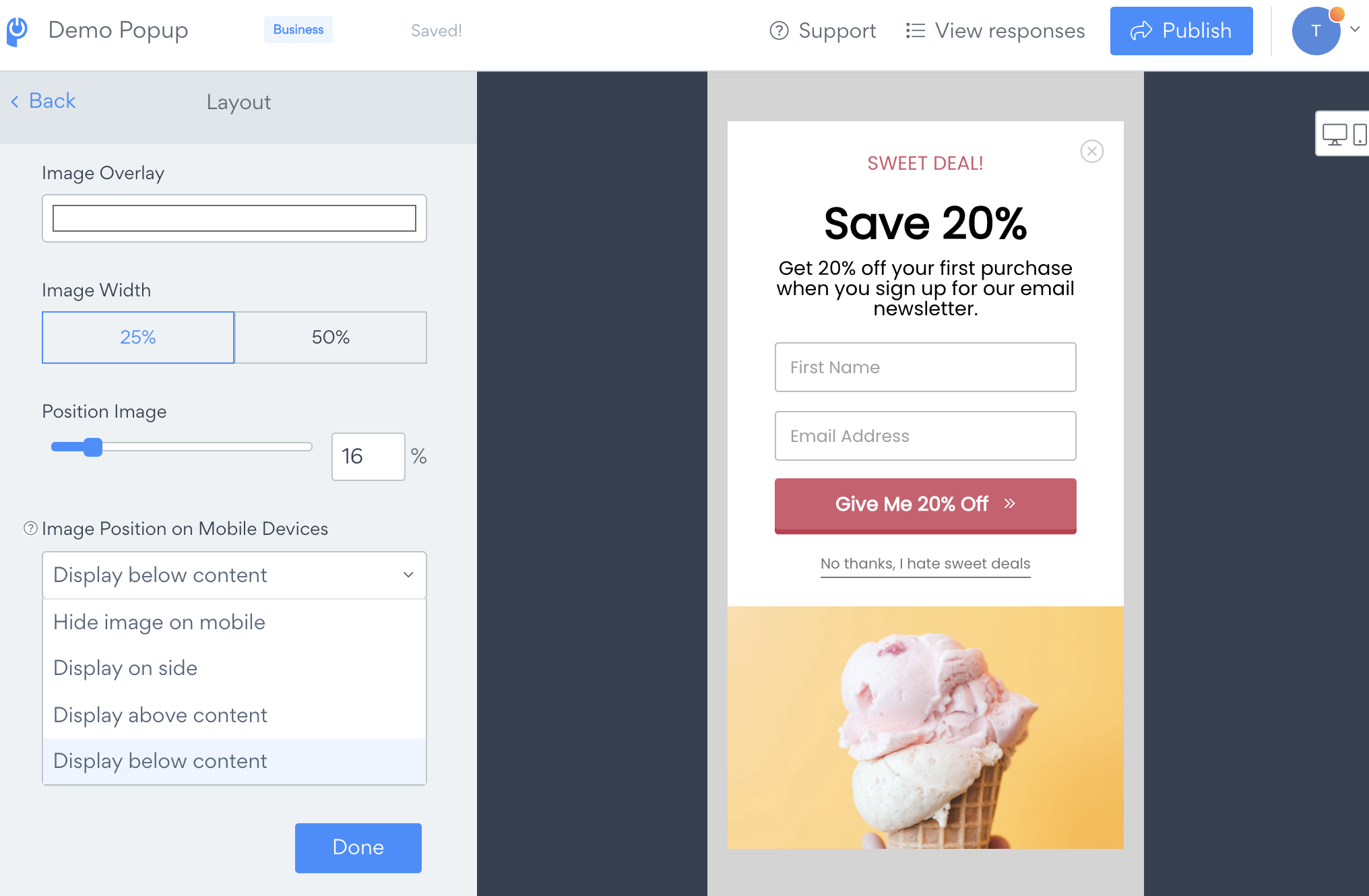
Please note, you can separately control the image layout for the Success screen under the Success tab, inside Layout.
Note:
If changing the above settings did not help to view Popup on mobile correctly, please submit a ticket here Contact our support team for further assistance.