
How to use POWR on Weebly
1. How to add POWR to Weebly
There are two ways you can add POWR apps to your Weebly site:
- Add POWR via the Weebly App Center
- Add POWR embed code to your Weebly page.
For any app that is available in the Weebly App Center, we recommend installing through the App Center.
If a POWR app is not available in the App Center, or you do not have access to the App Center, you can use the code embed method.
You can find both install tutorials here: https://www.powr.io/tutorials
2. Frequently Asked Questions
How do I remove the POWR branding from my POWR Apps?
To remove any watermarks or logos from your POWR app, you will need to purchase an upgrade at powr.io. You can upgrade directly from inside your POWR Editor within Weebly, or log in at powr.io and click the 'Upgrade' button in your user dashboard.
I'm having trouble logging in to my POWR account!
Weebly automatically creates a POWR account for you when you first install POWR via the App Center. You should always be logged in automatically when opening the Editor for one of your POWR Apps inside your Weebly Editor.
If you need to log in to https://www.powr.io but don't know your password, use your Weebly account email to send a new password to your email.
Do not create a new login at powr.io. Having multiple accounts can be tricky due to Weebly's auto login system, so you want to make sure to only ever use the account that Weebly created for you.
How do I cancel my POWR upgrade?
You will need to log in at https://www.powr.io to manage your subscription.
3. Examples of using POWR on Weebly
You can use any POWR app on your Weebly website. Common use cases are:
- Use Social Feed to display social posts in your site's home page or footer
- Display number of website hits with Hit Counter
- Showcase images, videos, and events in a responsive slideshow with Multi Slider
- Create custom contact, application, and payment forms with Form Builder
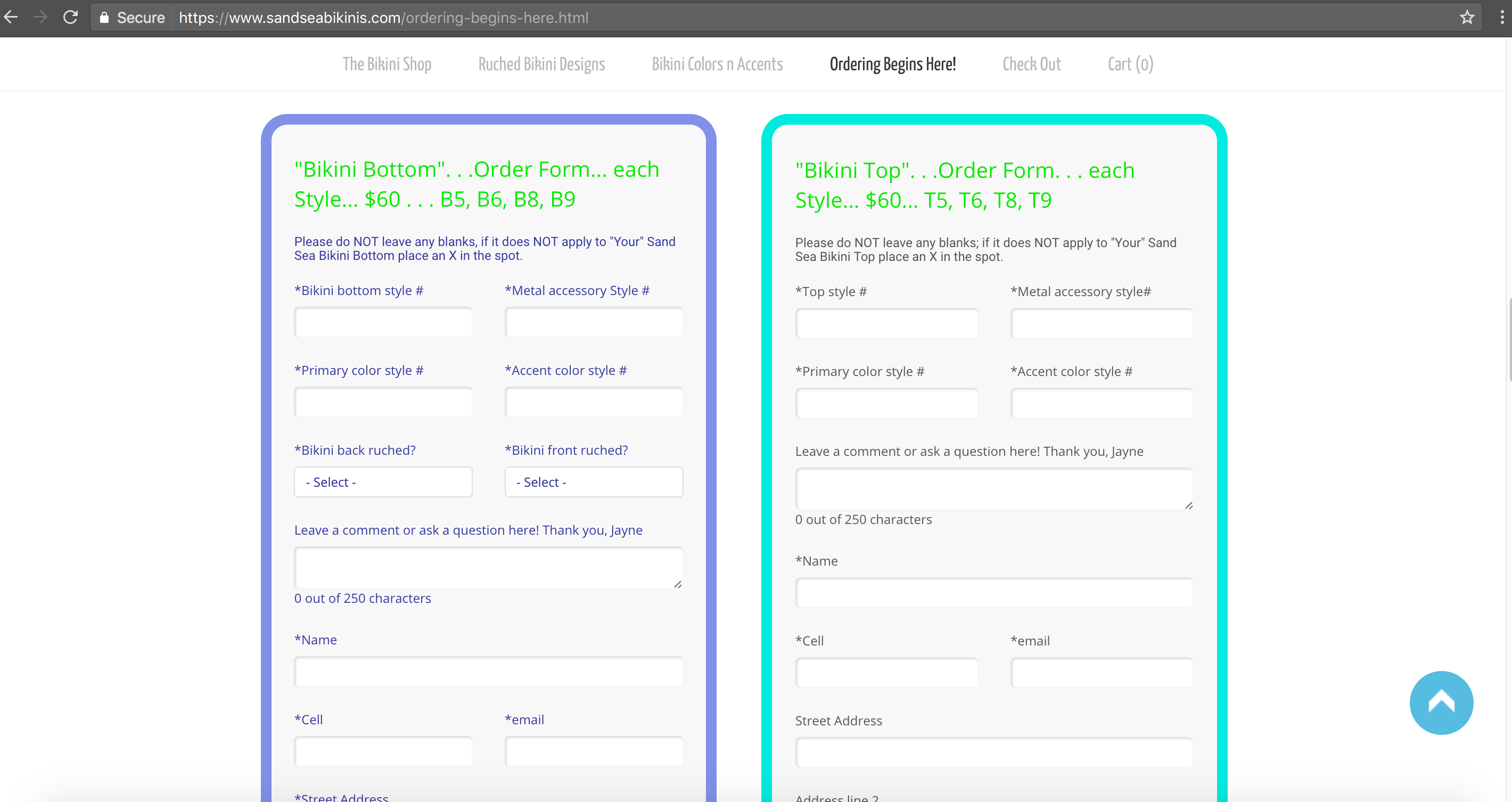
Example of Form Builder on a Weebly website