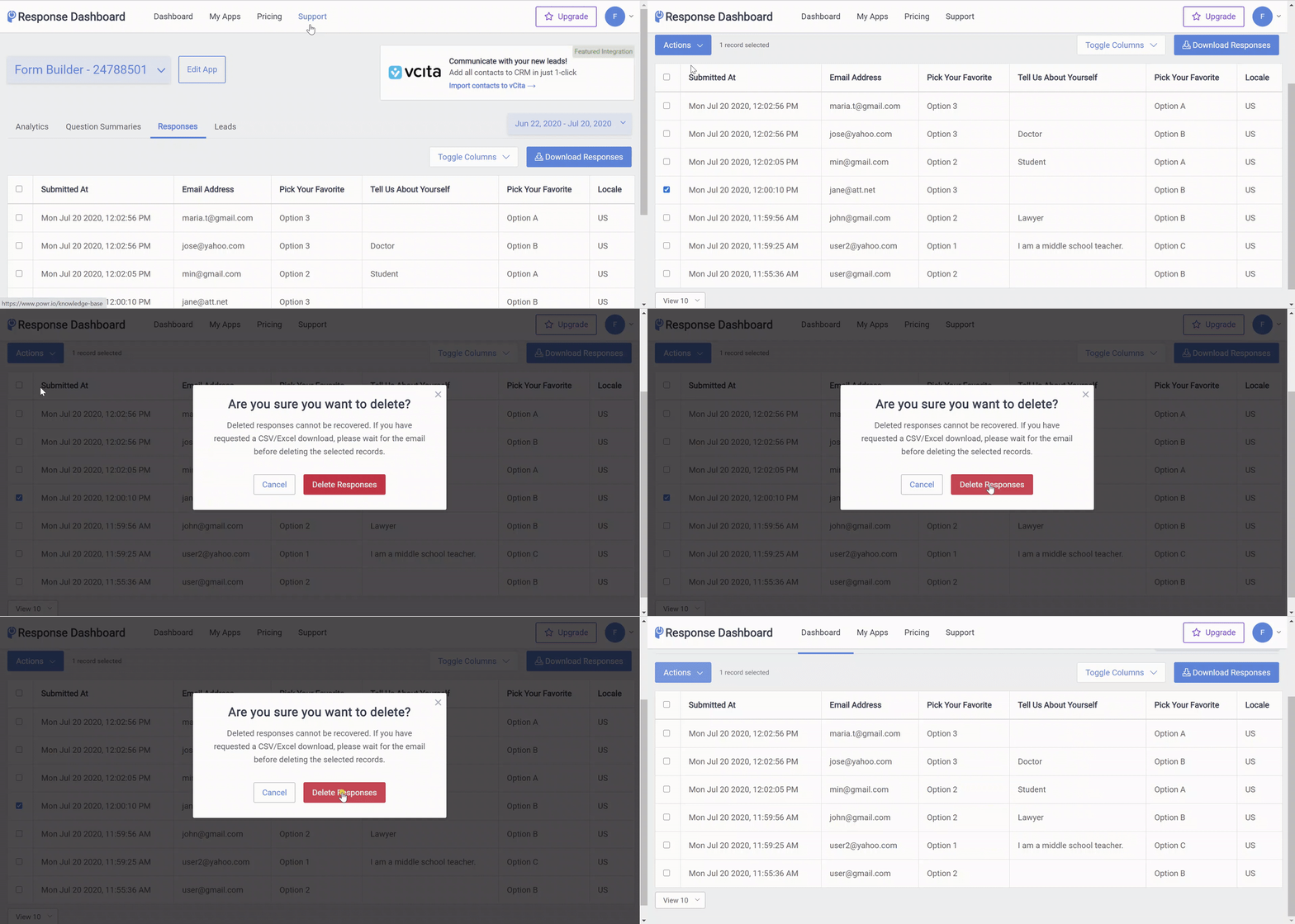
How to delete Form Responses from Dashboard
- Access your Form Response Dashboard. Click here to see how.
- In the Dashboard you can choose to delete a single submission or all at once
- Single Submission
- Click on the checkbox next to the submission.
- Select Actions.
- Click Delete and then Delete Responses to confirm your choice.
- All
- Click on the first checkbox next to Submitted At Delete All.
- Select Actions.
- Click Delete and then Delete Responses to confirm your choice.