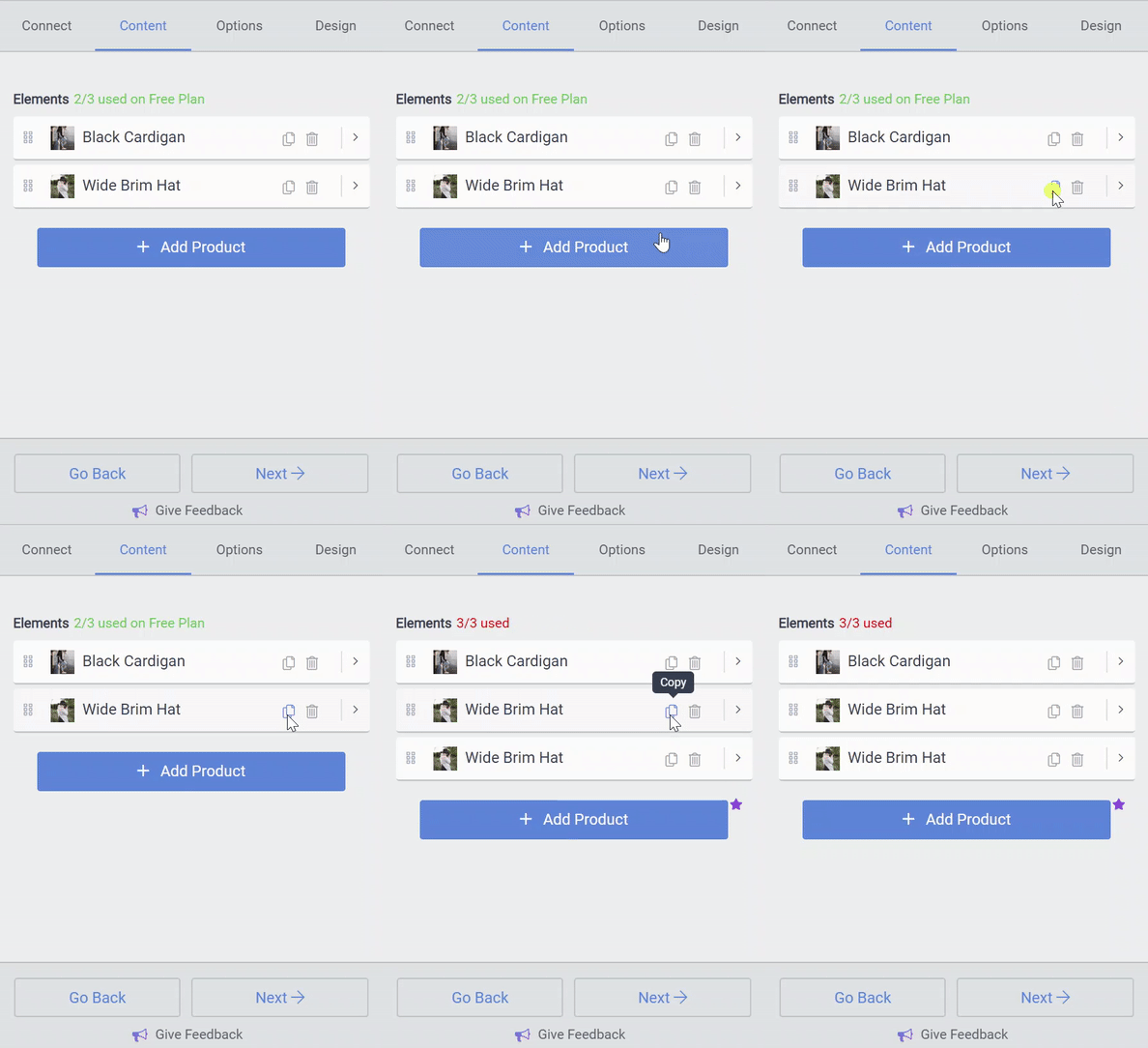
How to copy a Product in eCommerce
If you'd like to save yourself the trouble of creating each product in your eCommerce app from scratch, it's easy to make a copy.
In the Content tab in the POWR Editor, you'll see a list of products. Click on the two page icon seen next to the trash can in the top-right corner of the box, and your duplicate product will appear at the bottom of the list.