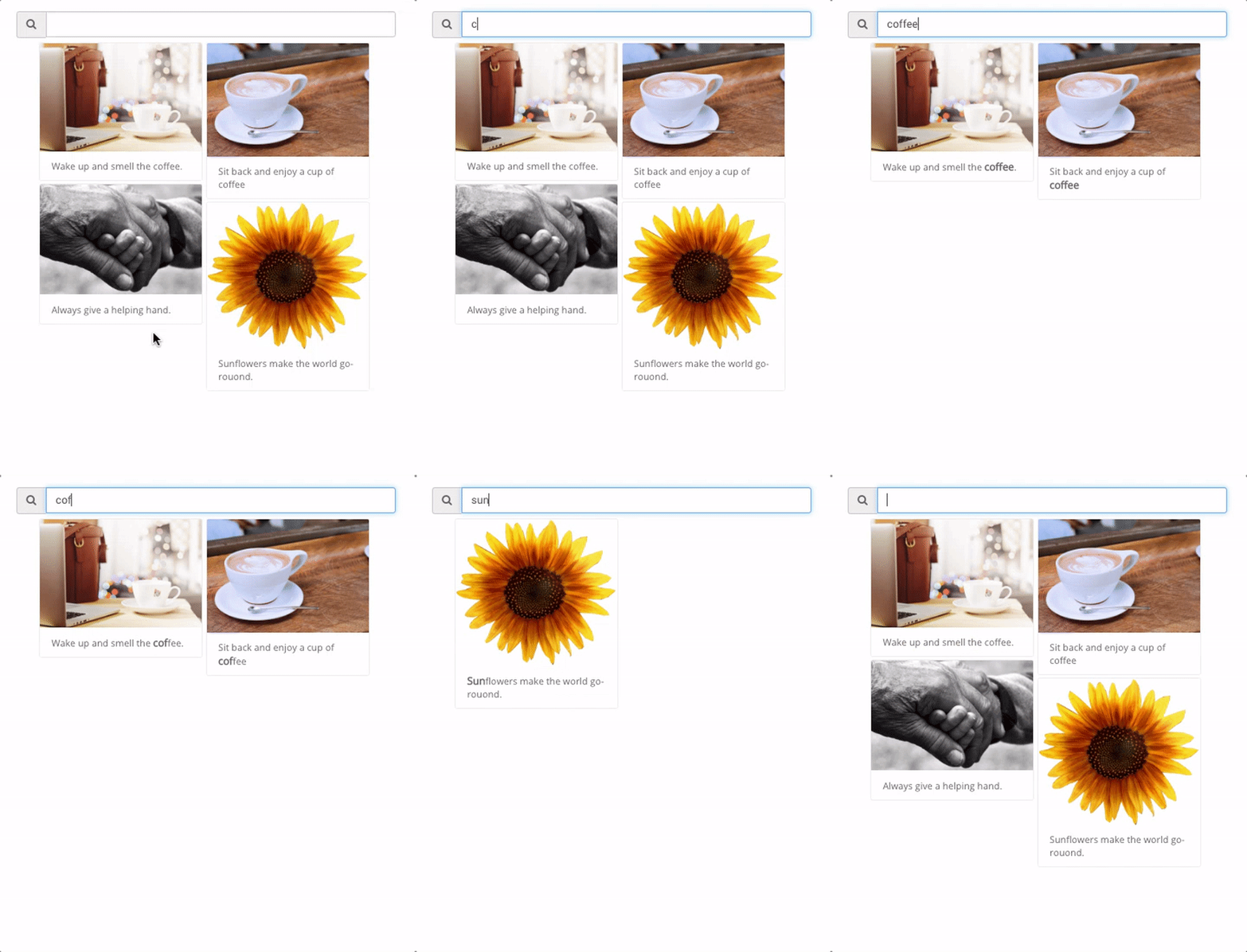
How to add a search bar to a POWR Gallery
Note: This is a Pro feature.
You can add a search bar to a POWR Gallery to help visitors find content quickly and easily.
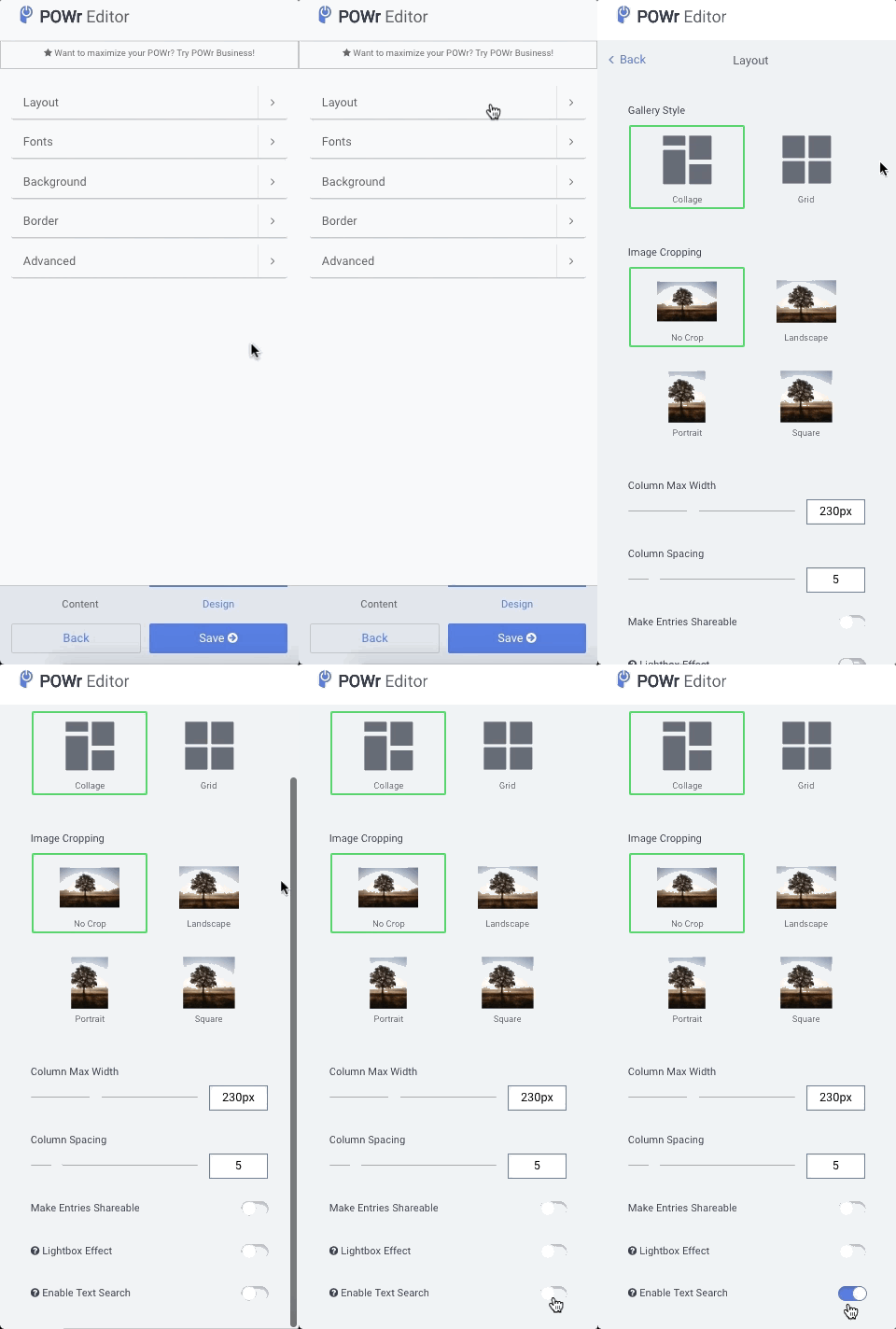
To enable the search bar, follow these steps:
- Open the POWR editor (or App Settings in Wix)
- Go to the Design section
- Click on Layout
- Toggle on Enable Text Search
When a visitor uses the search bar, only entries containing that search will appear. All other entries will temporarily disappear.