
How can I show a discount after a user enters their email in my Popup?
If you'd like to use your Popup to reward visitors to give you their emails, offering a discount is an enticing way to gather more emails!
To utilize this feature in Popup, make sure you've got an Email Input element.
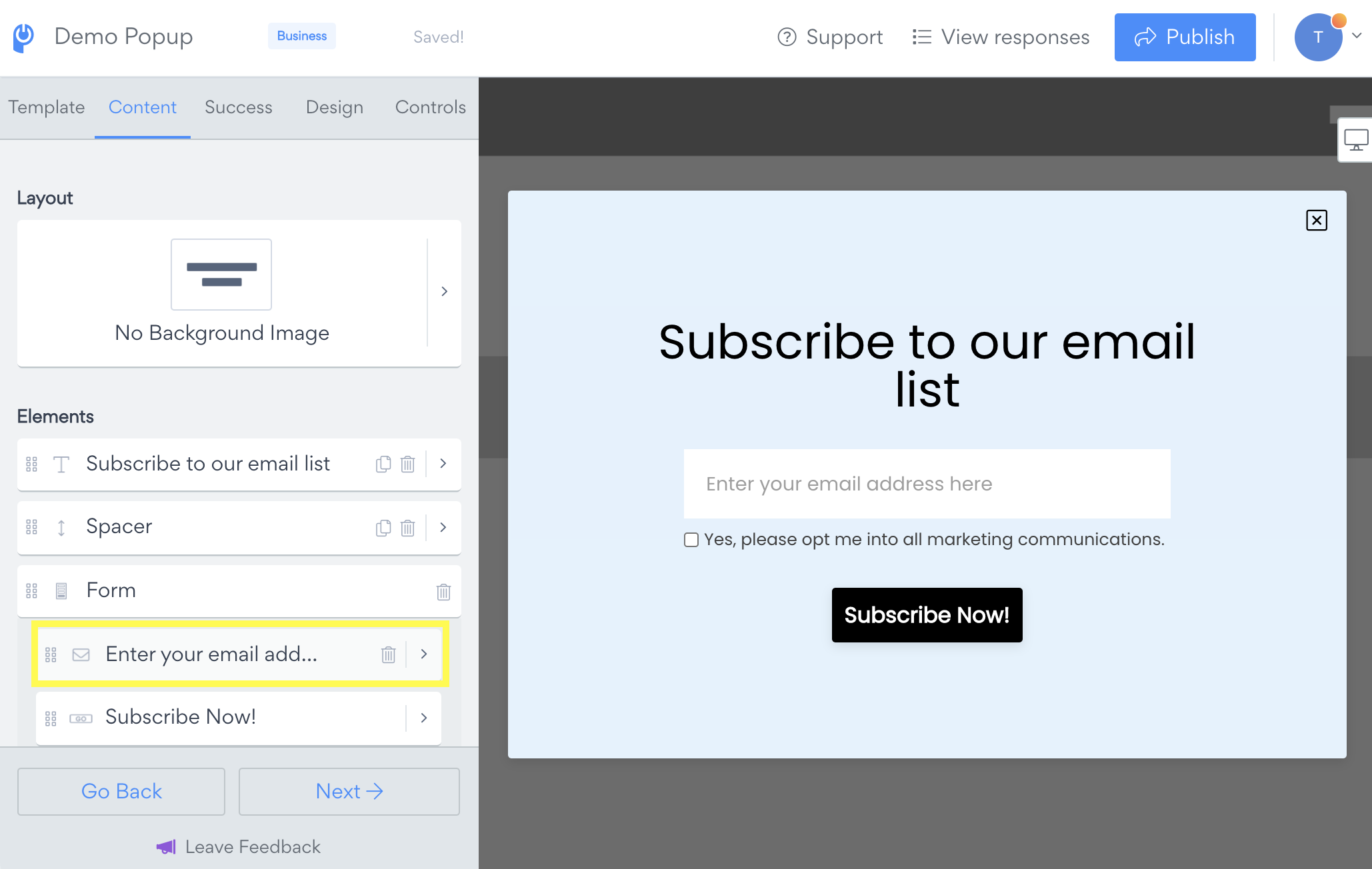
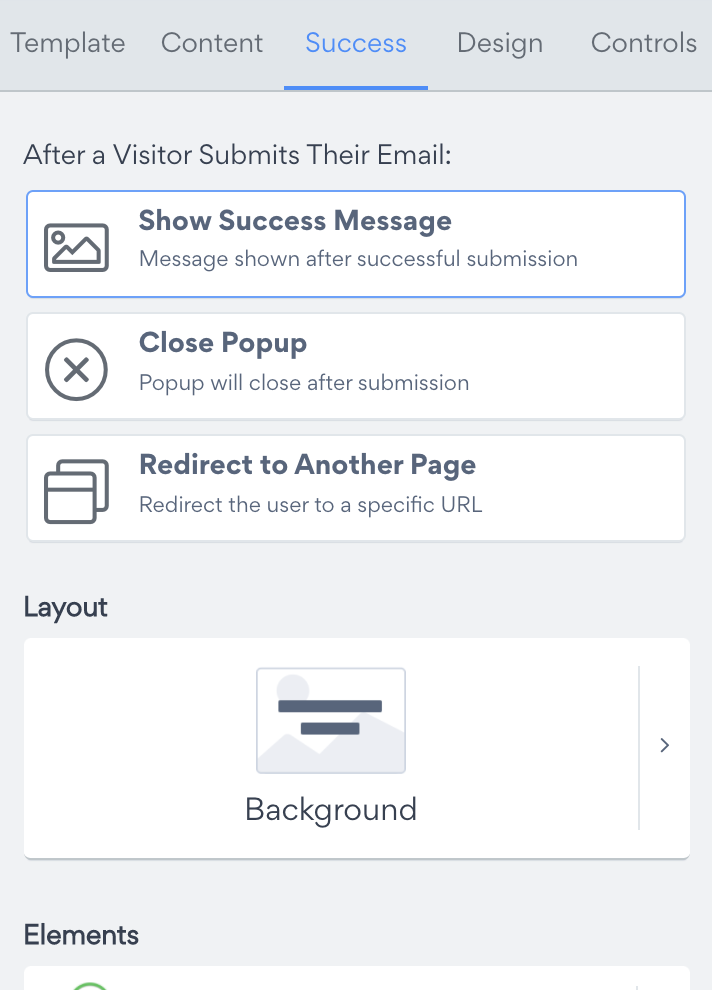
Click on the Success tab to open the settings for after users submit to the form of your main popup.
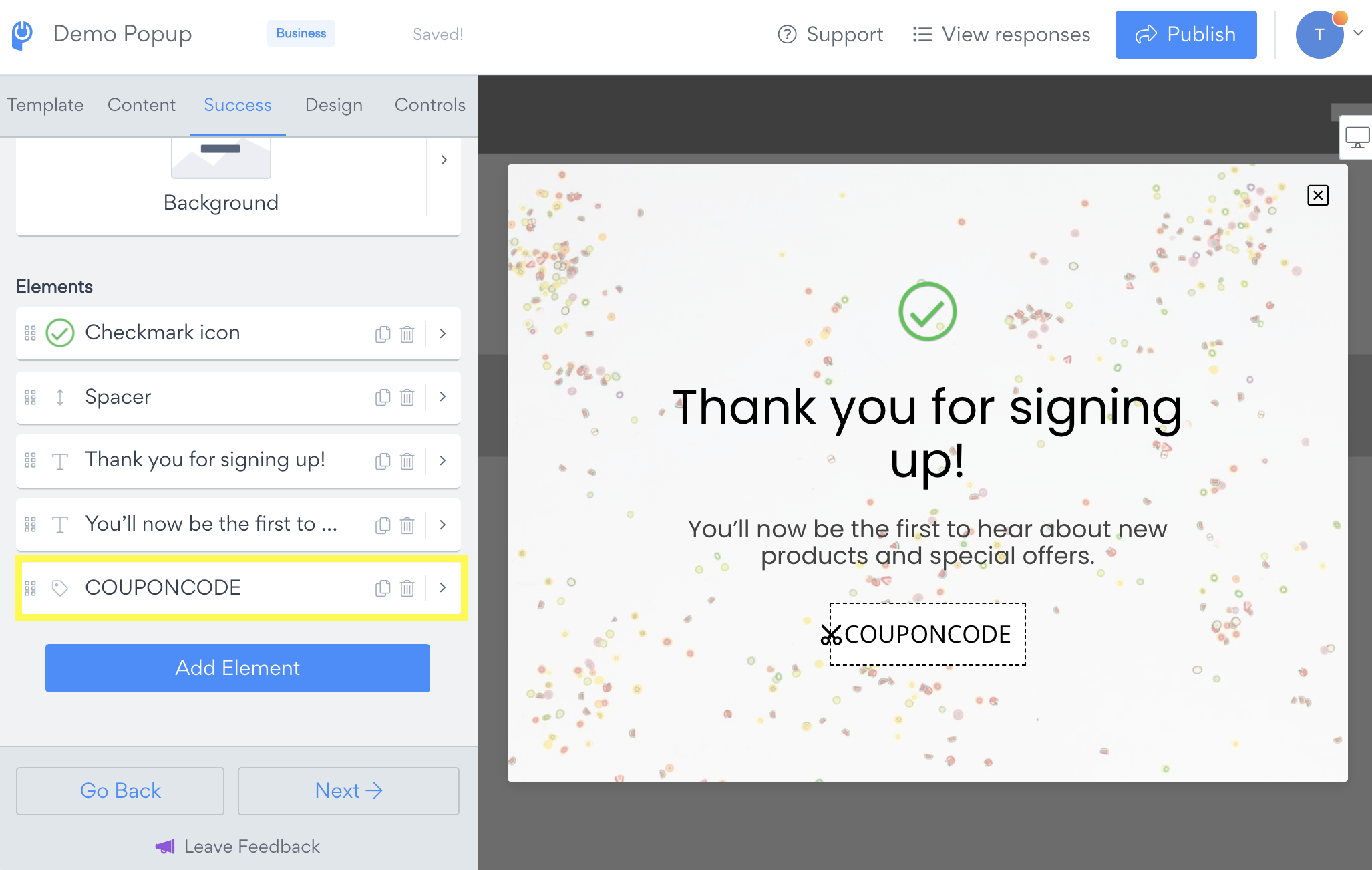
Edit the content of the success screen to include a Coupon element, so your visitors will only see it after entering their email address and submitting.
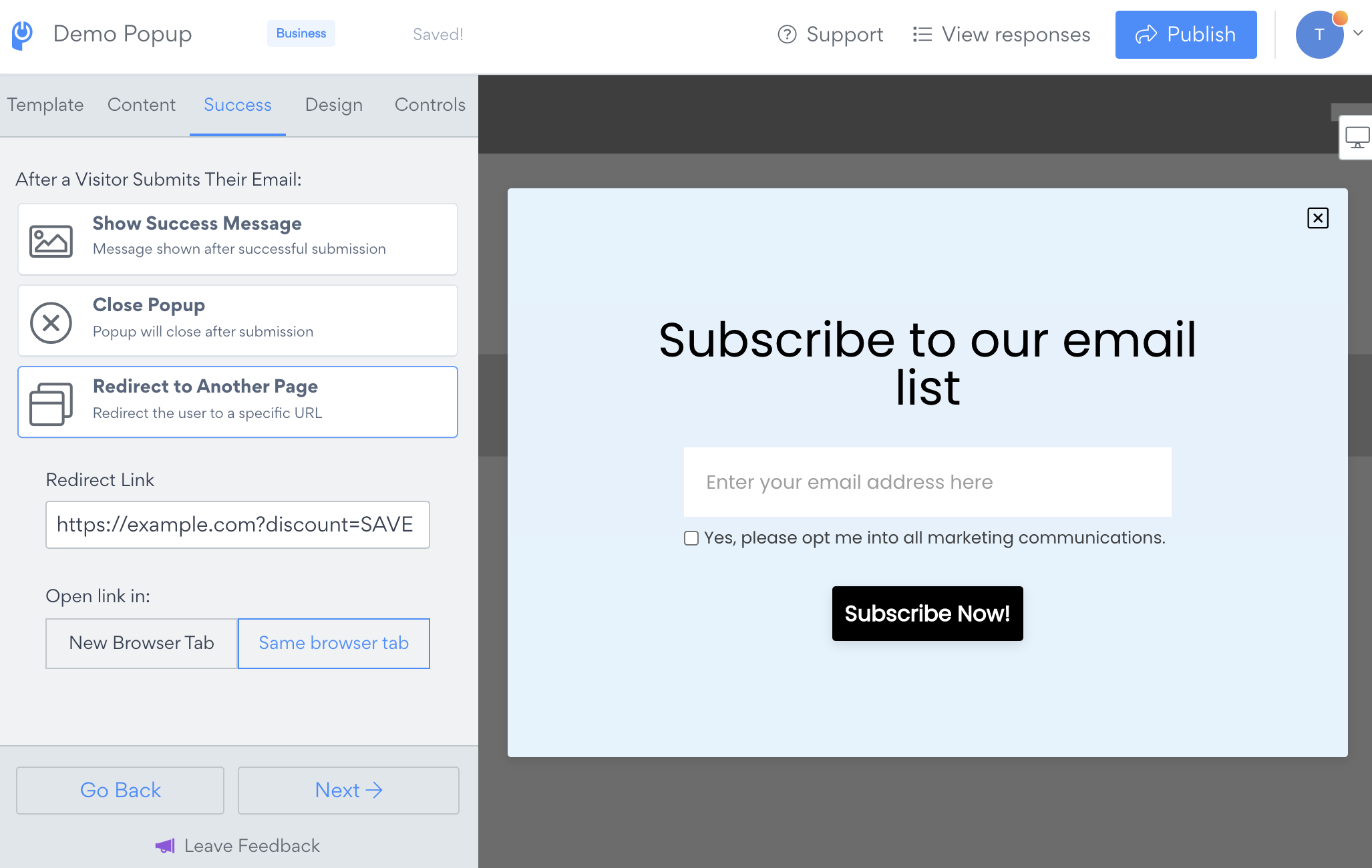
Alternatively, set the after submission action to Redirect to Another Page and use a url that will automatically apply a discount.
In addition to displaying or redirecting directly from the popup submission, you can add a discount code or a link to an autoresponder email that will be delivered to respondents as a backup or for their use in the future. See our article on setting up Autoresponder emails for Popup here: How to enable Autoresponder Email in my Popup.