
Email Settings (Subject Line, From Name etc.)
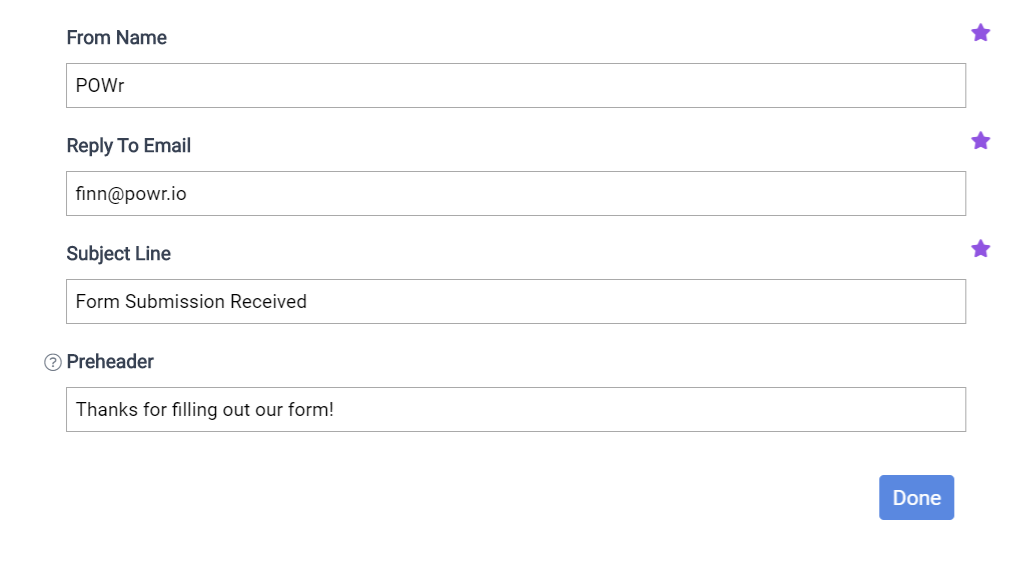
Click on "Edit Settings" to change the following elements of your email:
From Name
Reply-To Email
Subject Line
Preheader
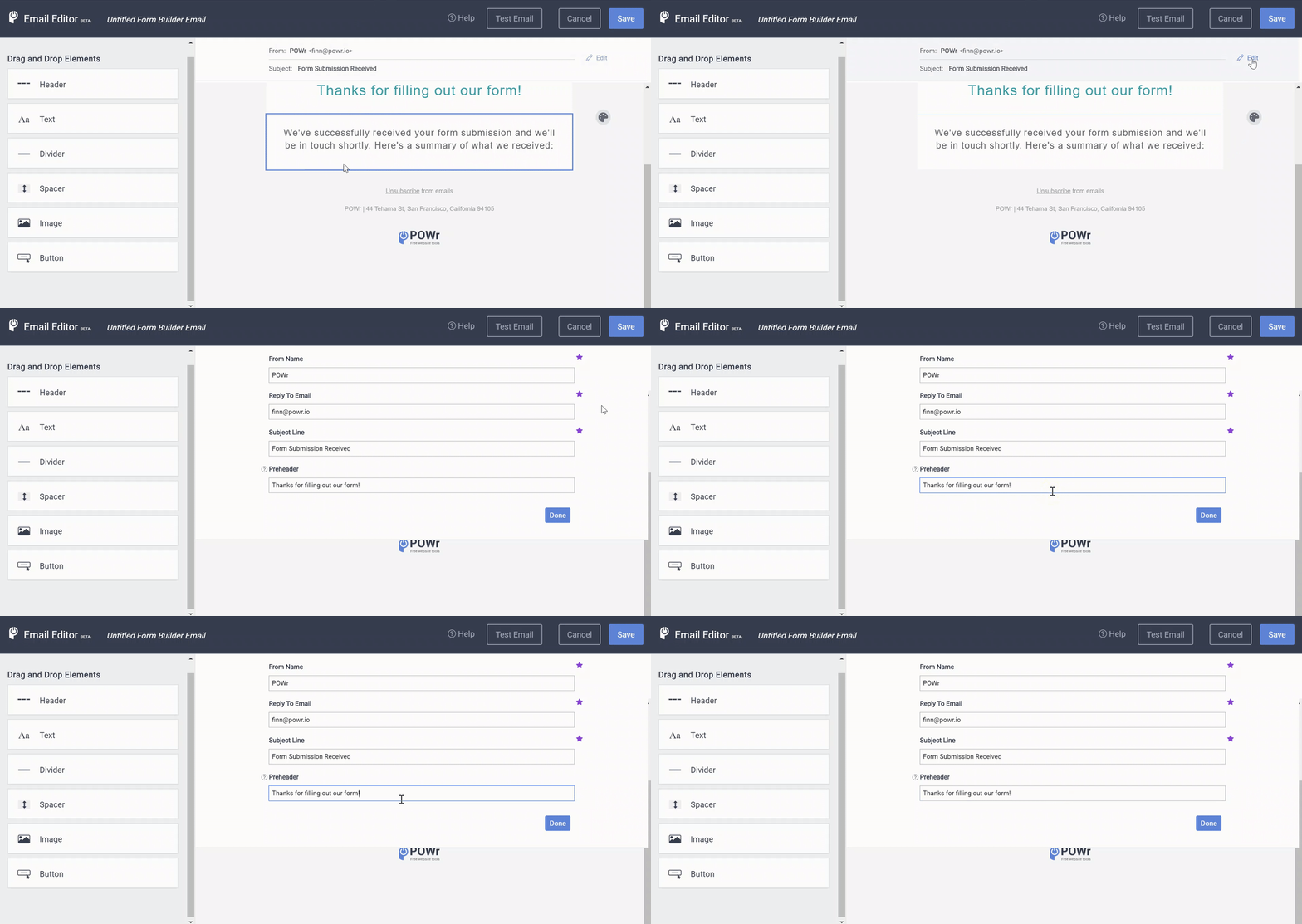
Customizing the Settings
The Free Plan comes with defaults for the following fields:
From Name
Reply-To Email
Subject Line
The defaults will be set to the information that we have in your POWR account. If you would like to customize them to whatever you want then you will need to upgrade to the Starter Plan.
Preheader
The Preheader is a quick summary or overview of content contained in your email. It follows the subject line when an email is viewed in the inbox. For best practices, write something that further explains the content in the email so your readers are encouraged to open your email.

Need Help?
If you need any help or have any questions about our Form Builder, our support team is happy to help.
👉 Contact our support team
When contacting us, you'll be prompted to authenticate your email by signing in, and a confirmation code will be emailed to you. This helps ensure our support team's reply will be delivered to you with no issues.
For more information about available features, visit our Pricing Page:
https://www.powr.io/pricing