
Collecting Digital Signatures in Forms
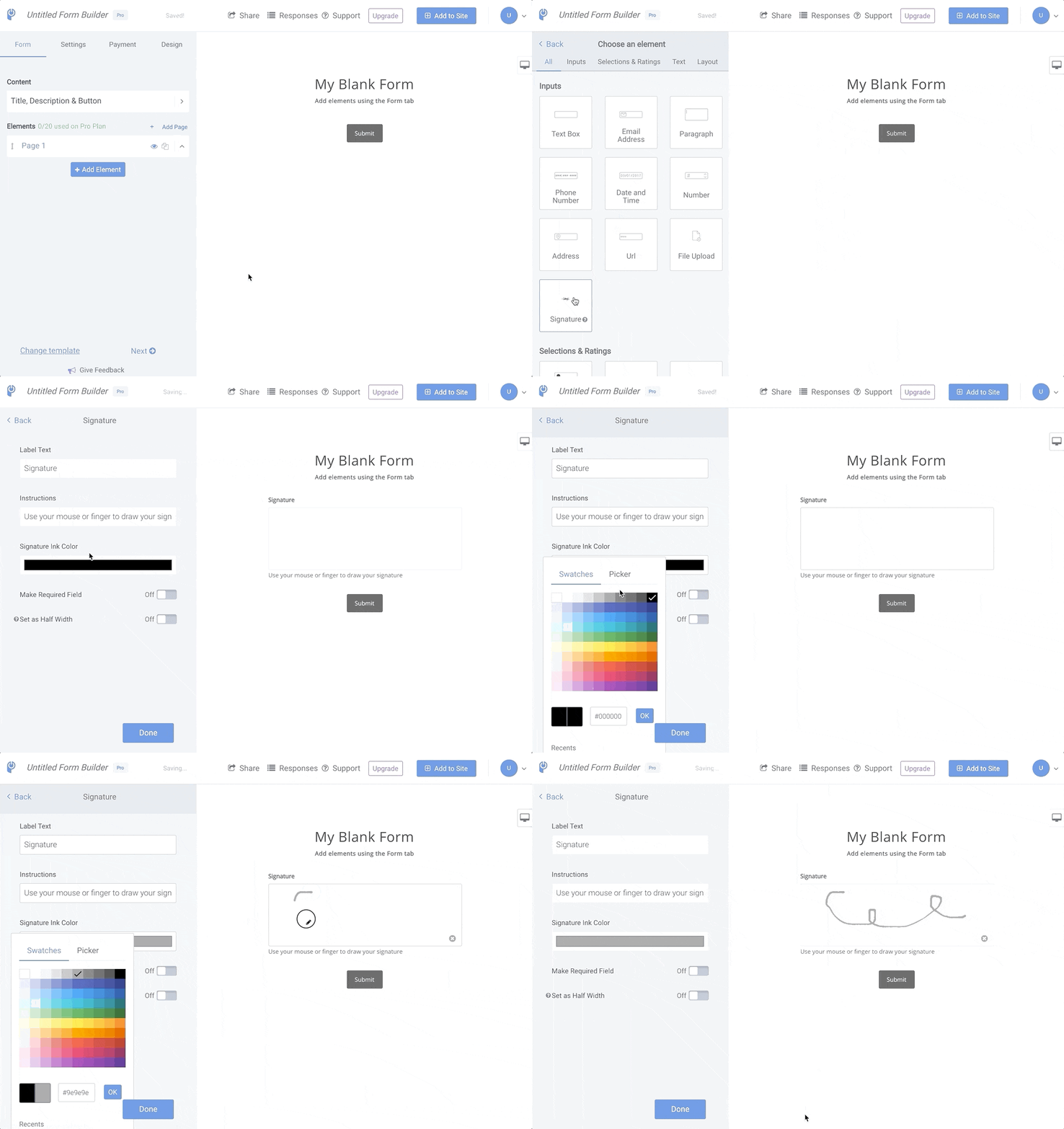
You can collect digital signatures through POWR forms by adding the Signature element to any form.
Open the POWR Editor (App Settings in Wix)
In the Form section click +Add New Element
Click the Signature element to add it to your form
Note: This is an upgraded feature.
Need Help?
If you need any help or have any questions about our Form Builder, our support team is happy to help.
👉 Contact our support team
When contacting us, you'll be prompted to authenticate your email by signing in, and a confirmation code will be emailed to you. This helps ensure our support team's reply will be delivered to you with no issues.
For more information about available features, visit our Pricing Page:
https://www.powr.io/pricing