
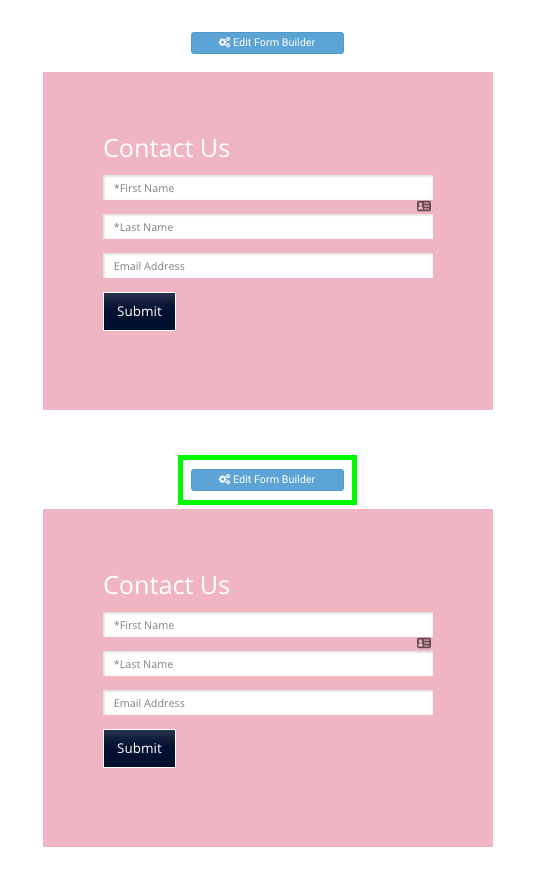
Where is the POWR Edit Icon?
If you don't see the Edit Icon in the top-right corner of your app, there are a few simple steps to take.
Log In
Make sure you are logged in to your account at POWR.io. Only the creator of an app can see the Edit Icon. Visit POWR.io to log in.
POWR Up
Click on your app. Then press P + up arrow on your keyboard at the same time. You may need to do this a few times. This "POWR Up" hotkey should make your Edit Icon appear.
Cookies
If neither of these strategies work, make sure your browser is accepting cookies from POWR. Cookies are necessary for the POWR system to recognize you as the app's owner.
Learn more about the POWR Edit icon in this video: