
What Timezone is my Countdown Timer showing?
Apps with Time elements
Your POWR app may have a time-related element. Some POWR apps that have time elements are Form Builder, Countdown Timer, Booking, and so forth.
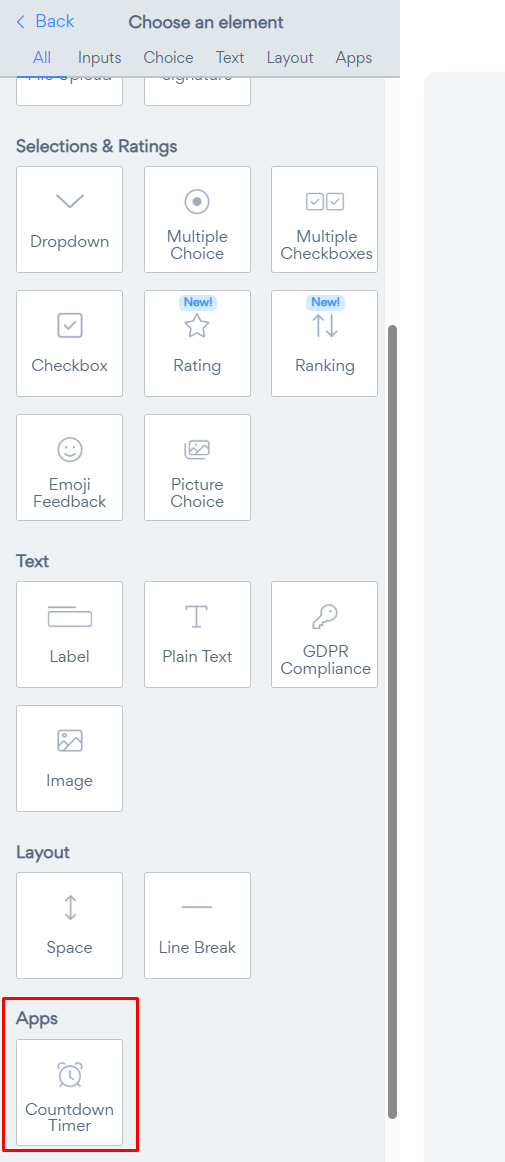
How is the displayed time determined?
Your POWR app's time zone is determined by your system at the time of set up. An example is if you set a Countdown Timer to count down to midnight December 25th, 2027 and you're in Pacific Standard Time. All your site visitors will have their views adjusted to correspond with your time zone; so for New York it's adjust three hours, Paris by nine hours, and so forth.
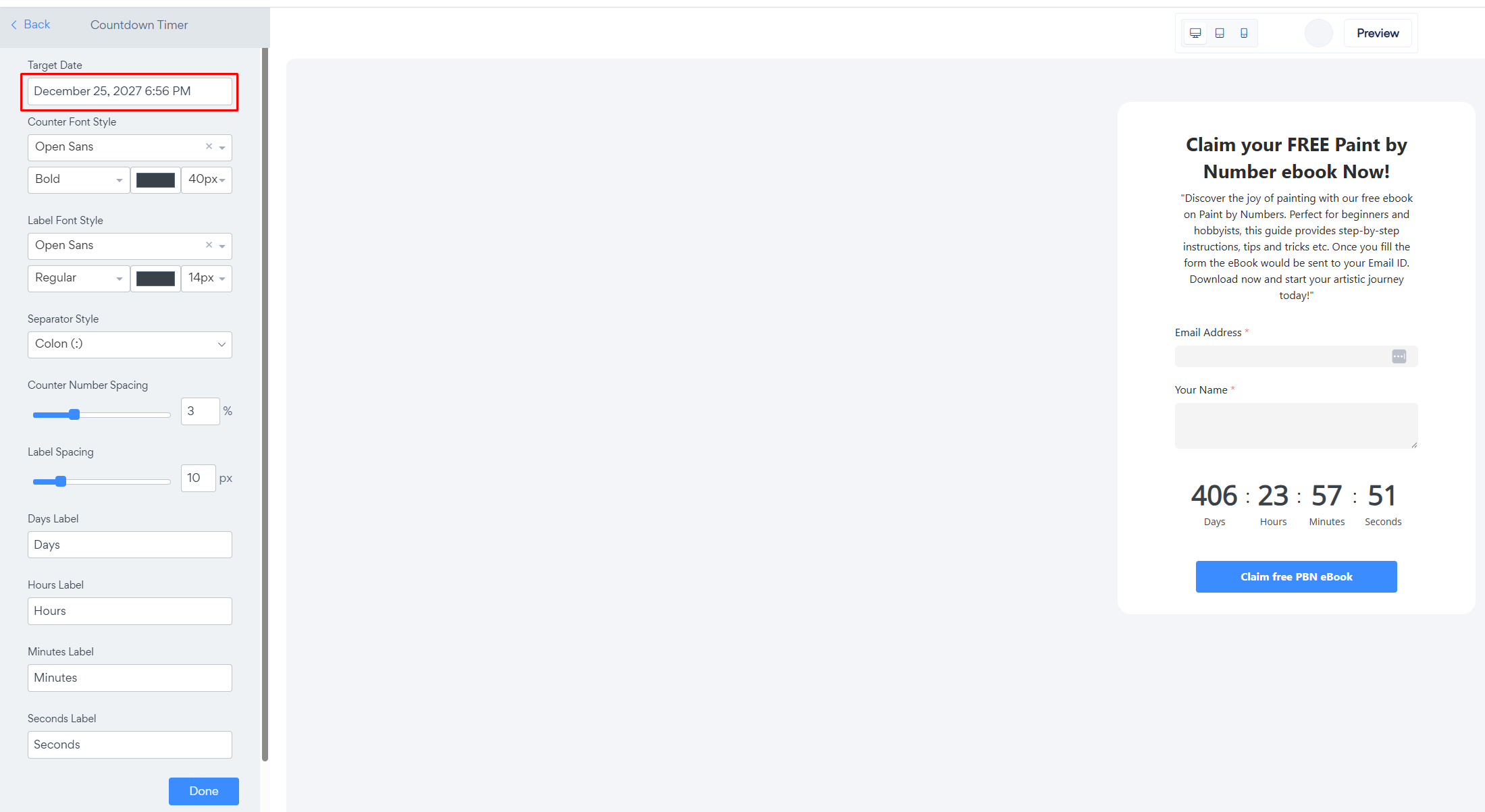
Note: Computers do not know about switching to Daylight Savings Time. If you start counting down to New Year's Eve in Summer, the Target Date will be based on your current UTC offset time. It will not automatically switch to winter time after DST has ended.
Need Help?
If you need any help or have any questions about our Form Builder, our support team is happy to help.
👉 Contact our support team
When contacting us, you'll be prompted to authenticate your email by signing in, and a confirmation code will be emailed to you. This helps ensure our support team's reply will be delivered to you with no issues.
For more information about available features, visit our Pricing Page:
https://www.powr.io/pricing