
What do colored icons mean?
Colored icons on top of my apps
In your POWR dashboard there are colored icons on top of your apps. These colors mean status of your apps.
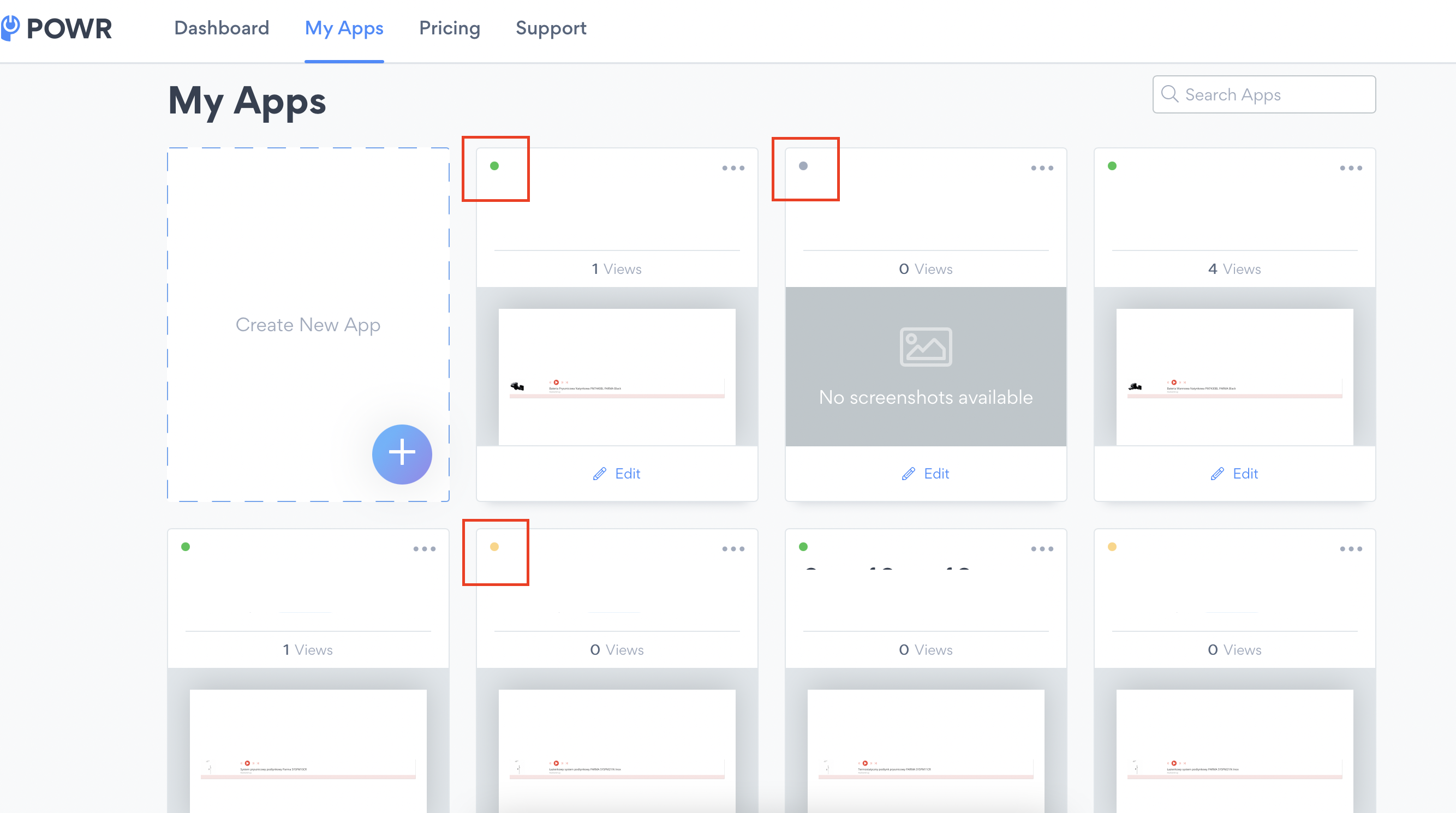
GREY — App is not published.
YELLOW — Last changes in your app is not saved.
Green — App is saved and published.