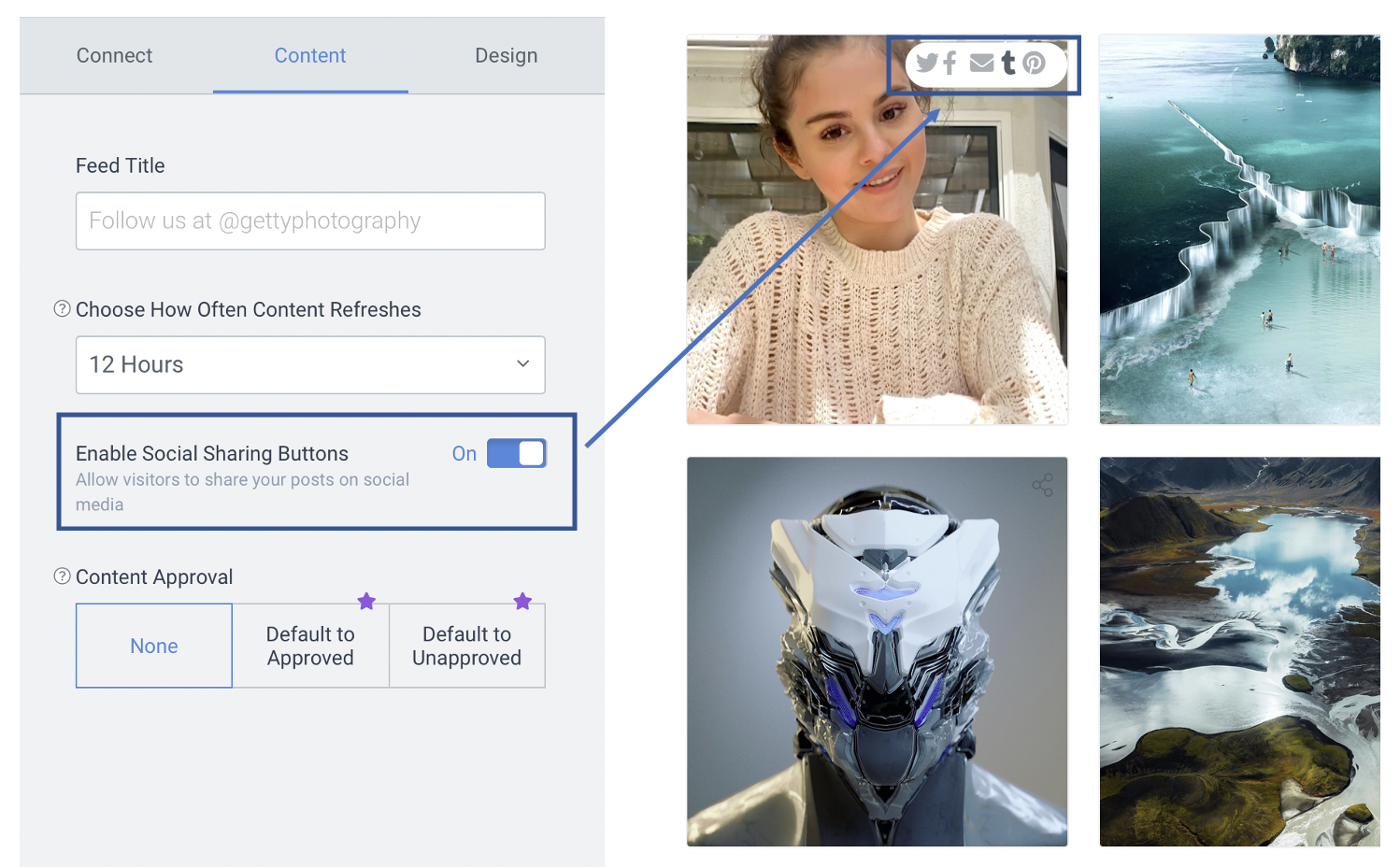
Sharing Social Feed posts on social media
You can allow website visitors to share posts from your Social Feed to their own social channels or via email.
To enable Share in your social posts please follow the steps below:
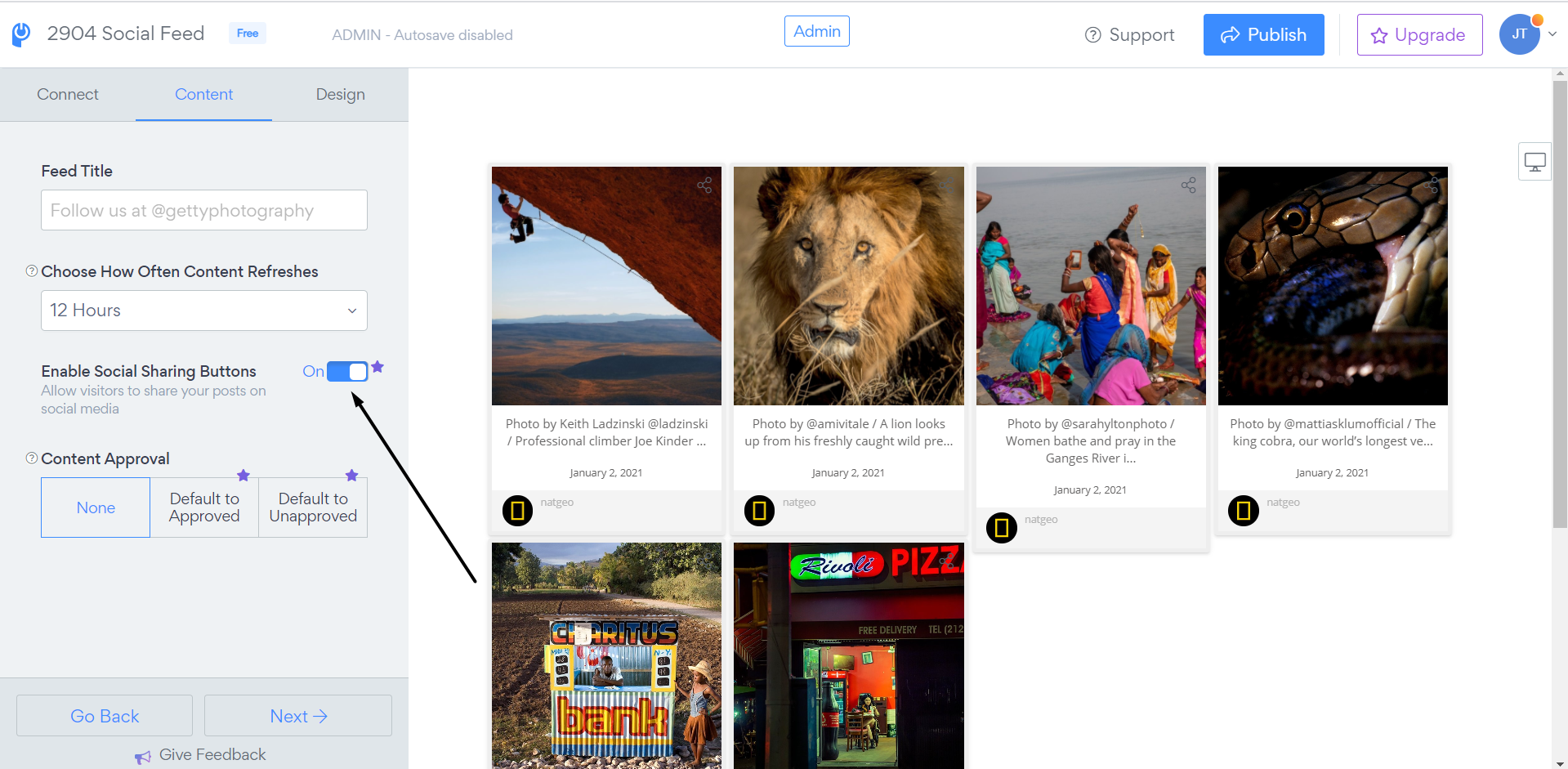
1. Open Social feed app settings
2. Go to Content and toggle on the "Enable Social Sharing Buttons" option:
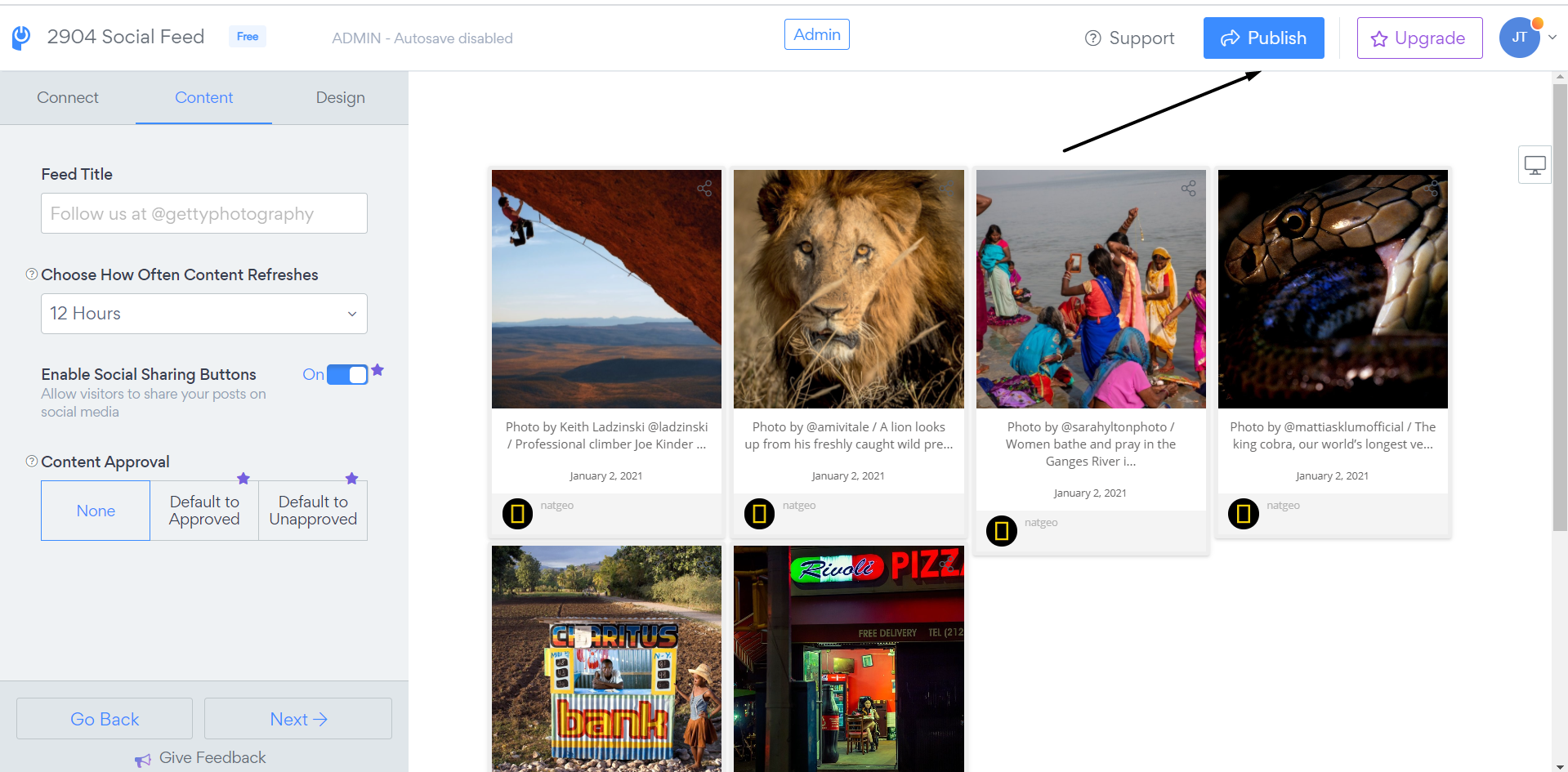
3. Save changes by clicking on the "Publish" button
Visitors can share your posts to the following platforms:
- Google+
- Tumblr
- Pinterest (if image available in post)
Note: This option is currently a Pro feature.