
Setting up Facebook on Social Feed
There are two ways to connect Facebook to POWR Social Feed.
1. Type in the name of the page and select the correct one from the pre-populated results.
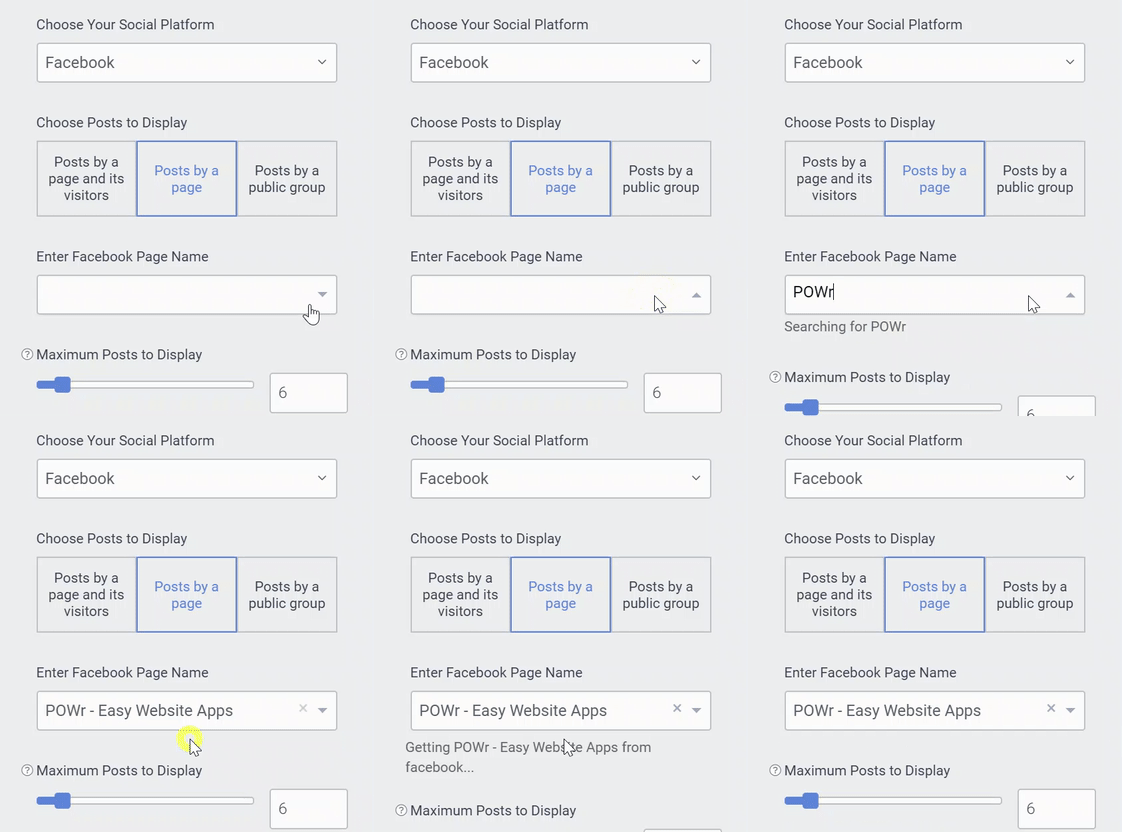
2. Copy the URL of the Facebook page and enter it into the field. Choose the correct page from the pre-populated results.
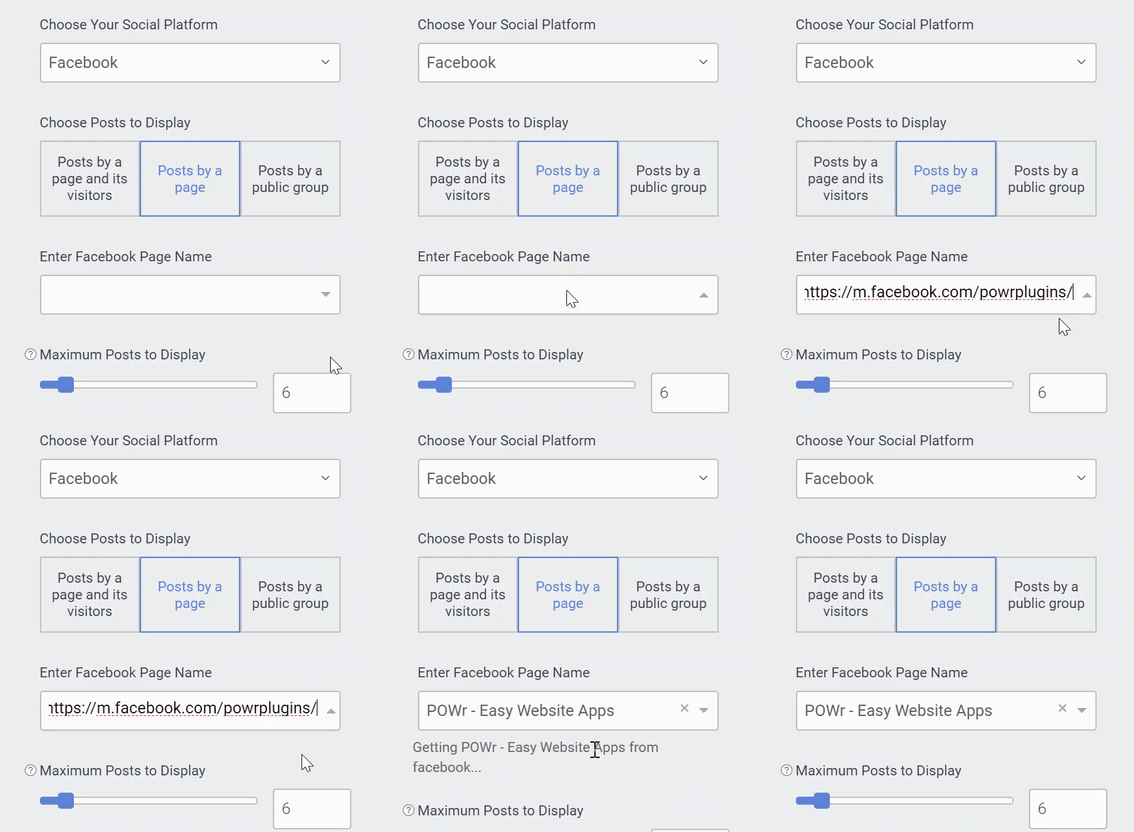
Below is a list of the types of pages you can connect. If using a link to connect, make sure the link is formatted like those in column 2.
Pages
https://www.facebook.com/powrApps/
Communities
https://www.facebook.com/artstorica/
Events
https://www.facebook.com/events/1218931484823407/
Public Groups
https://www.facebook.com/groups/618876468214507/
Places
https://www.facebook.com/metmuseum/
There are certain types of pages that will only connect if you have the setting Posts by a page and its visitors enabled in the POWR Editor. This setting is a Premium feature and an upgrade is required. These types of pages are:
- Closed Groups
- Events with no posts by organizer
The app will return 'Nothing Found' when this is the case.
Note: It’s not possible to connect Facebook profiles.
If you receive an API error code, please read this article for more information: Facebook Social Feed API error code