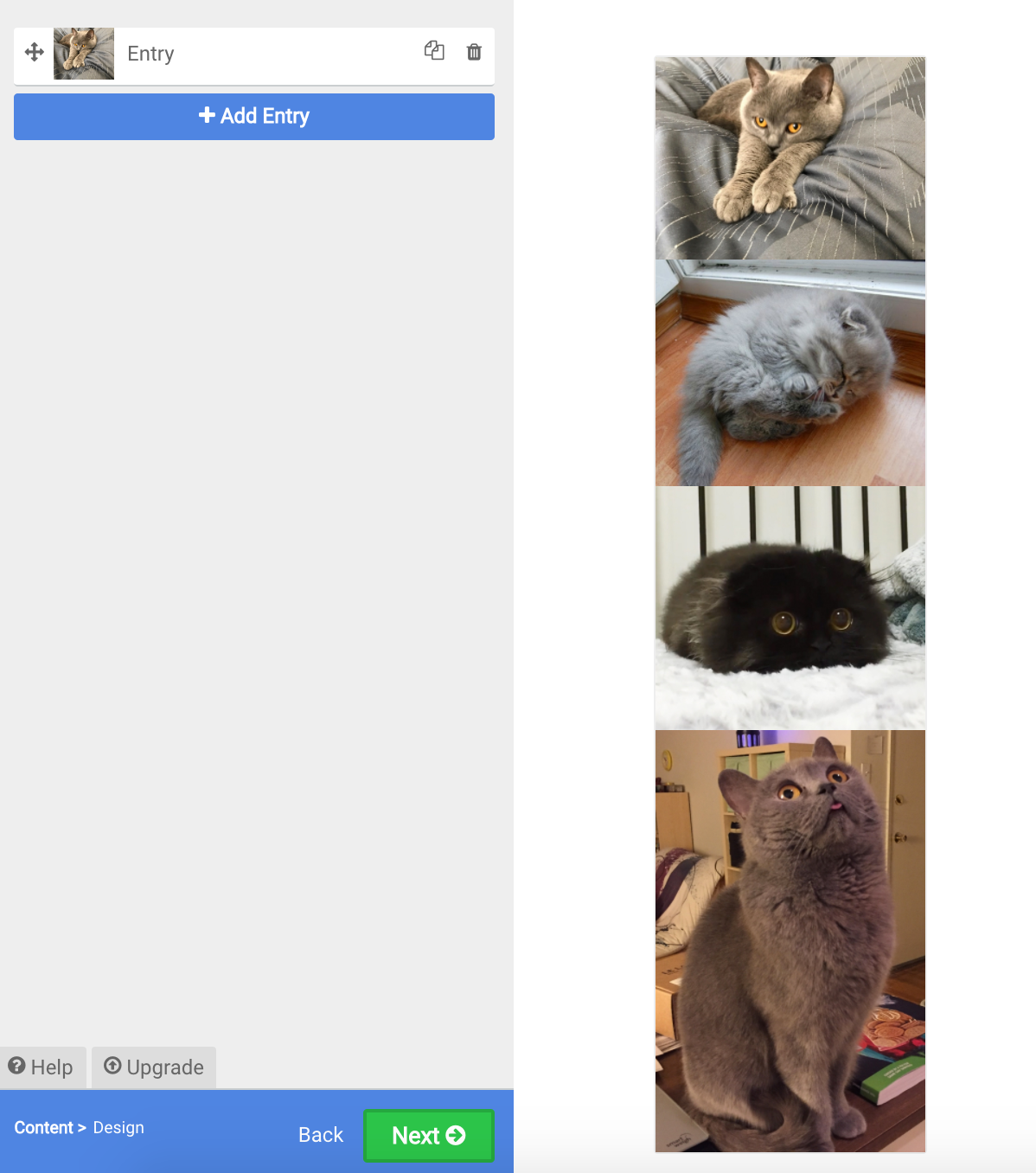
Photos stacked vertically in Gallery
Stacked Galleries: One Entry
Our Galleries use a a Pinterest-style layout where images (or other types of entries) are arranged in a responsive layout.
If your Gallery is not showing entries in such a way, you are most likely adding several images into the same entry.
If your Gallery looks like the one on the right, that is what is happening in your Gallery.
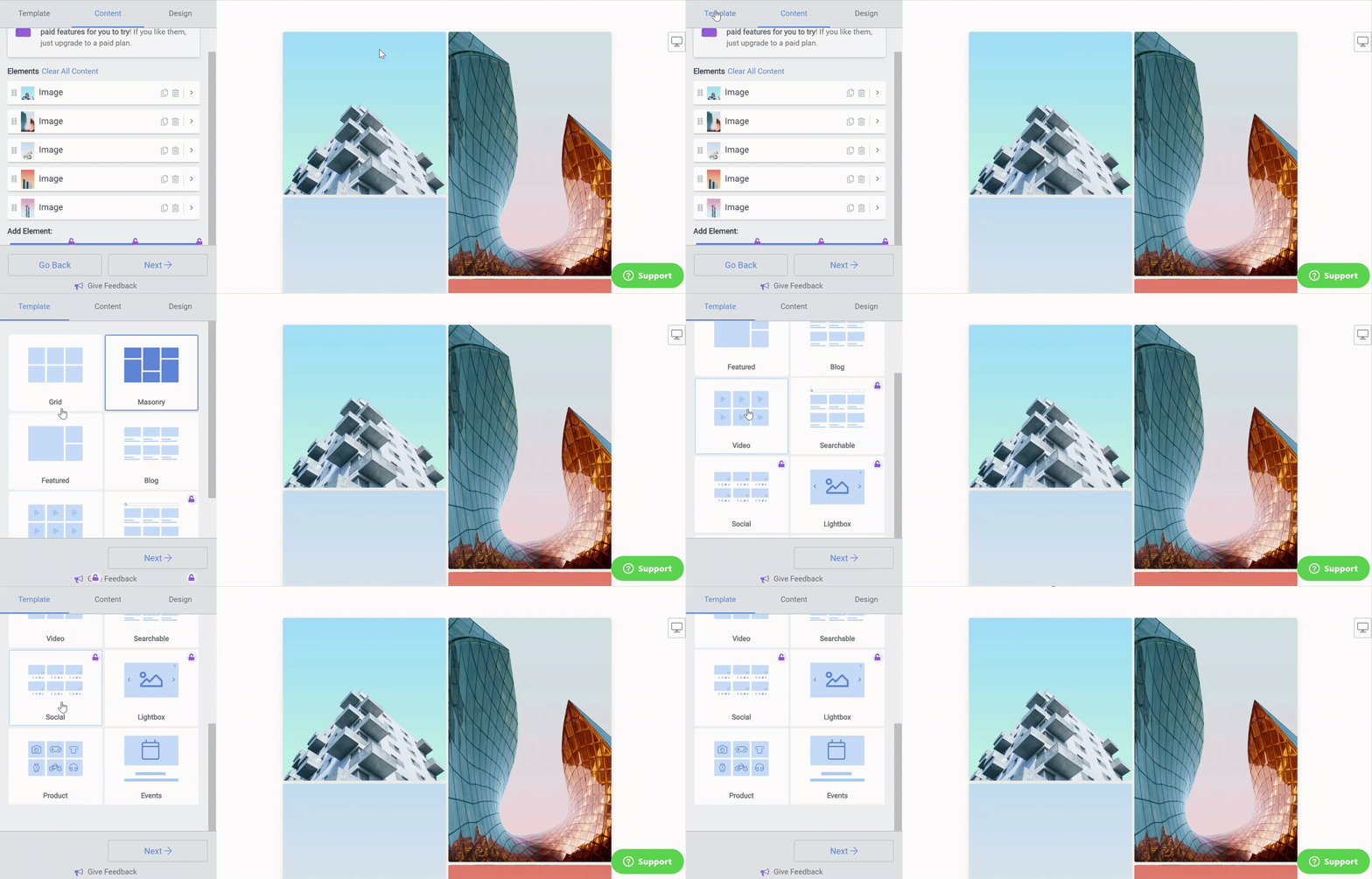
Responsive Galleries: Many Entries
To instead make the Gallery appear in the fully responsive layout, delete all but one image from your entry. Click + Add Entry, select 'Photo' from the available element choices and re-add your photos. Repeat this for each photo.
Your settings panel will then show a separate entry for each photo and your Gallery will then look like the one below. On the Template page, you can choose from a variety of responsive Gallery layouts.