
Limit Form submissions in Wix
In this article group
- Intro to POWR Forms
- Why Was My POWR Account Deactivated?
- Why Is CAPTCHA Showing Even Though I Disabled it?
- Intro to POWR Form on Wix
- Huge header gap in the mobile version of Formbuilder
- Can I change the language on the individual elements of Address field?
- Is it possible to have a POWR form appear only when the product is selected with the "Buy" button?
- Align checkbox within the forms
- I need to add Subsription bar to my site. Which POWR app I can use?
- How can I make the fields required in my form?
- Will I be able to limit form fields to 50 characters?
- Oops! Your POWR form hit the maximum number of admin emails per hour.
- How to change color of label text in my Form Builder?
- Does the Form have Input Validation feature?
- Set a limit or deadline for Form Submissions
- Unlock Venmo, Google Pay and more with "PayPal Complete Payments"
- Form Builder: Elements not visible in IE11
- My POWR App is Taking Too Long to Load
- How to use POWR Form Builder in Shopify POS
- How do I get emotional feedback using Emojis in my form?
- Fixed Positioning in Form Builder
- Why am I getting a form submission error?
- How to add Terms and Conditions to a Form
- Accepting File Attachments and File Uploads with POWR Forms
- How to add Elements to POWR Forms
- Manage memberships with POWR forms
- Can I use Multi-Steps / Pages in my Forms?
- Allow Users to Print your Forms
- How to change date format (US vs. International)
- How to add images to Forms
- Numbers Element in POWR Forms
- How to create Multiple Choice questions in Forms
- How do Conditional Logic elements work?
- Collecting Digital Signatures in Forms
- Can I collect secure information with POWR Forms?
- How do I create side-by-side elements in forms?
- How to change Text Size, Color, or Font in Forms
With the Form Builder limit submissions feature, it is possible to set a submission limit, deadline, or both. This can be extremely helpful if you only have a limited number of registrants that you can accept for a class or if you want to make sure that no one signs up for your event after it has already taken place.
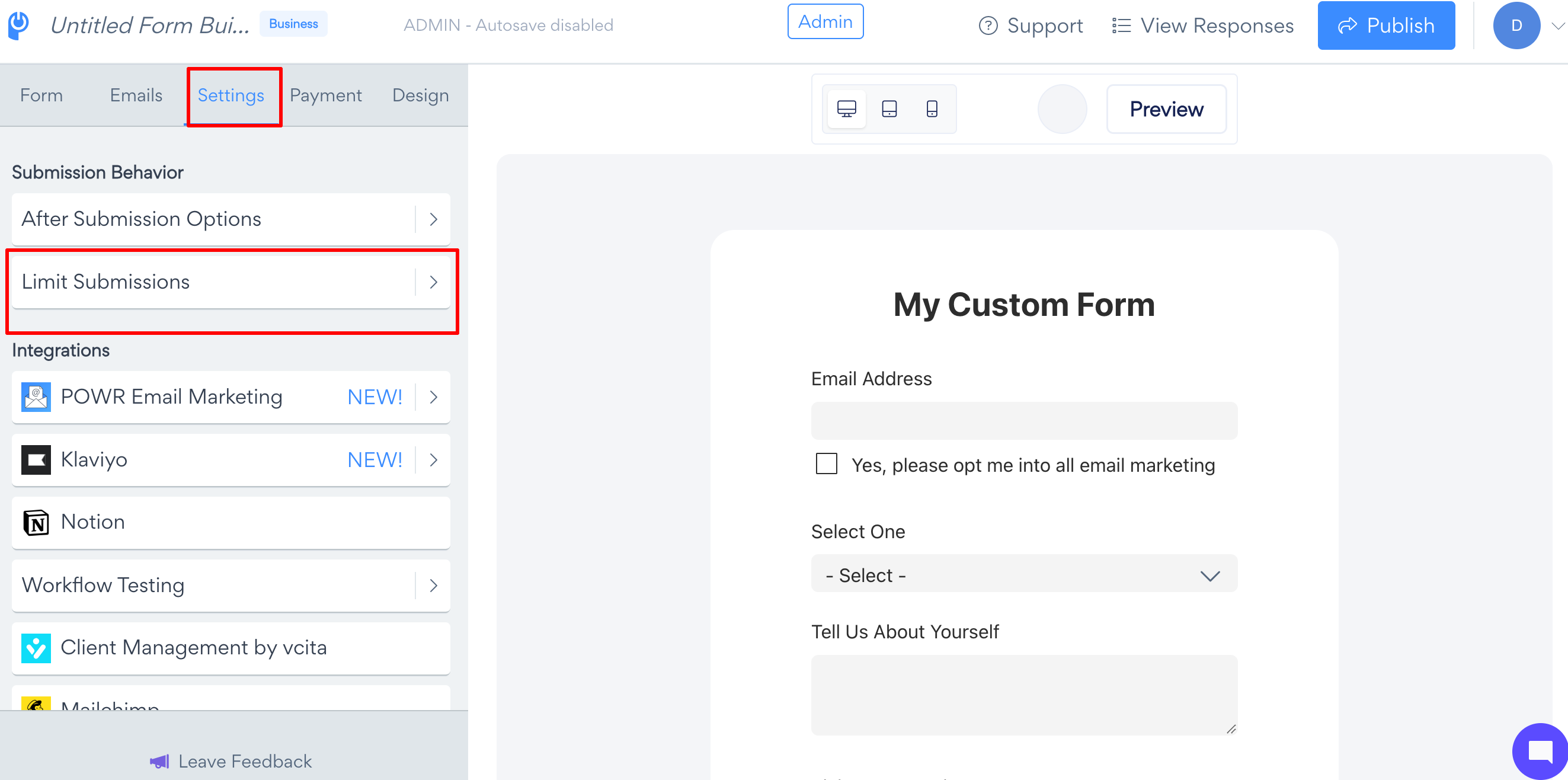
To limit submissions by IP address:
App Settings > Settings > Limit Submissions, toggling Prevent multiple form submissions per IP address on
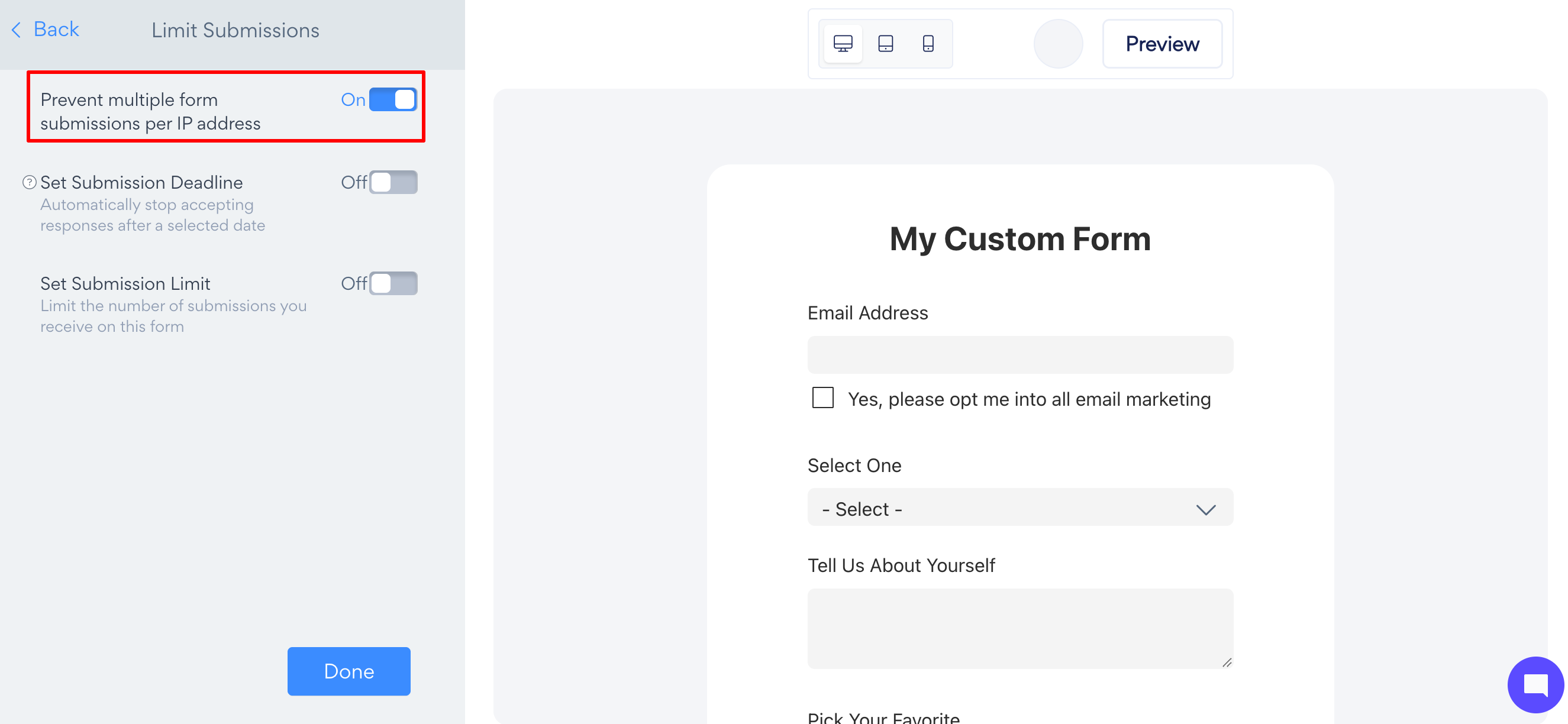
When a limit has been set, a "Limit Reached Message" setting will become visible.
*The submission limit is an upgraded feature. Check out our pricing table page for more details.