
How to use a single Product Reviews app for multiple products (Advanced)
By default, when you install Product Reviews on your website, the app will store all reviews that are submitted under a default "Product Id" of "0". However, if you like, you can collect reviews for several different products with a single app by modifying the install code snippets.
Product reviews has the ability to collect and display only those reviews associated with a unique product id. This means that you can create a Product Reviews app for your website. Then you can install this app on both your "T-shirt" product page and your "Cowboy Hat" product page and make it so each only shows the correct reviews. You will need to modify both the app and badge snippets with a product id to enable this behavior.
App Install
When you publish your Product Reviews app, the install snippet should look something like this (note your id will be different):
To add a product id, you want to modify the first line and add the product id by adding the attribute data-product-id="12345" to the
The updated code should look something like this:
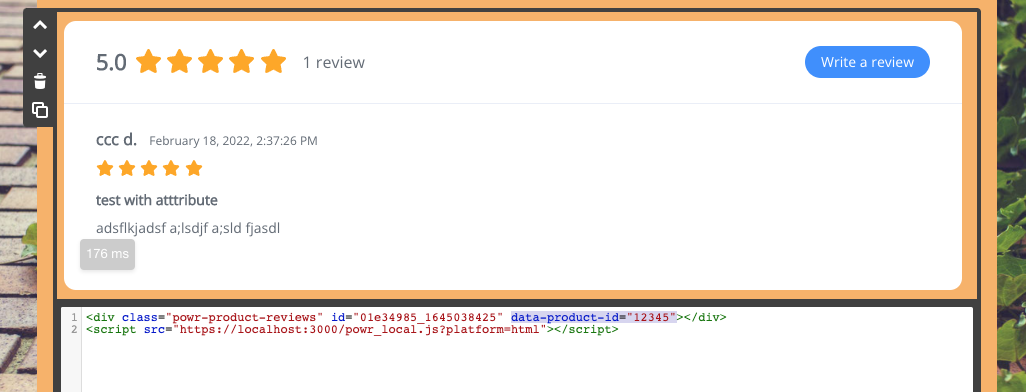
You can also add a data-product-name="t-shirt" using the same technique. Note that the name will only be show on the Reviews Management screen, it will not appear in the publish reviews.
Review Badge Install
You will need to do the same modification to the Review Badge install code snippet.
Original will look like this:
After adding the product id (data-product-id="12345"), it will look similar to this:
NOTE: Product Reviews on Shopify handles multiple products by default without requiring any changes.