How to Set Up Buy Now Pay Later (Pay in 4) in POWR Payment Button
In April 2021, POWR launched an integration between POWR Payment Button and PayPal's Commerce Platform (PCP).
This integration now makes it possible for users of POWR Payment Button to offer their customers greater payment flexibility.
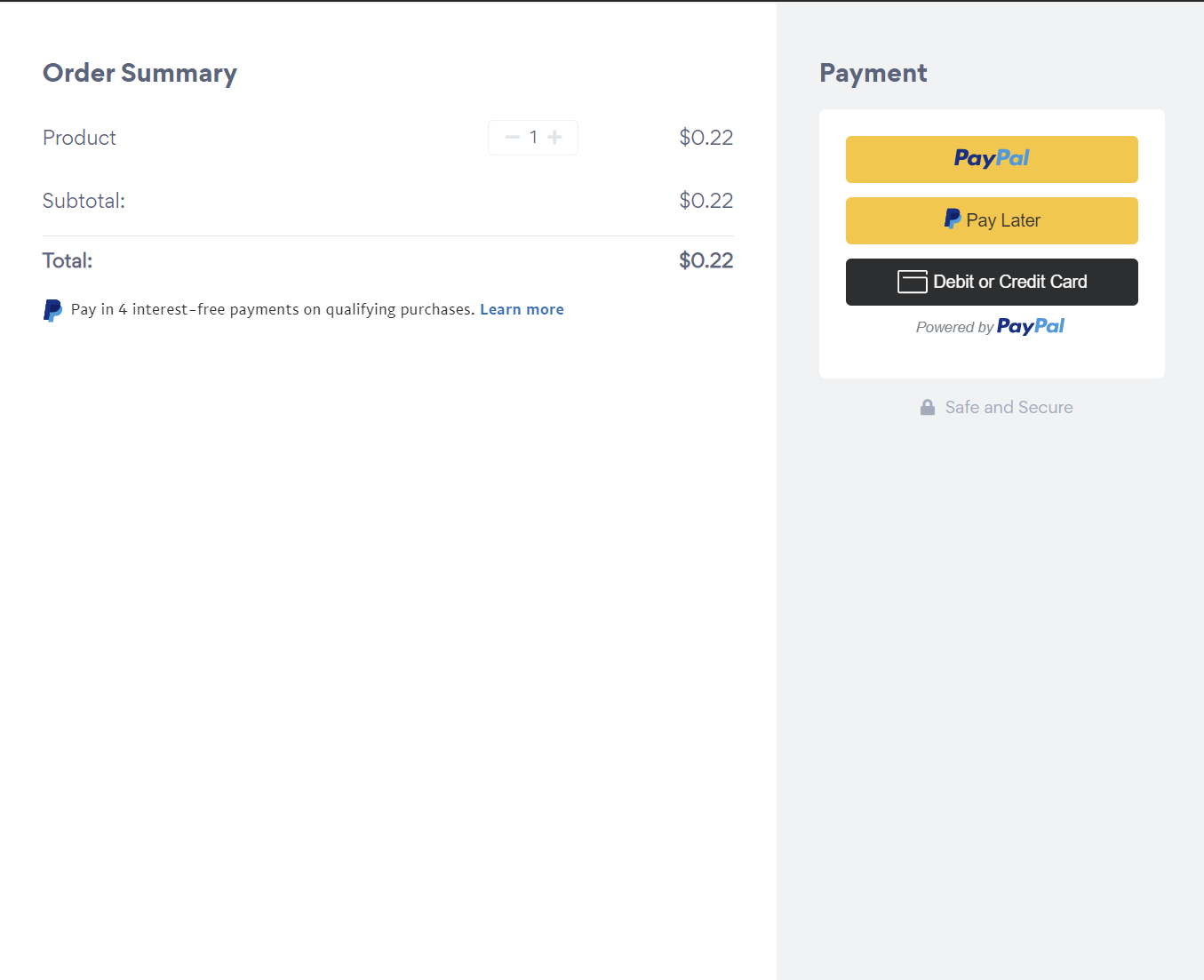
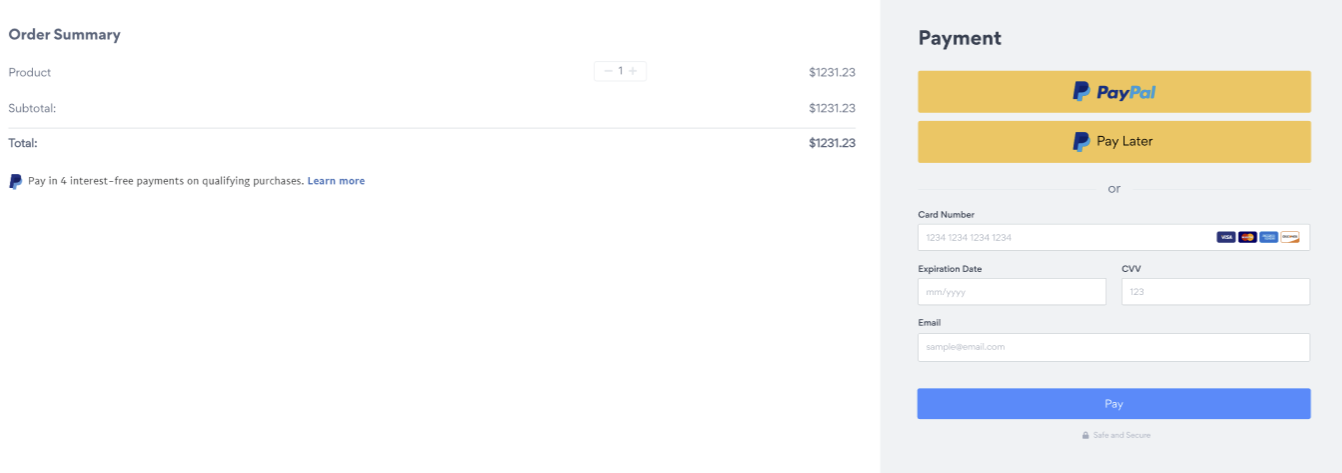
There are two main options that come with the new PCP integration: offering credit card payments in the same PayPal checkout window and offering the PayPal Pay in 4 option.
Please note that a PayPal Business account is required to access these options. You can either connect an existing PayPal Business account or create a new one. For more information on the difference between a Personal and Business account, refer to this article.
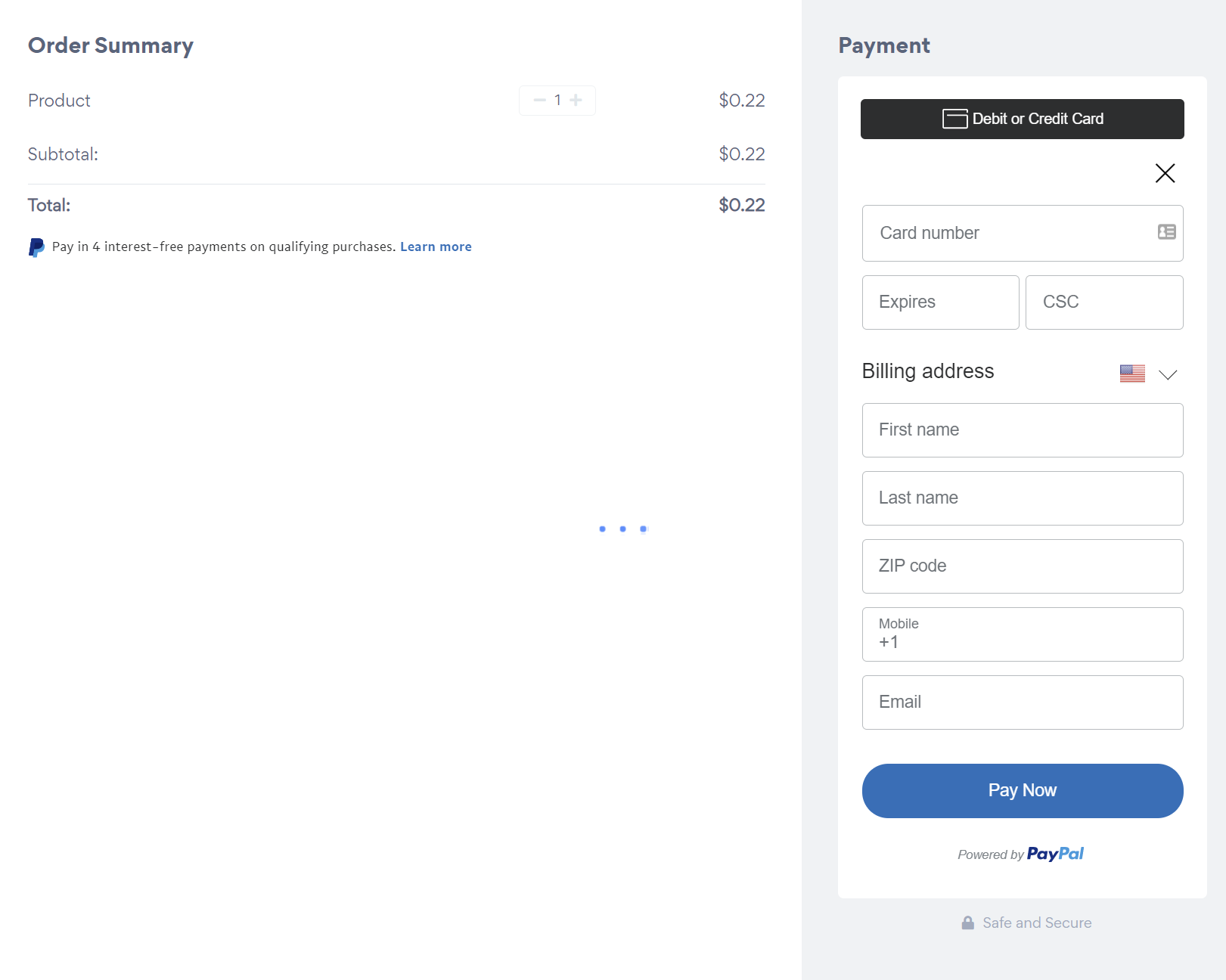
1. Accept credit or debit card payments within your checkout screen
Your customers will be able to easily enter their credit/debit card information directly in the PayPal checkout screen if they prefer to pay that way rather than connecting to PayPal. The added bonus is it’s all in the same window and doesn’t launch a new checkout flow. This means more simplicity for your customers, and more sales for you.
2. Enable Buy Now, Pay Later with PayPal’s Pay in 4 program
PayPal’s Pay in 4 program is one of the simplest ways of reducing cart abandonment by allowing your customers to pay you in 4 interest-free payments for any orders between $30 and $600.
It’s completely risk-free for you as you’ll get paid upfront by PayPal.
***Please note that the Pay in 4 program is currently only available to retailers in the US.
How to Connect to Set Up Credit/Debit Card Payments and Pay in 4
Go to POWR Payment Button.
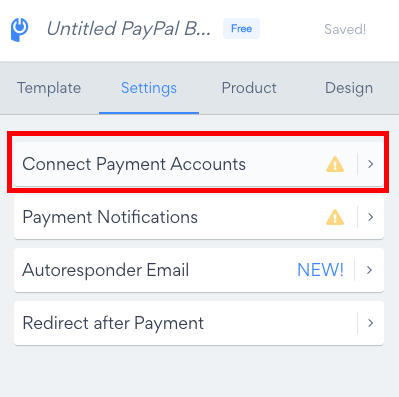
In the Settings tab click Connect Payment Accounts:
Under PayPal Account Type, click Advanced:
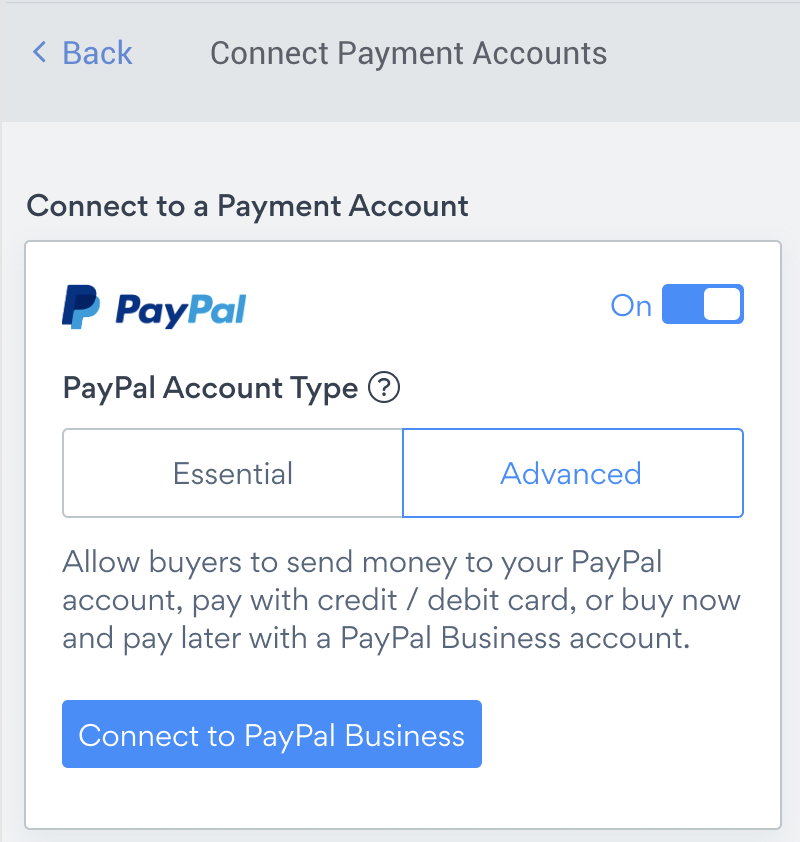
Click Connect to PayPal Business.
A new window will open and you'll be prompted to connect to PayPal:
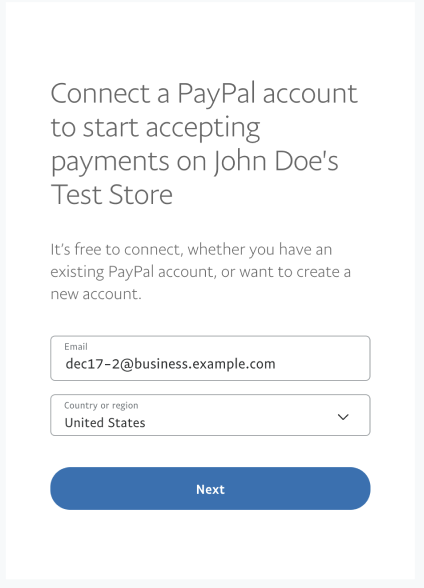
Follow the on-screen instructions to connect your PayPal Business account to POWR Payment Button.
Please note: if you don't already have a PayPal Business account, or you'd like to connect a new PayPal Business account, you can create one during this step.
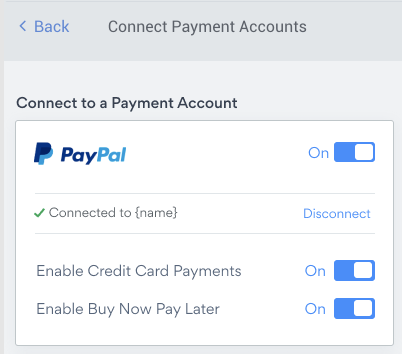
You can now enable Buy Now Pay Later and/or credit card payments in your checkout screen by toggling them on in the Settings here: