How to receive form admin emails at multiple email addresses
Note: This is a Starter Feature. You must upgrade to add multiple email addresses.
Want to send email notifications to multiple addresses? Here's how.
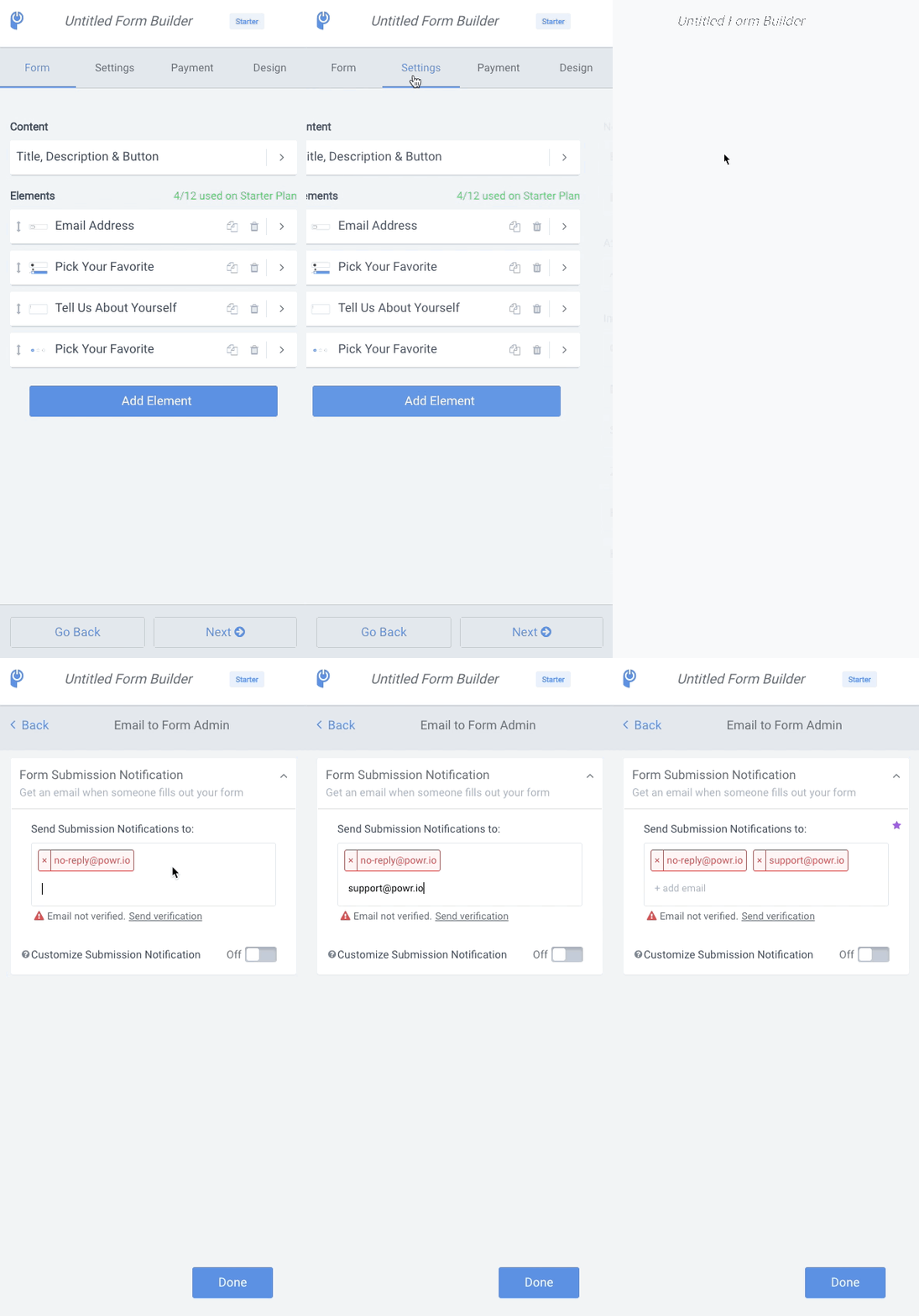
To add multiple addresses:
- Open the POWR Editor (Or App Settings in Wix)
- In the Settings tab, click Email to Form Admin
- Enter up to two email addresses into field, pressing 'enter' or 'space' after each address
- For Pro and Business subscriptions, repeat for additional addresses