
How to Connect POWR Forms to Mailchimp
Connect Mailchimp to your POWR Form to grow your Mailchimp list. To set this up, follow these steps:
Step 1
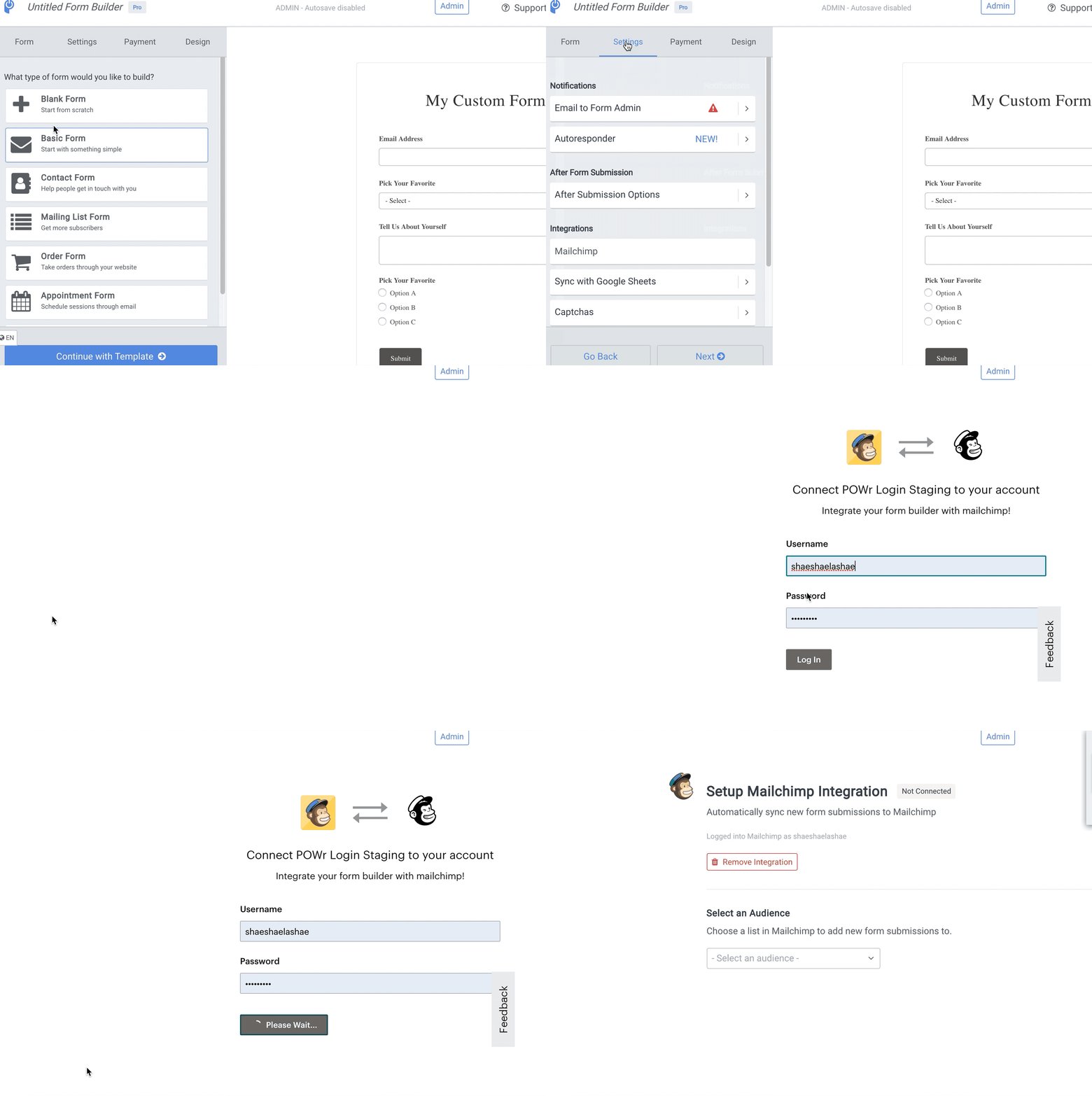
Open the POWR Editor (App Settings in Wix)
In the Settings tab, go to the Integrations section and select Mailchimp
Sign into your Mailchimp account to authenticate the integration
Step 2
Select the audience (previously referred to as lists) from your Mailchimp account for your POWR form responses
Step 3
Match any required Mailchimp fields with POWR Form Elements to map responses to the appropriate fields/columns in Mailchimp
Select optional Mailchimp fields from your audience list from the dropdown and match with other POWR Form Elements
Once you have your Mailchimp fields mapped to POWR form elements, click “Save Integration”