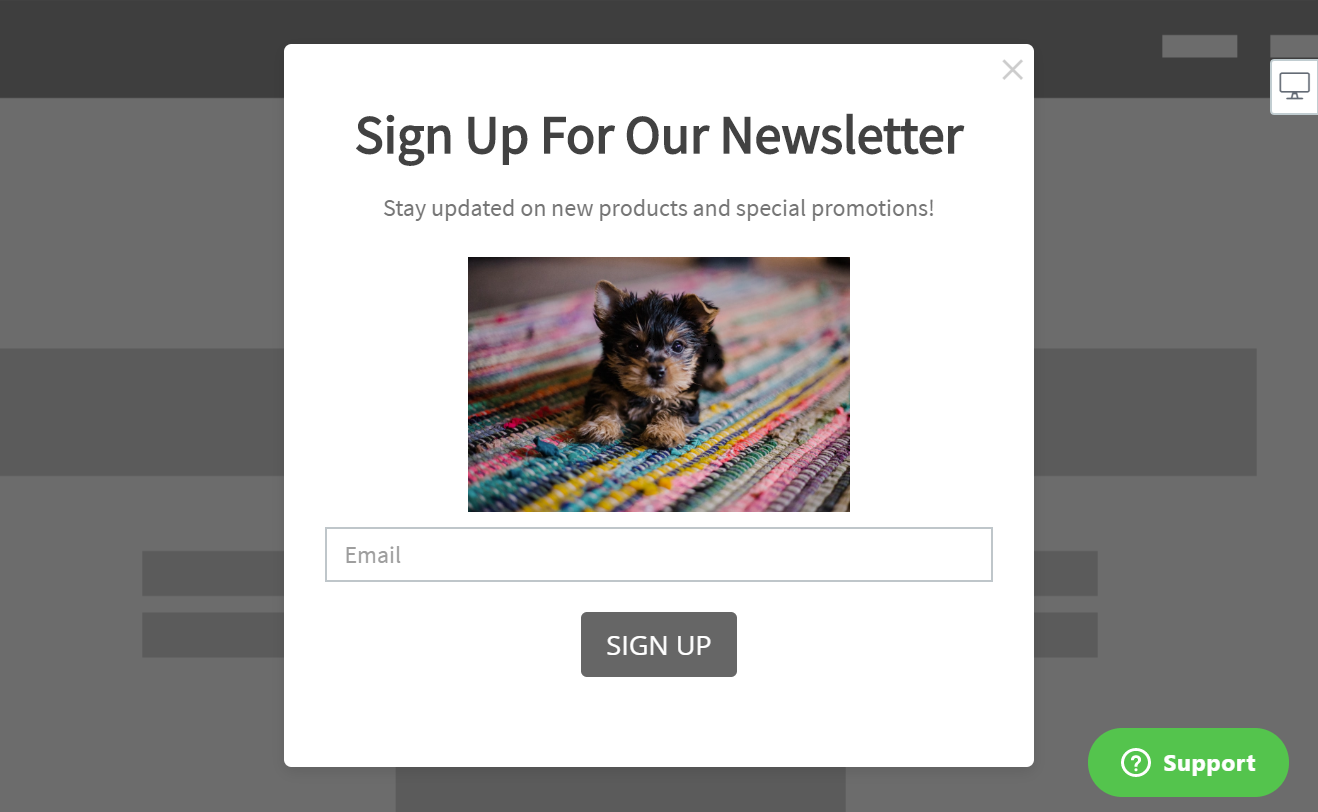
How to add free stock images to your apps
Easily add free stock images to your apps in a few steps:
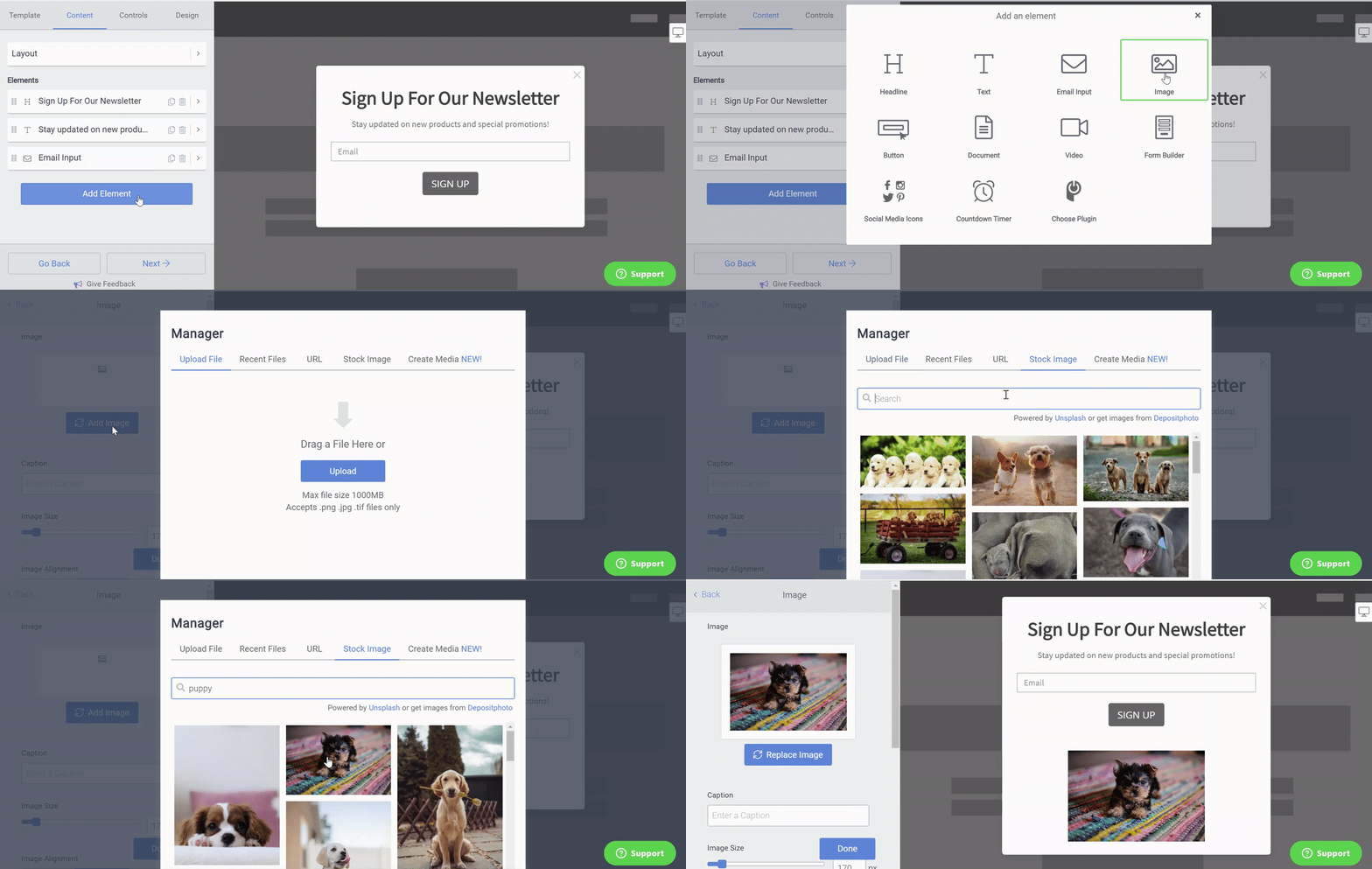
- Open your POWR Editor
- Choose to add an image.
- In the File Manager, click Stock Image.
- Enter your search term.
- Select an image.
- Save your apps.
Free stock images are available in almost all apps:
- Popup
- Form Builder
- Slider
- Microblog
- FAQ
- Tabs
- Booking
- Price Table
- Menu, and more.