
How to Add a Photo to Sliders or Galleries
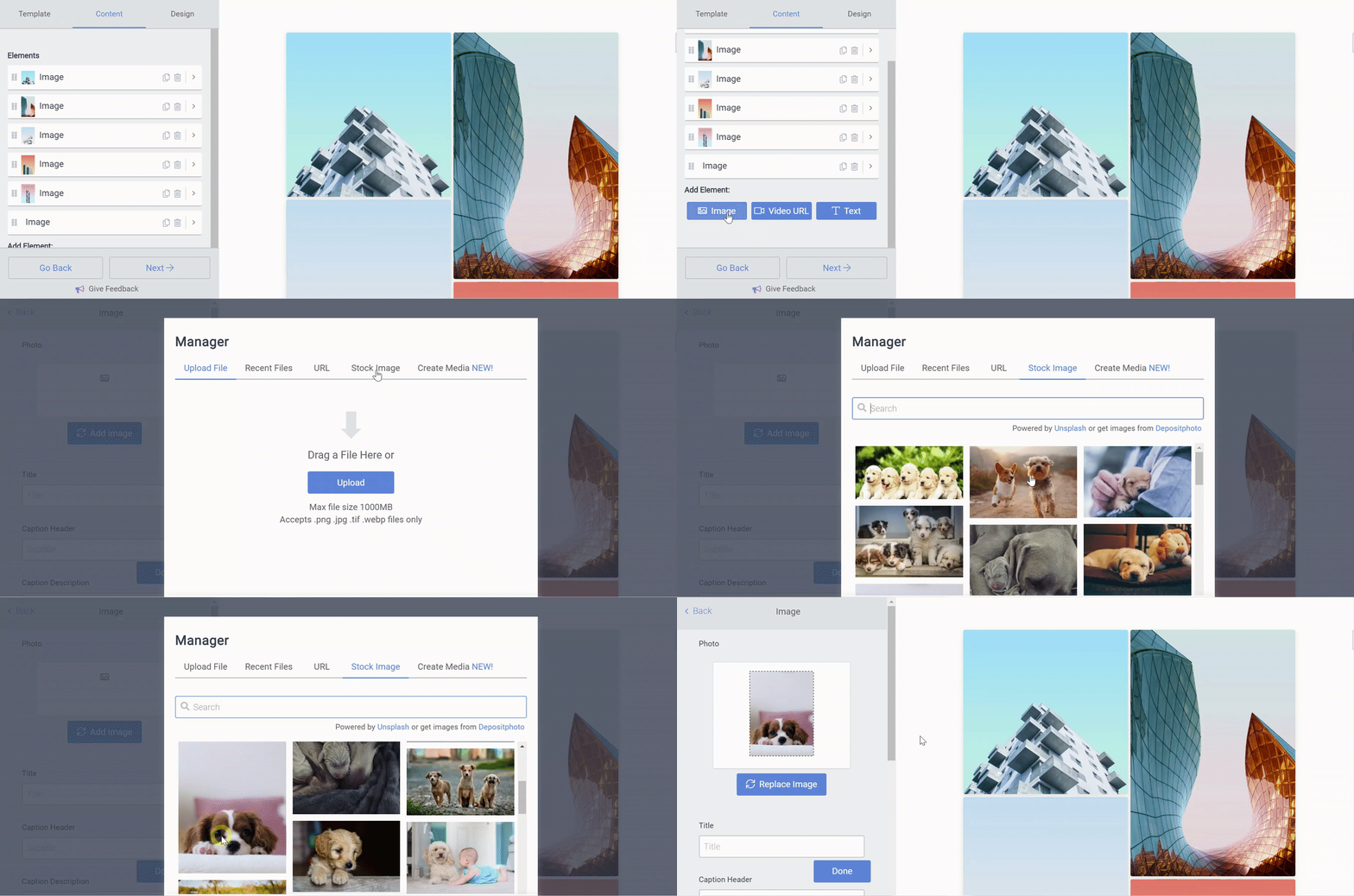
In Galleries
- Open the POWR Editor and go to the Content section.
- In the Add Element: section, select Image
- Select an existing image in your Recent Files, Upload a new image, use the image URL, or choose a Stock Image to add to your Gallery
In Sliders
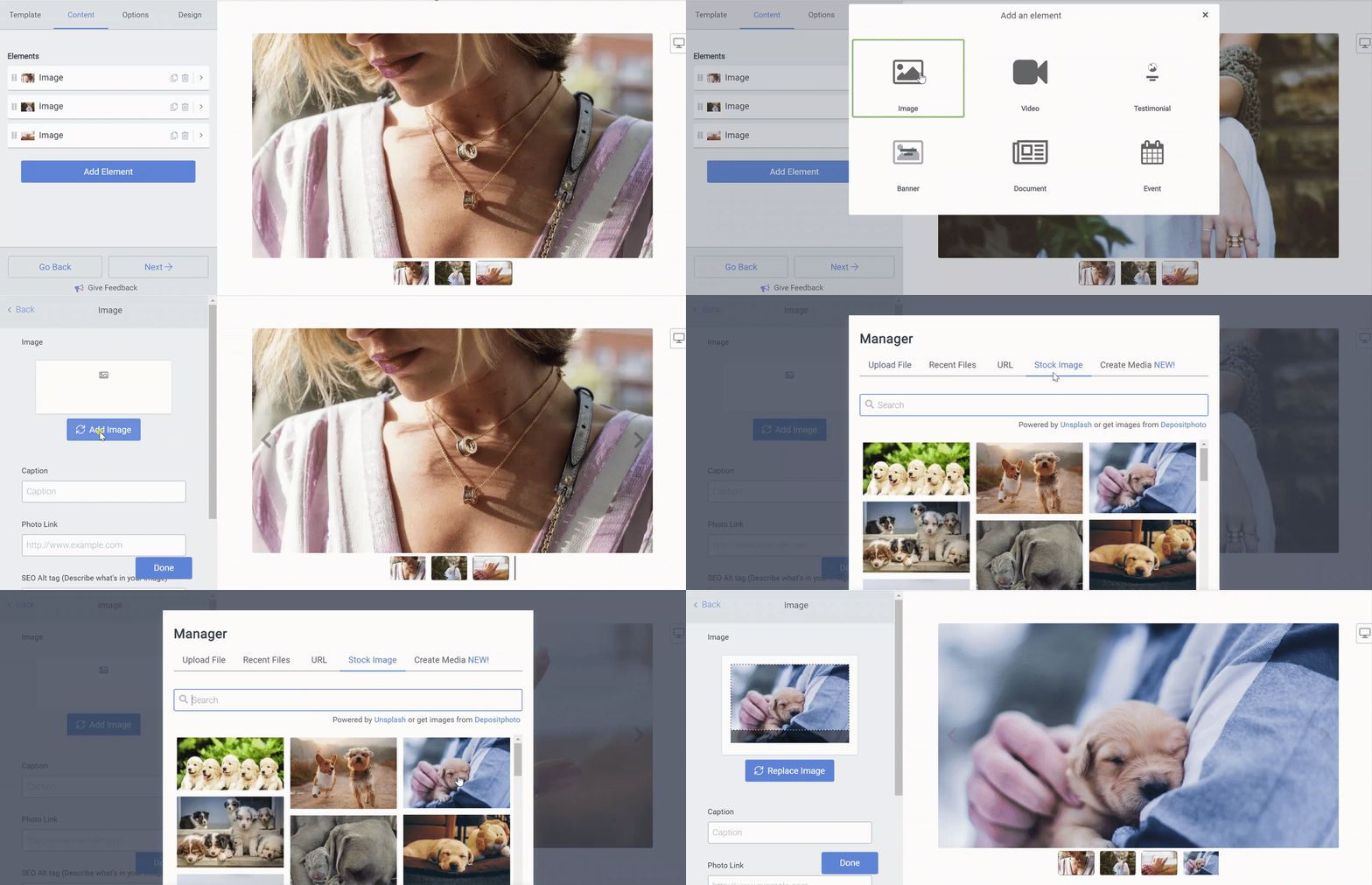
- Open the POWR Editor and go to the Content section.
- Click Add Element to open the File Manager.
- Select Image and the click Add Image
- Select an existing image in your Recent Files, Upload a new image, use the image URL, or choose a Stock Image to add to your Slider
Note: Uploading very large files or selecting more than three files at a time can freeze the Image Uploader. If the load time last more than thirty seconds, cancel and try again with a smaller file, or fewer files.