
How can I downgrade my subscription to a lower plan?
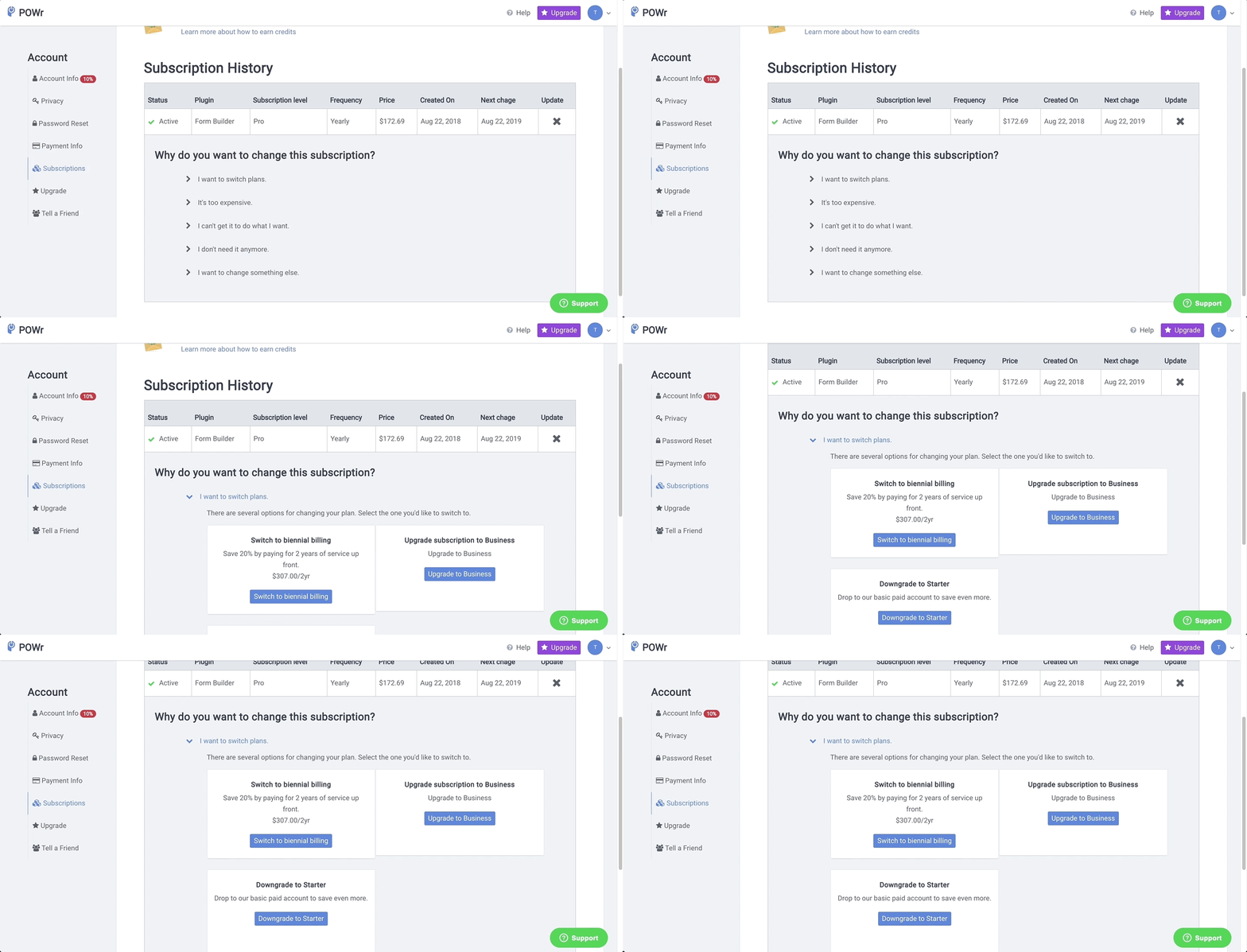
To view your active subscription, log into your account at POWR.io, select your email address in the top right corner, and go to My Account > Subscriptions.
In the Subscriptions window, you can see all active and past subscriptions in your POWR account. To downgrade your subscription to a lower plan, click I want to switch plans. Here, you're able to either upgrade or downgrade your plan.
Note: If you purchased a Business subscription to a specific App such as Form Builder, only that App type will downgrade to a Starter or Pro subscription*.
*If you purchased an upgrade prior to July 20, 2017, all Apps created in your account will downgrade to a lower plan.