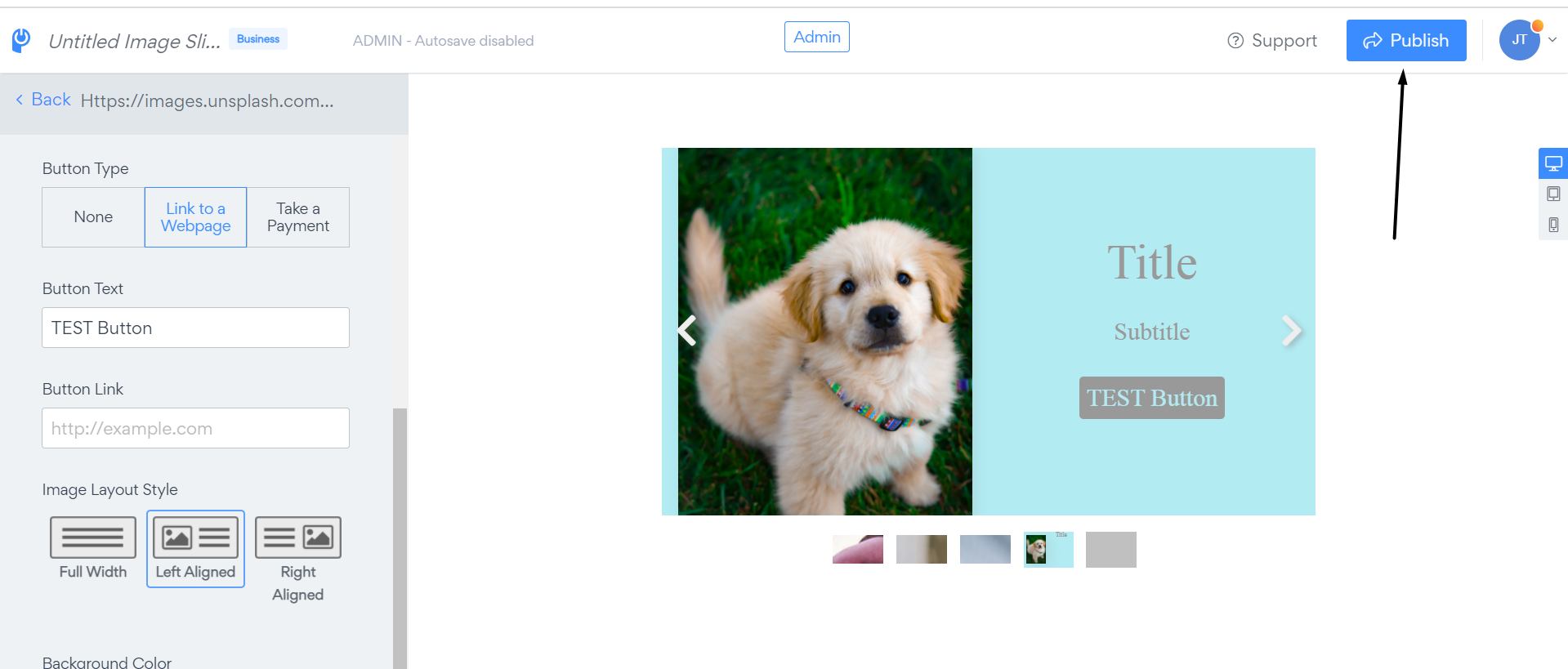
How can I add a button in POWR Sliders?
It is possible to add two types of Buttons in POWR Sliders:
- Link to a Webpage
- Take a Payment
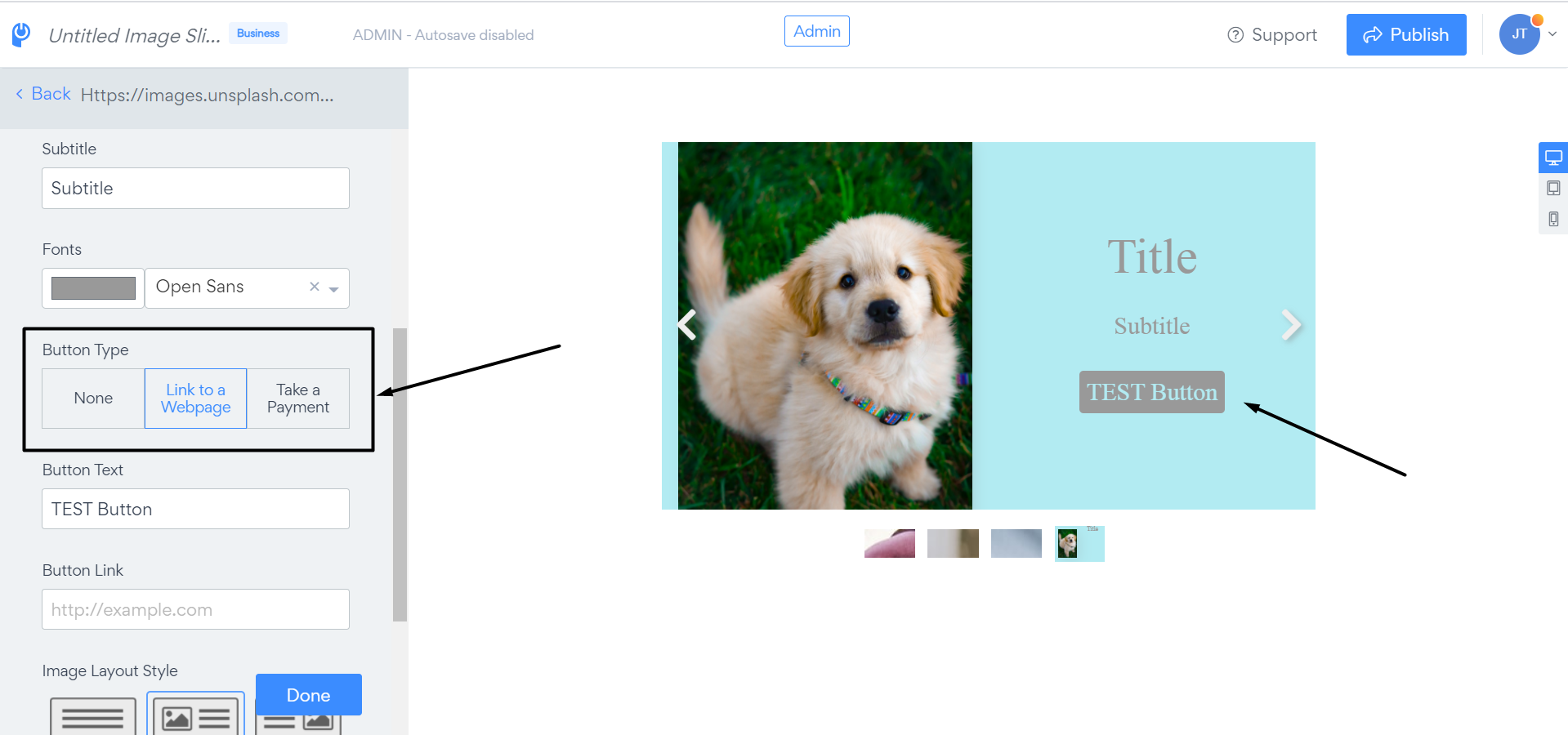
To add a button please follow these steps:
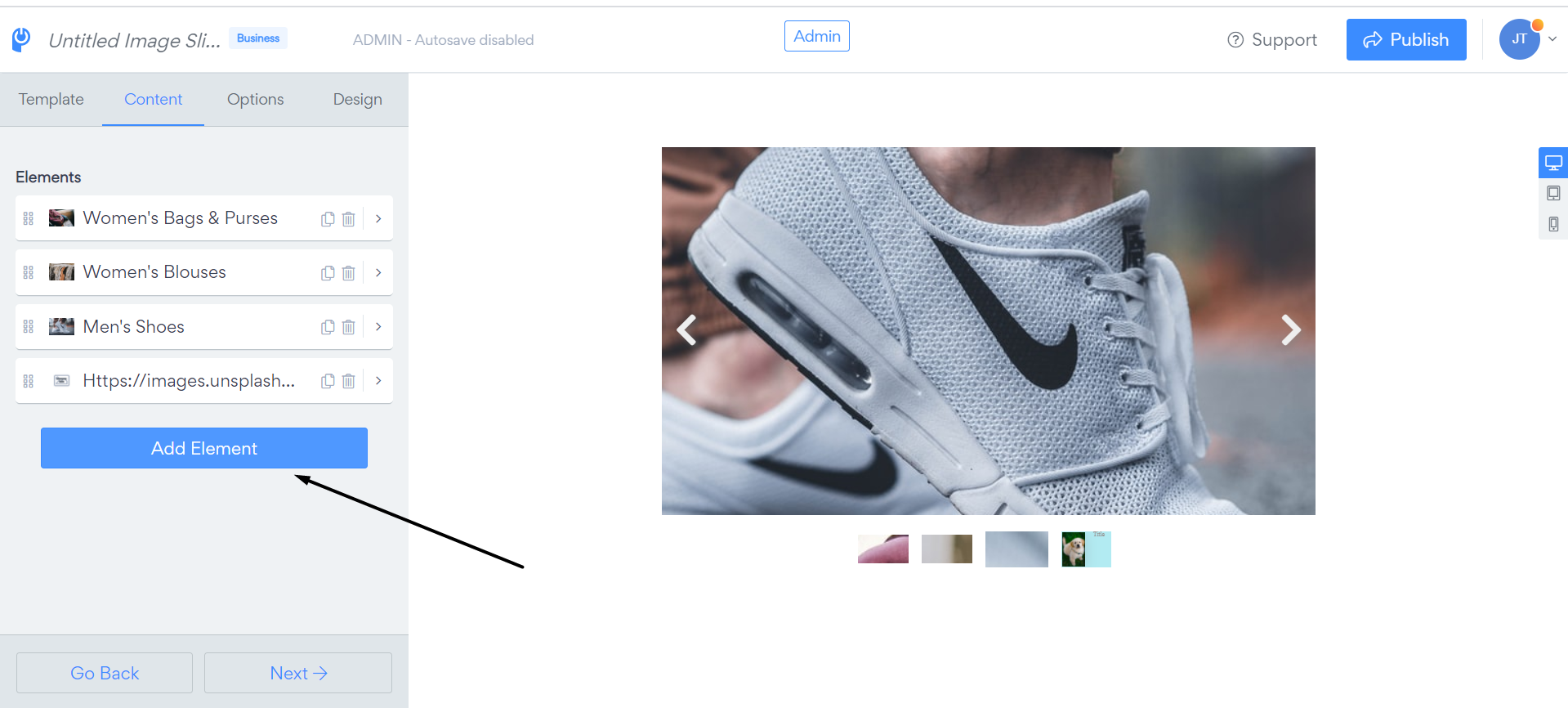
1. Open app settings
2. Click on "Add element"
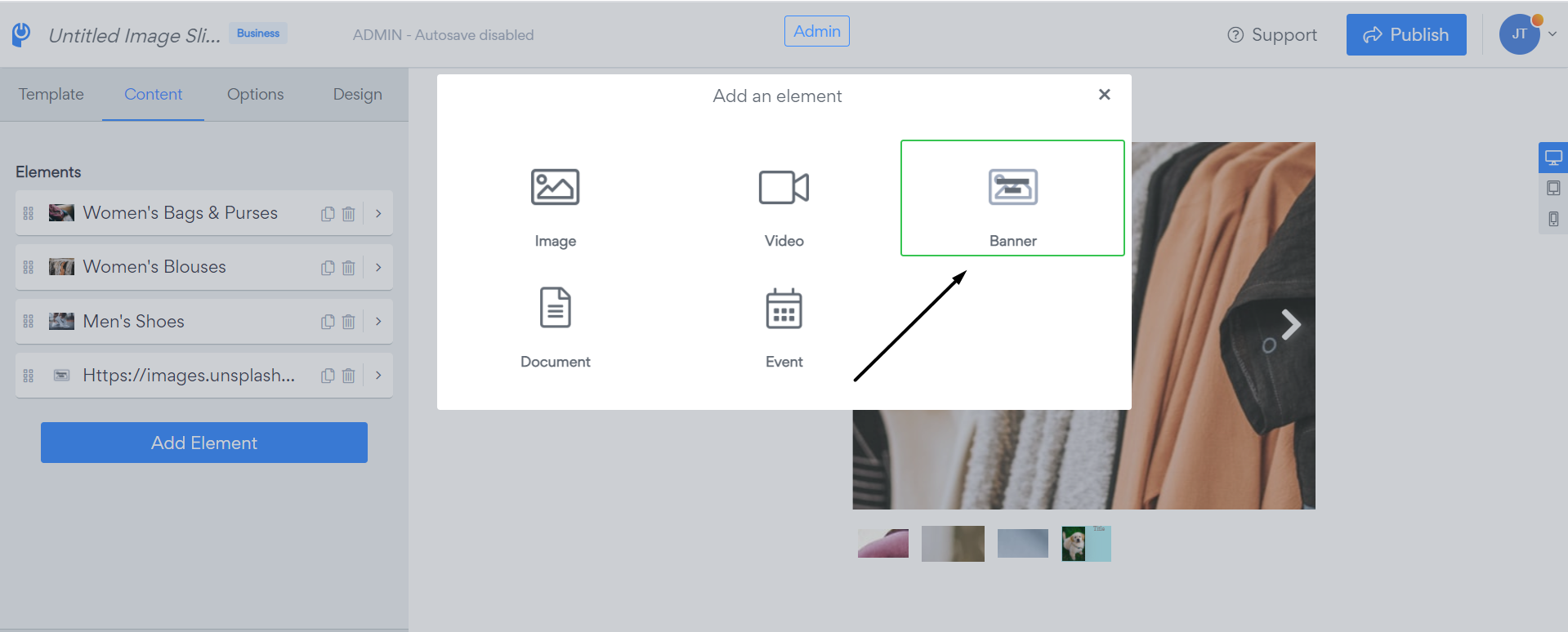
3. Select "Banner" element
4. Select button type (Link to a Webpage or Take a Payment), add Button text, Button link and select the layout:
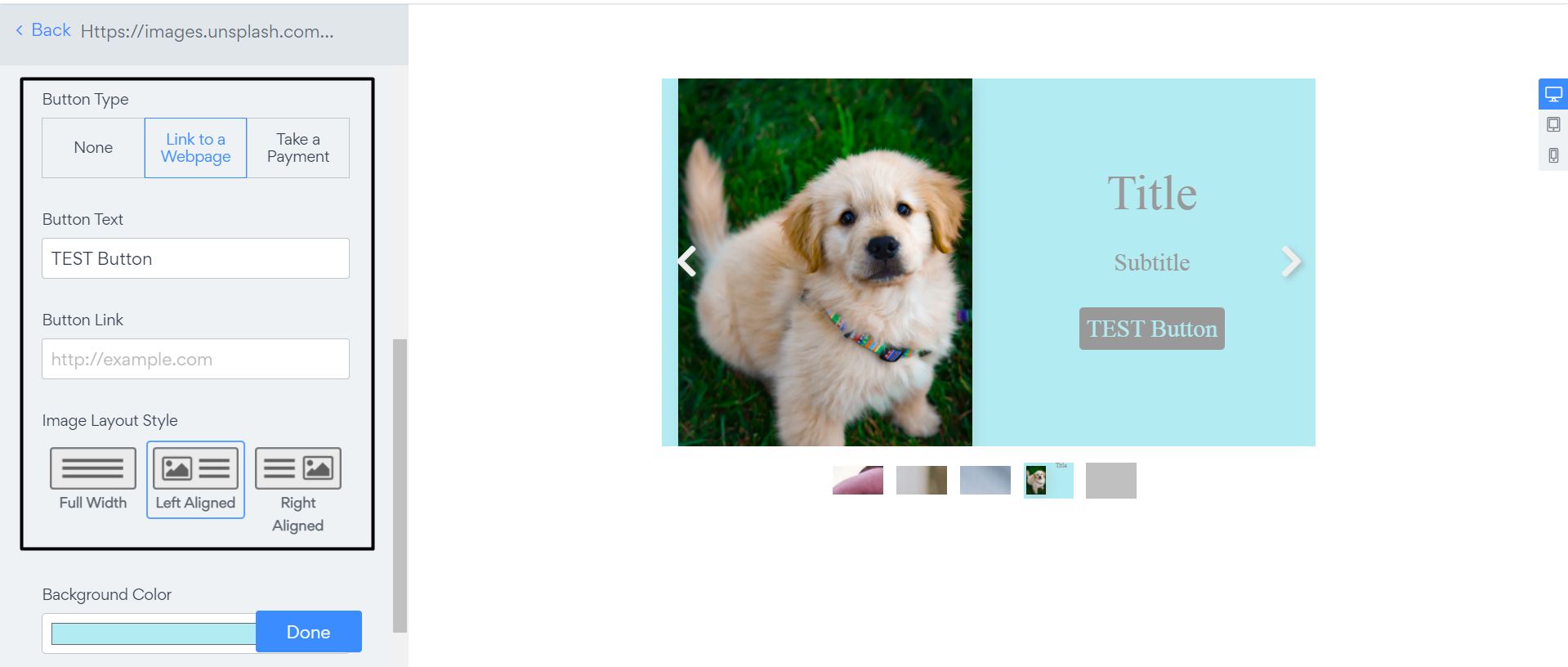
5. Save changes by clicking on the "Publish" button