Collecting email addresses in Survey/Poll app
Issue description:
You would like to receive the email addresses of your Survey responders.
Solution:
Please follow the steps below:
- Open app settings
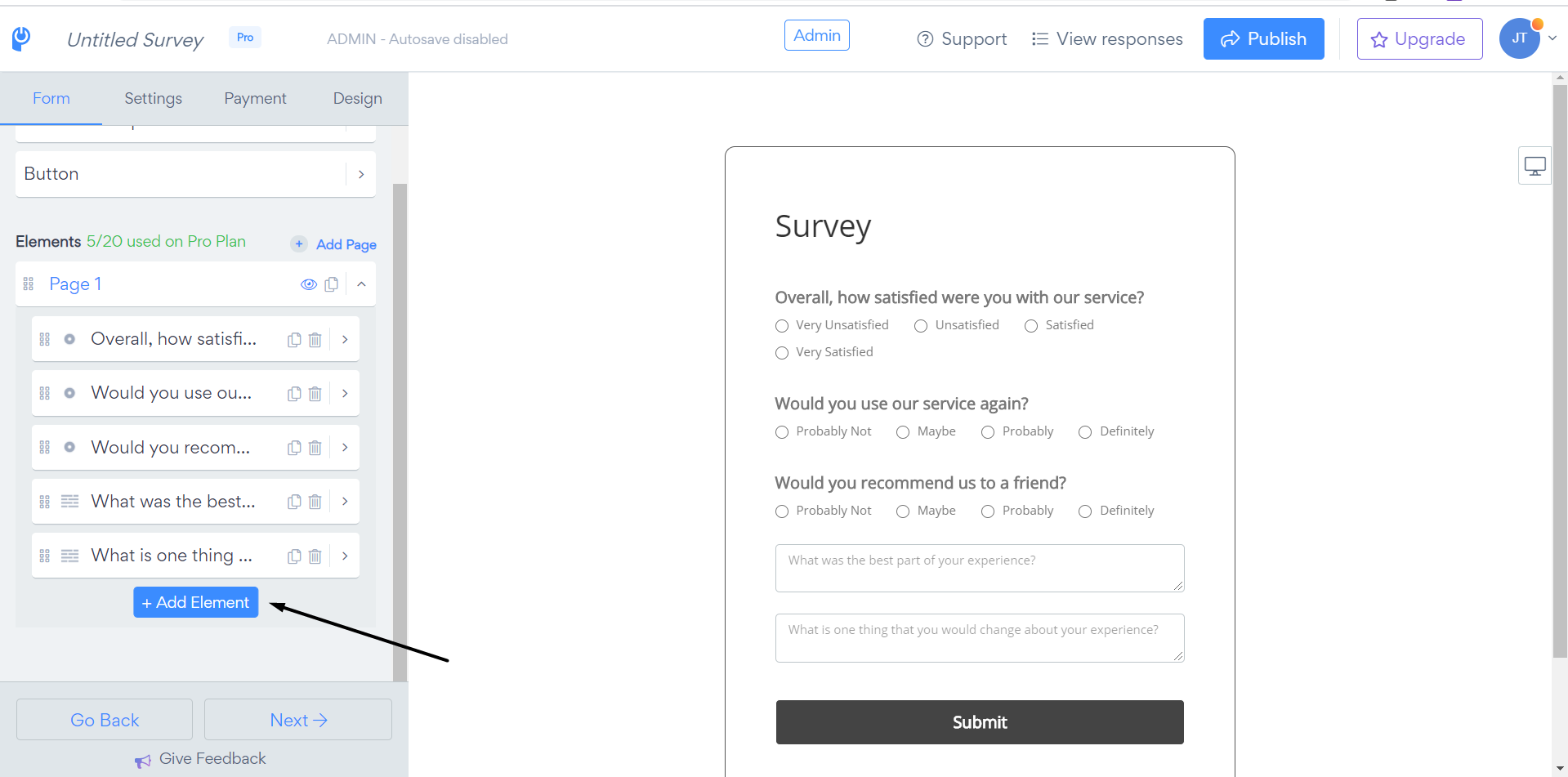
- Click on "Add Element"
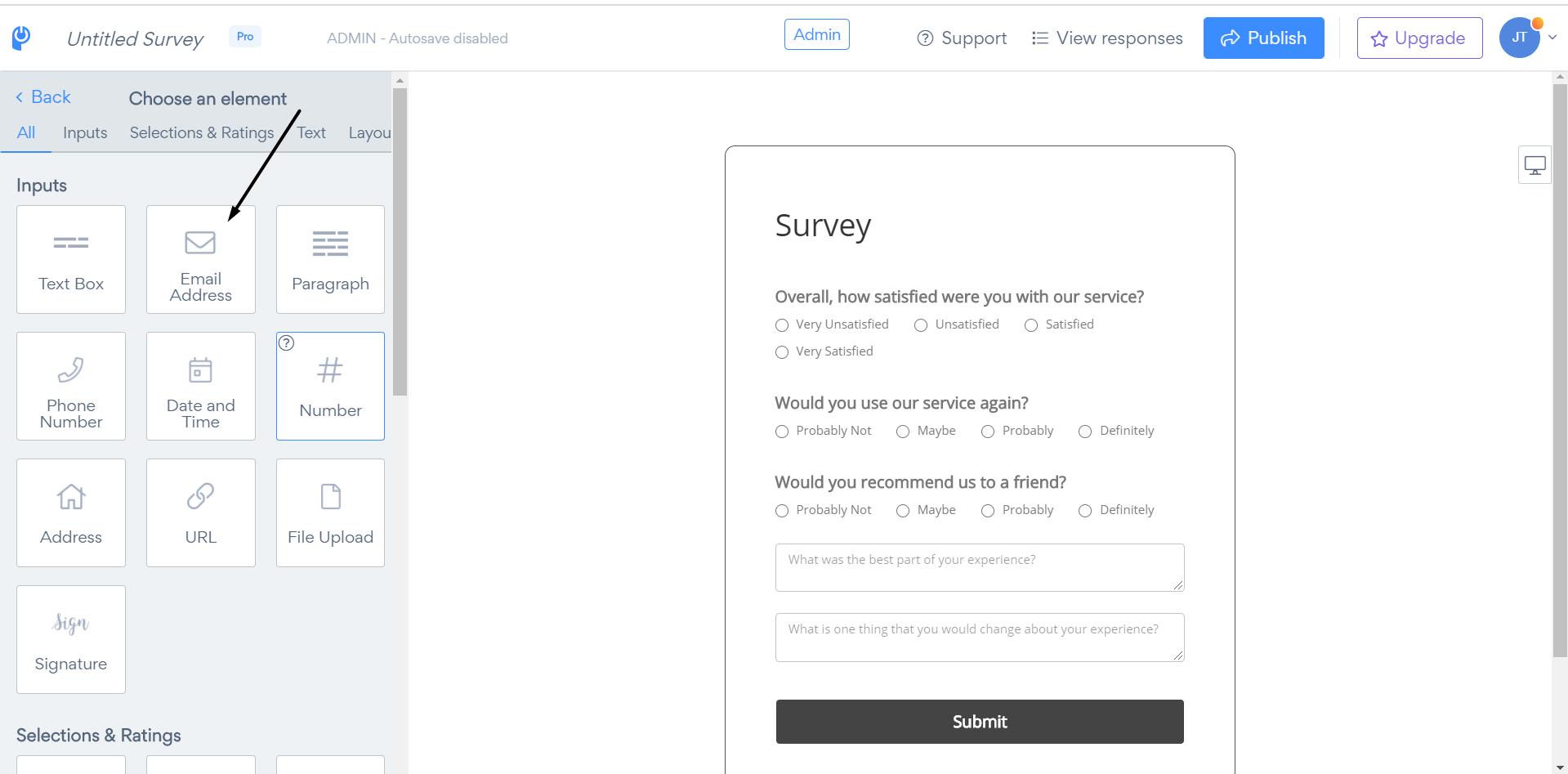
3. Select the "Email Address" element:
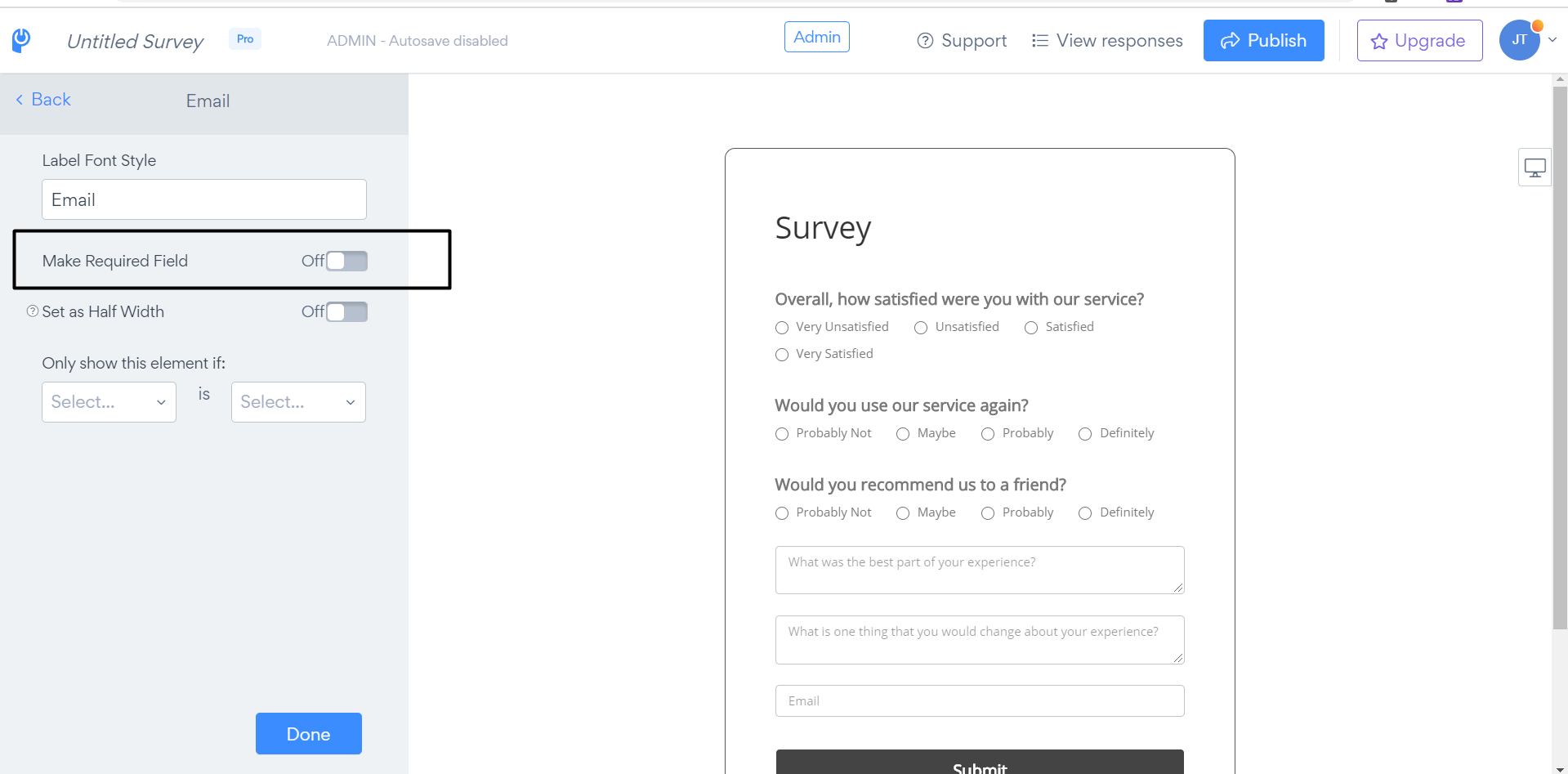
4. Toggle on the "Make it a Required Field" option to always receive email addresses once the survey is submitted, or skip this step if you want.
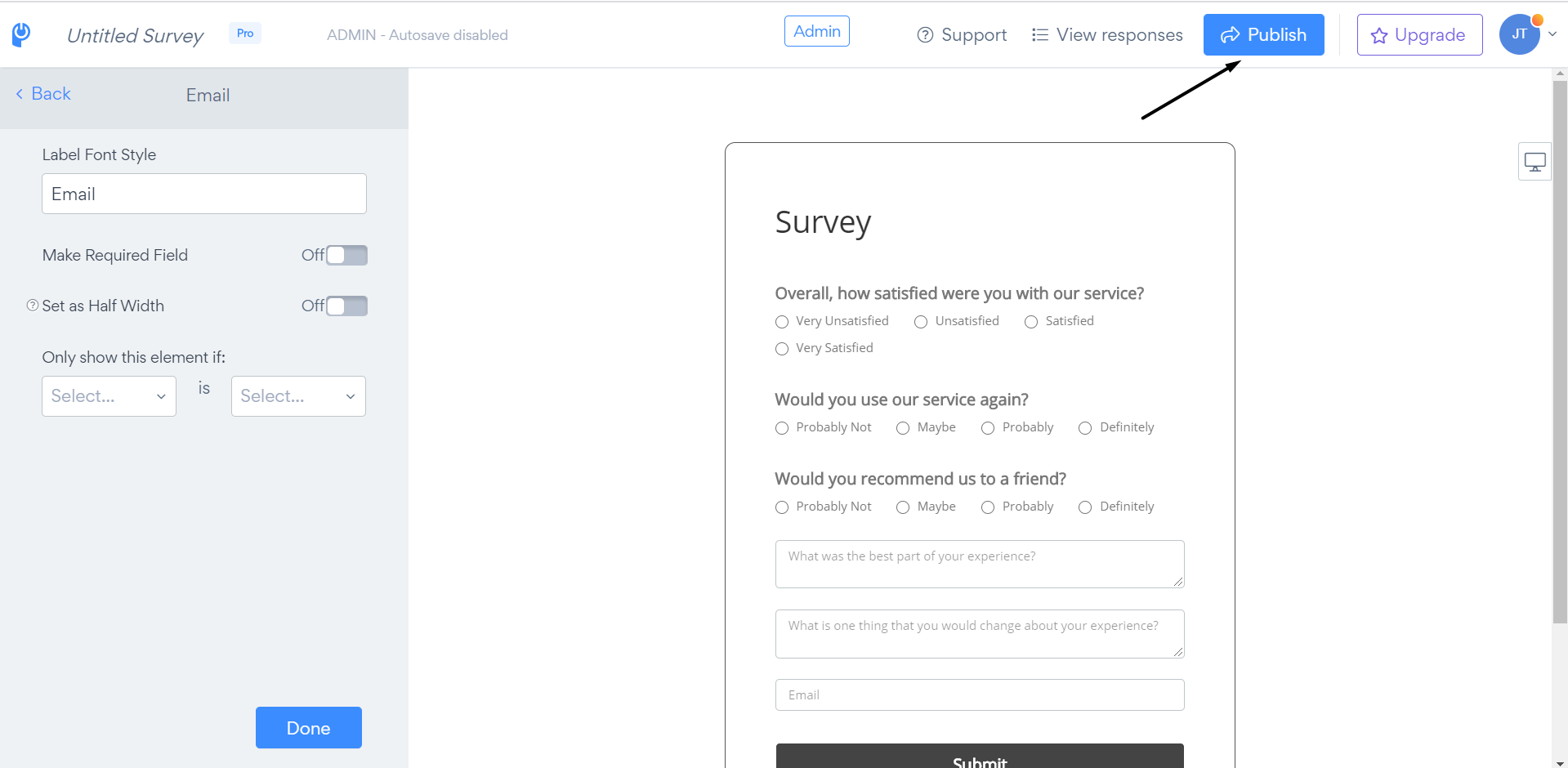
5. Press the "Publish" button to save the changes: