Can visitors share my Gallery posts on social media?
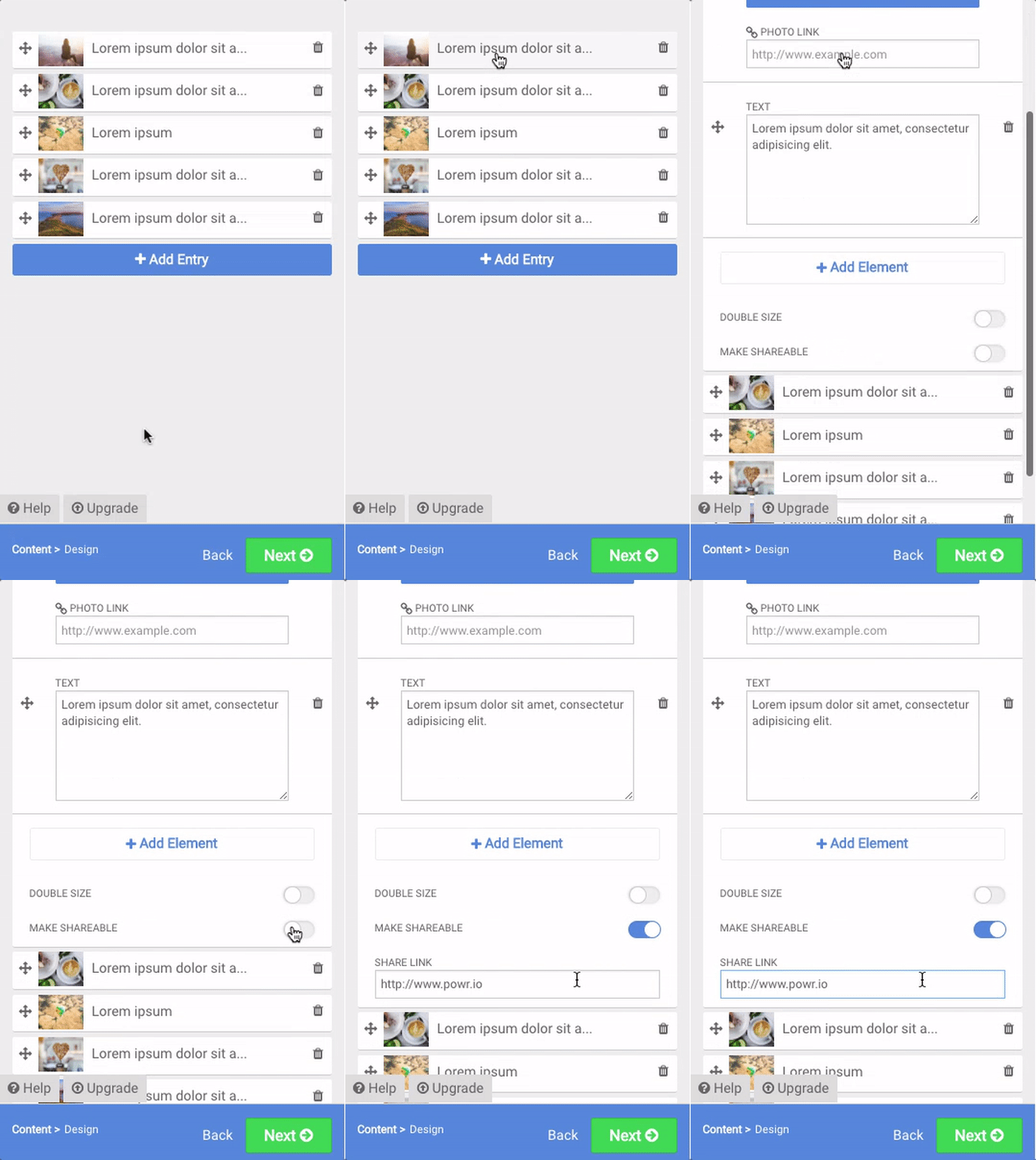
Yes! To allow social sharing, set the Make Shareable toggle to On.
Walkthrough
- Open the POWR Editor (or App Settings in Wix) for your Microblog or Media Gallery.
- Go to Content and select the Entry you want to make shareable.
- Set the Make Shareable toggle to On.
- (Optional) Enter a link in the Share Link field.
In the Share Link element, only enter a URL if you want to direct users to a specific page (for example, if you have a tracking link that you wish to use).
By default, the content within one entry will be shared on Facebook, Twitter, Pinterest, etc. if you don't specify a Share Link.