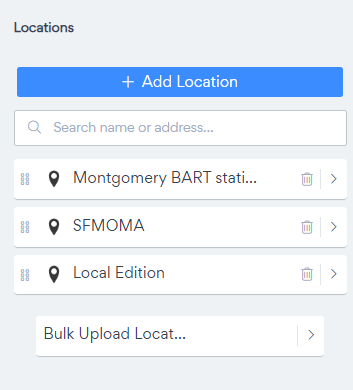
Bulk Upload Location from Google Sheet
At POWR, we’re constantly evolving to make our apps smarter, faster, and easier to use. Today, we’re excited to announce a powerful new feature for our Map app: bulk location upload from Google Sheets! This addition streamlines the process of adding multiple locations to your map, saving you time and ensuring accuracy in a few simple steps.
How to Use the Bulk Location Upload Feature
Follow these simple steps to upload your locations from Google sheet.
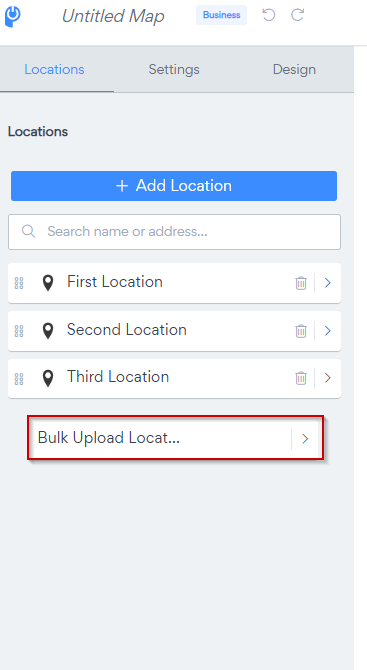
Go to Locations> Bulk Upload Locations
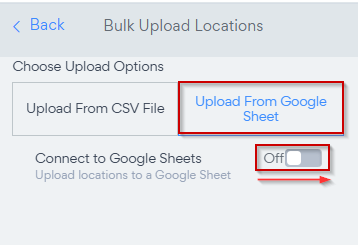
Choose Upload from Google Sheets and Toggle ON
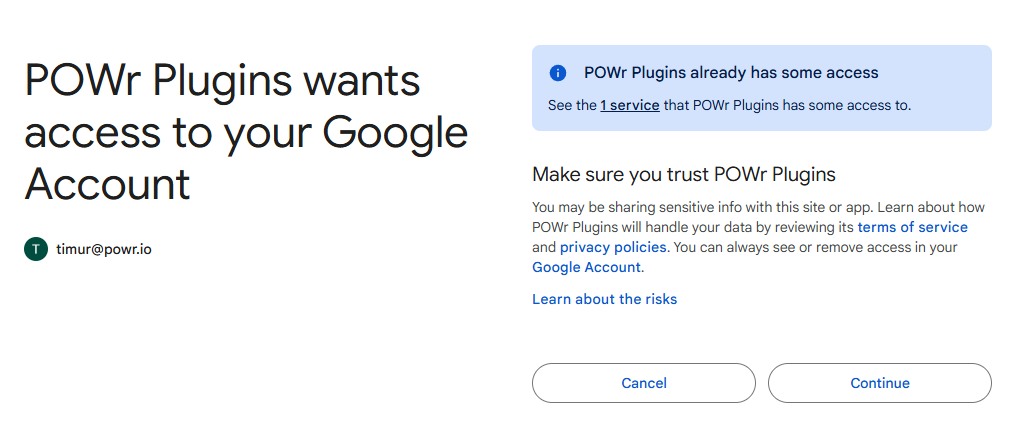
**Google will ask you to sign in to your account and authorize access to POWR plugins
**
Click on View/Edit Sheet
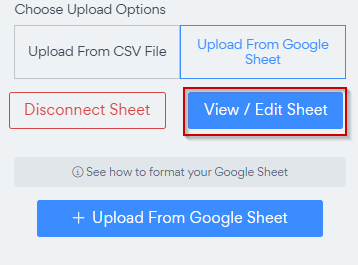
**This will open a newly created Google Sheet and will connect it to POWR MAP
**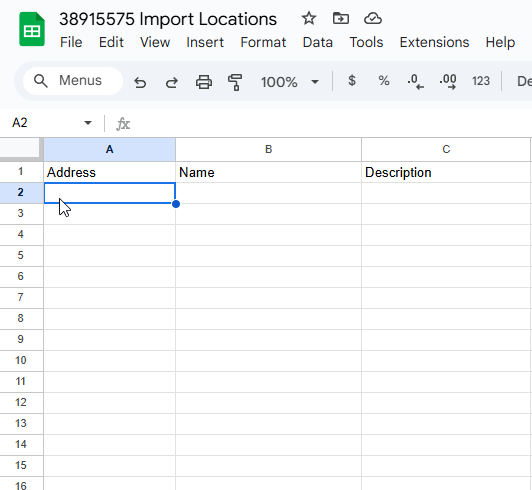
**Add or import information to columns accordingly.
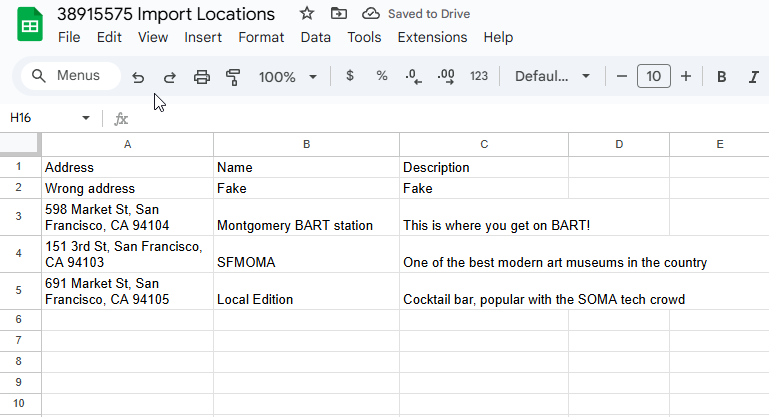
**
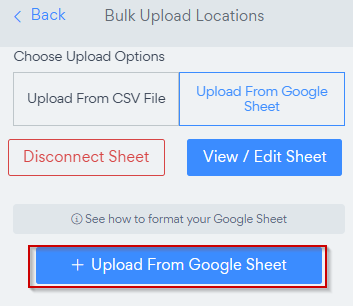
**Click on Upload From Google Sheet
**
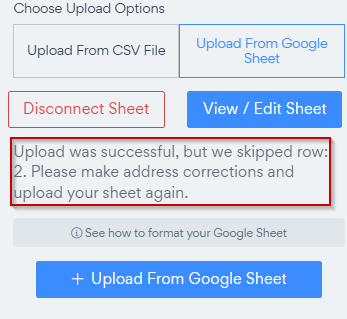
**If the address was not fulfilled correctly or if it's not recognized by the MAP provider, APP will inform you about this.
**
**Check Uploaded locations
**