
Add Form Submissions to Shopify Customers with Zapier
Zapier enables you to automate tasks between POWR Form Builder and other online apps (i.e. Mailchimp, Constant Contact, Shopify, etc.).
This article will show you how to create a Zap which will add a new form submission to your Shopify customer list automatically.
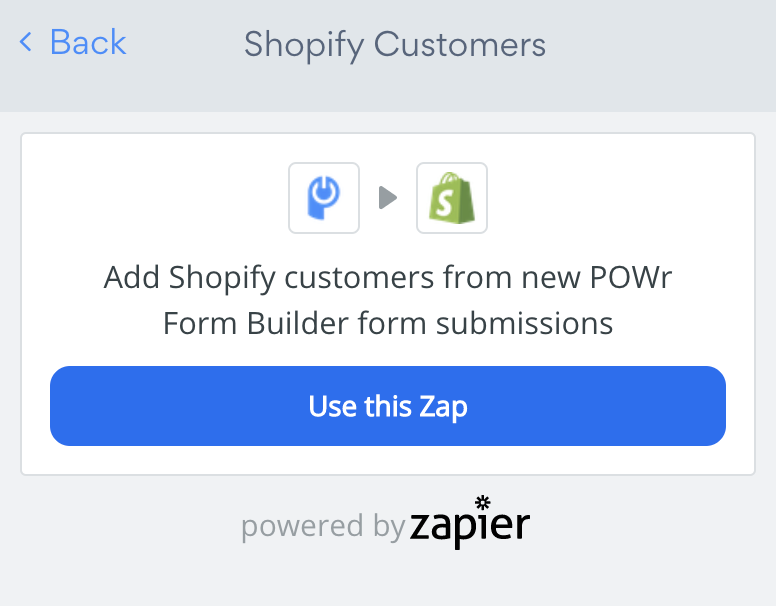
1. Navigate to the Shopify Customers Drilldown
Open your POWR Form Builder app.
Navigate to Settings > Shopify Customers.
Click on Use this Zap.
Log in or Create a Zapier account.
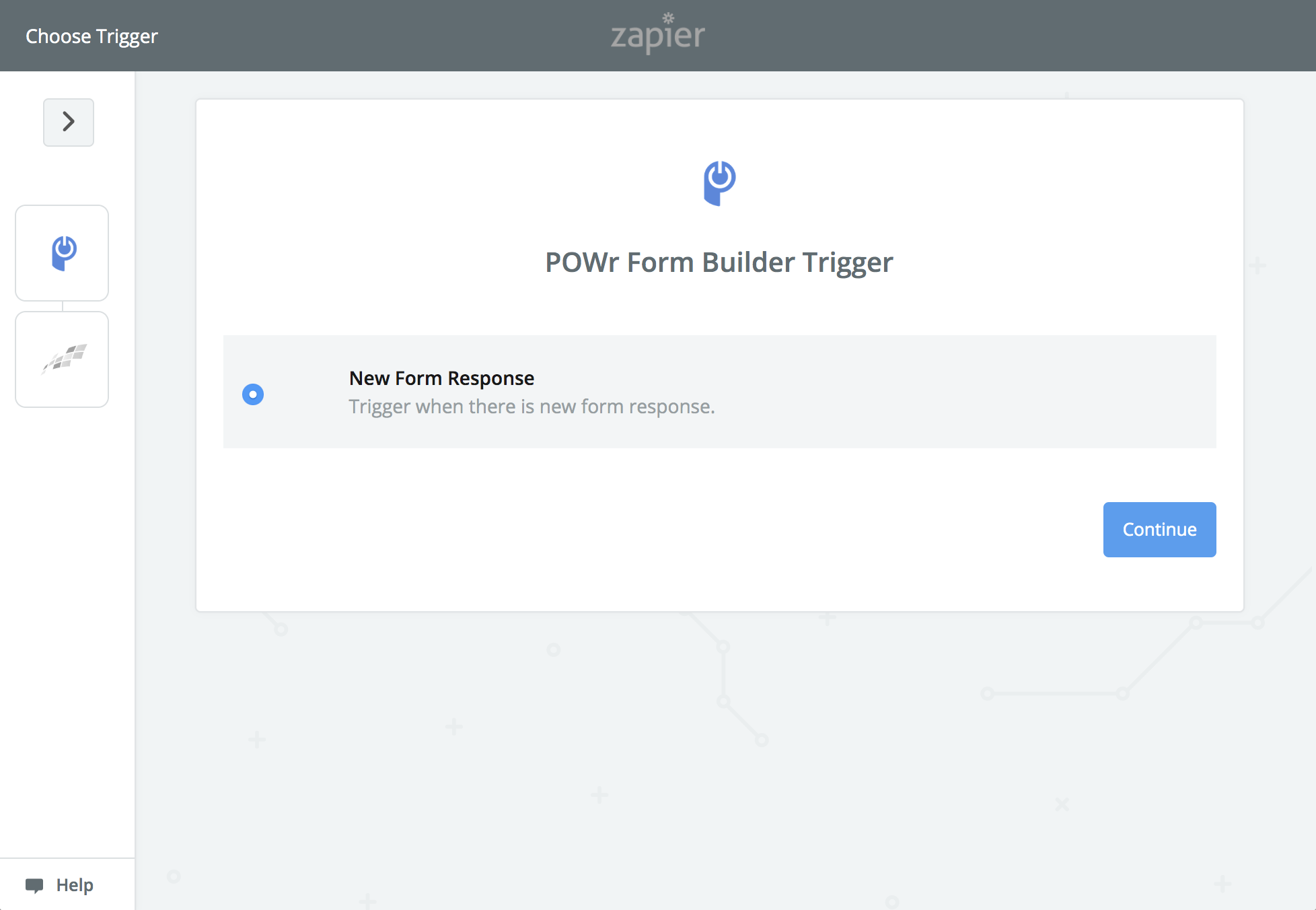
2. Choose Trigger
Select New Form Response
Click Continue
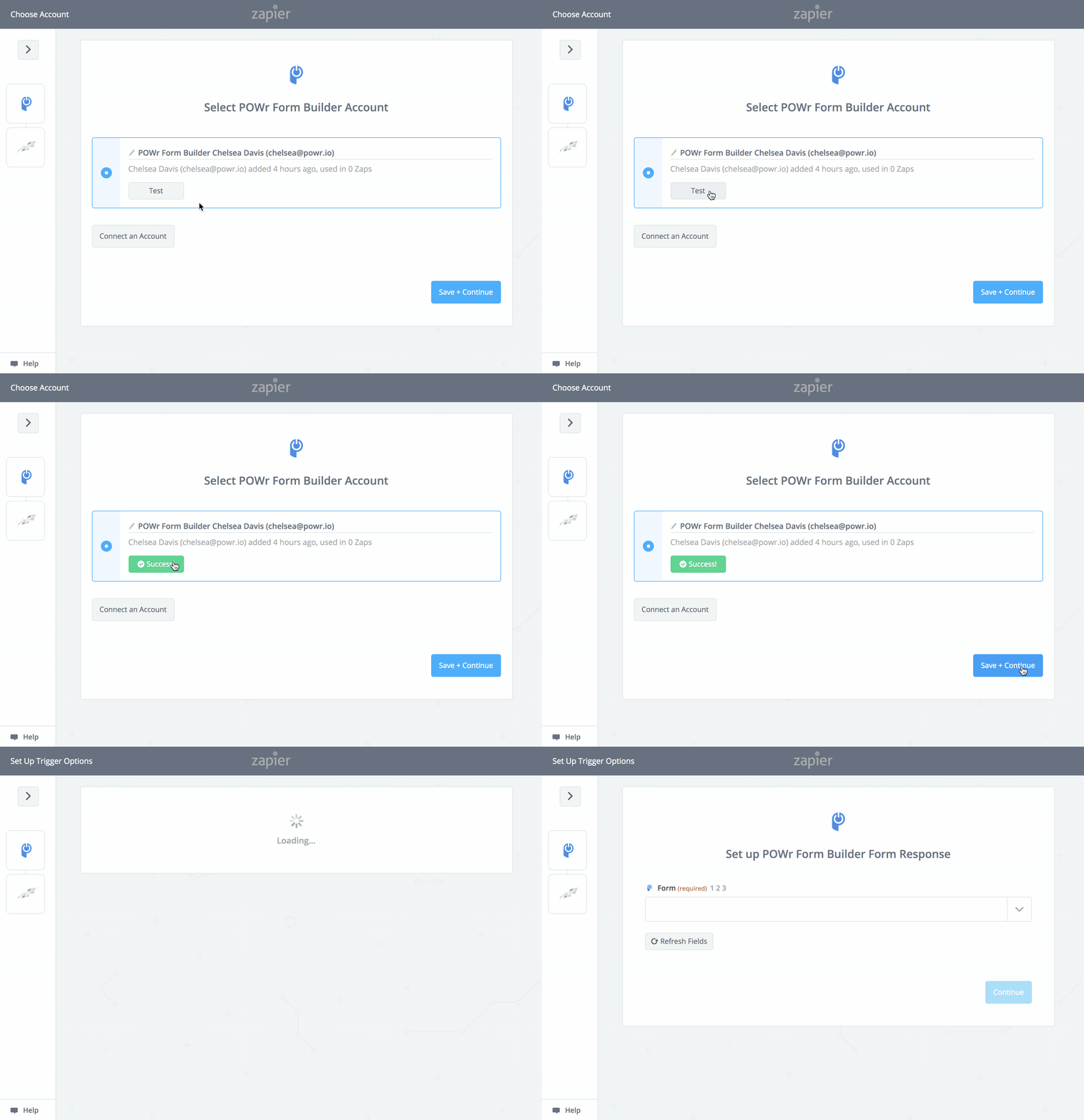
3. Choose Zapier Account
Make sure the correct POWR account is connected
Click Test
Click Save & Continue
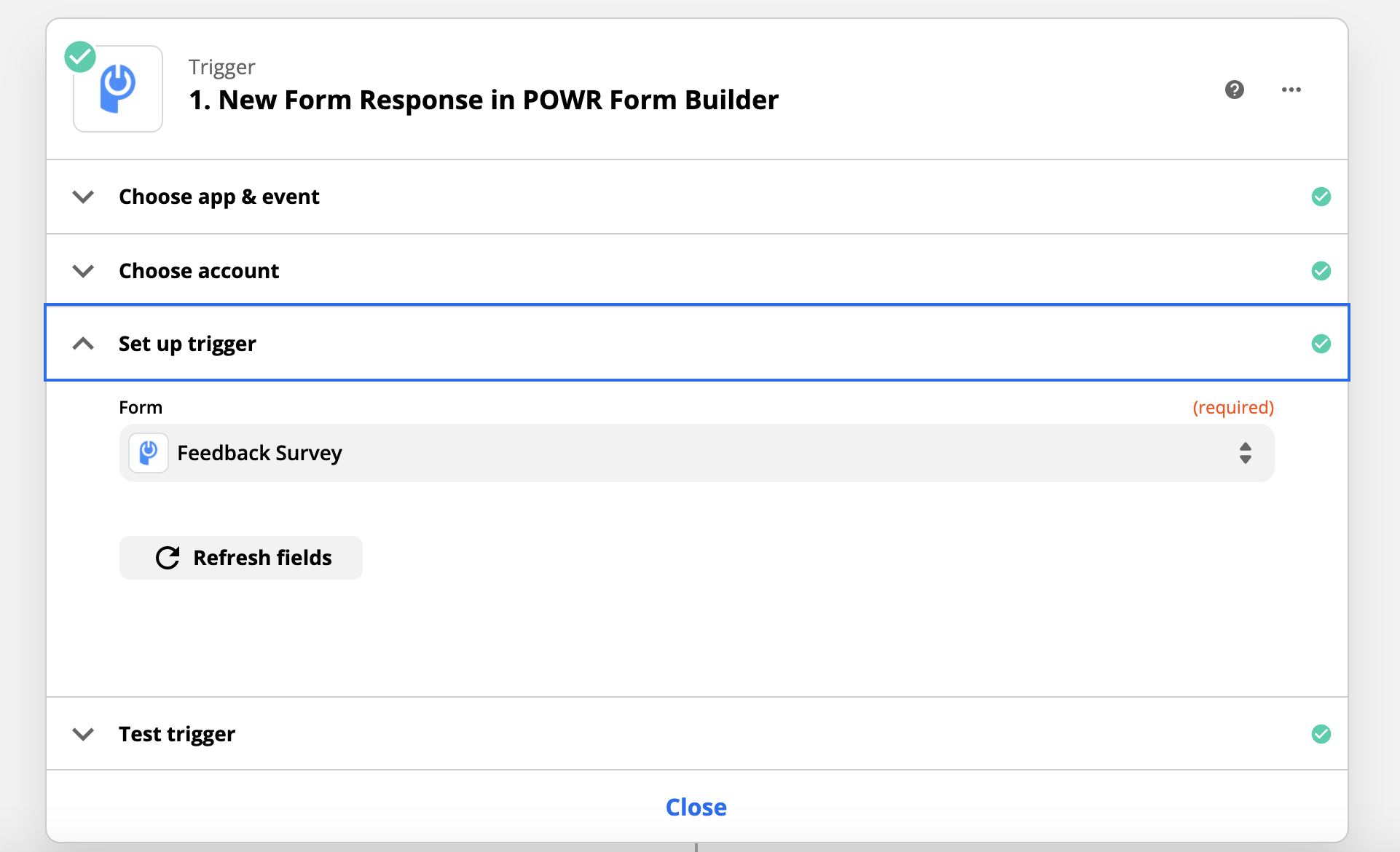
4. Select POWR Form
From the dropdown, select the POWR form you want to connect to Shopify Customers
Click Continue
5. Test Your Form
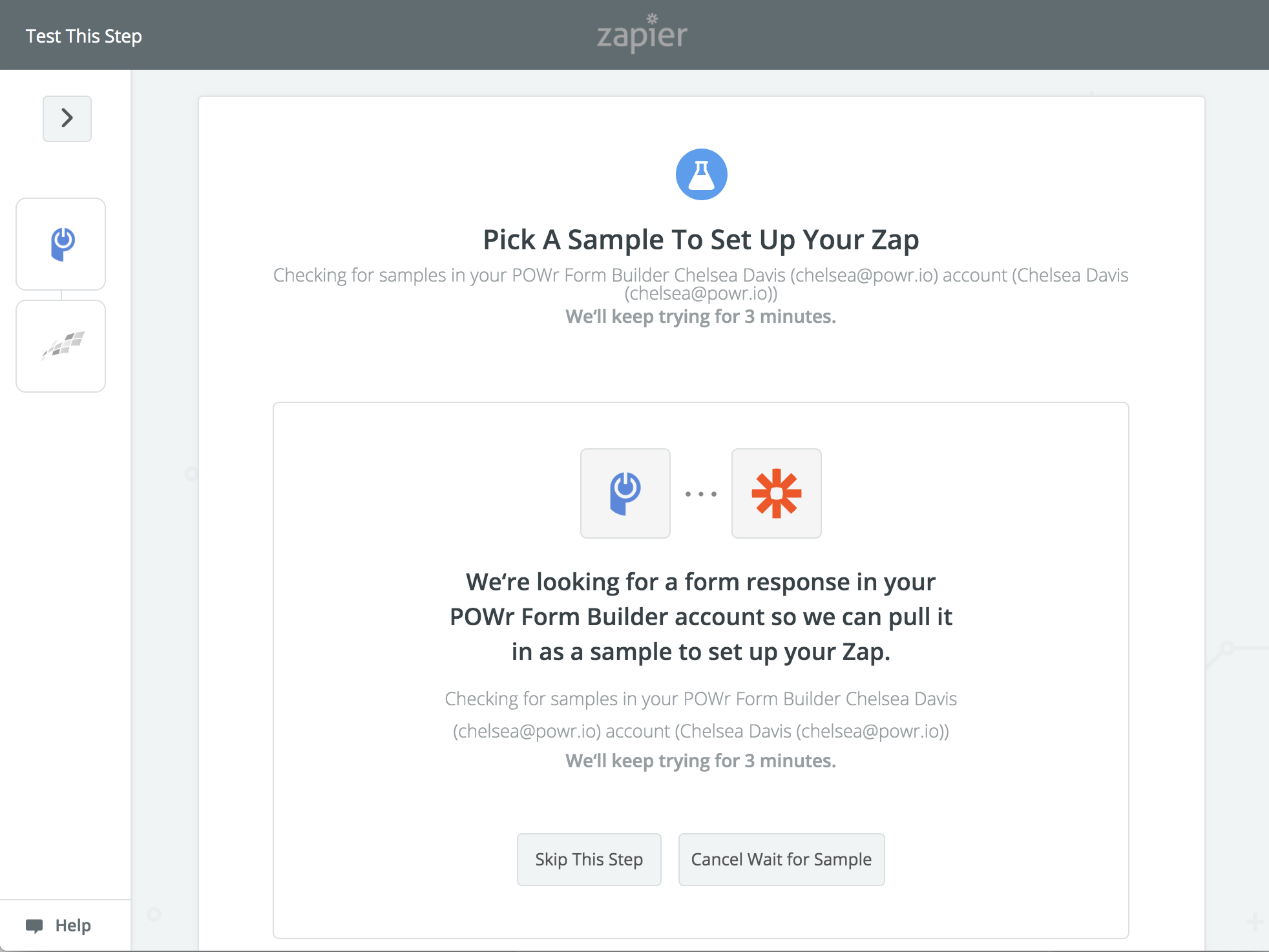
If you haven't already received a submission to your form, the "Pick A Sample" screen will say it is looking for a form response. If it continues looking for a response, make a test submission to your POWR Form.
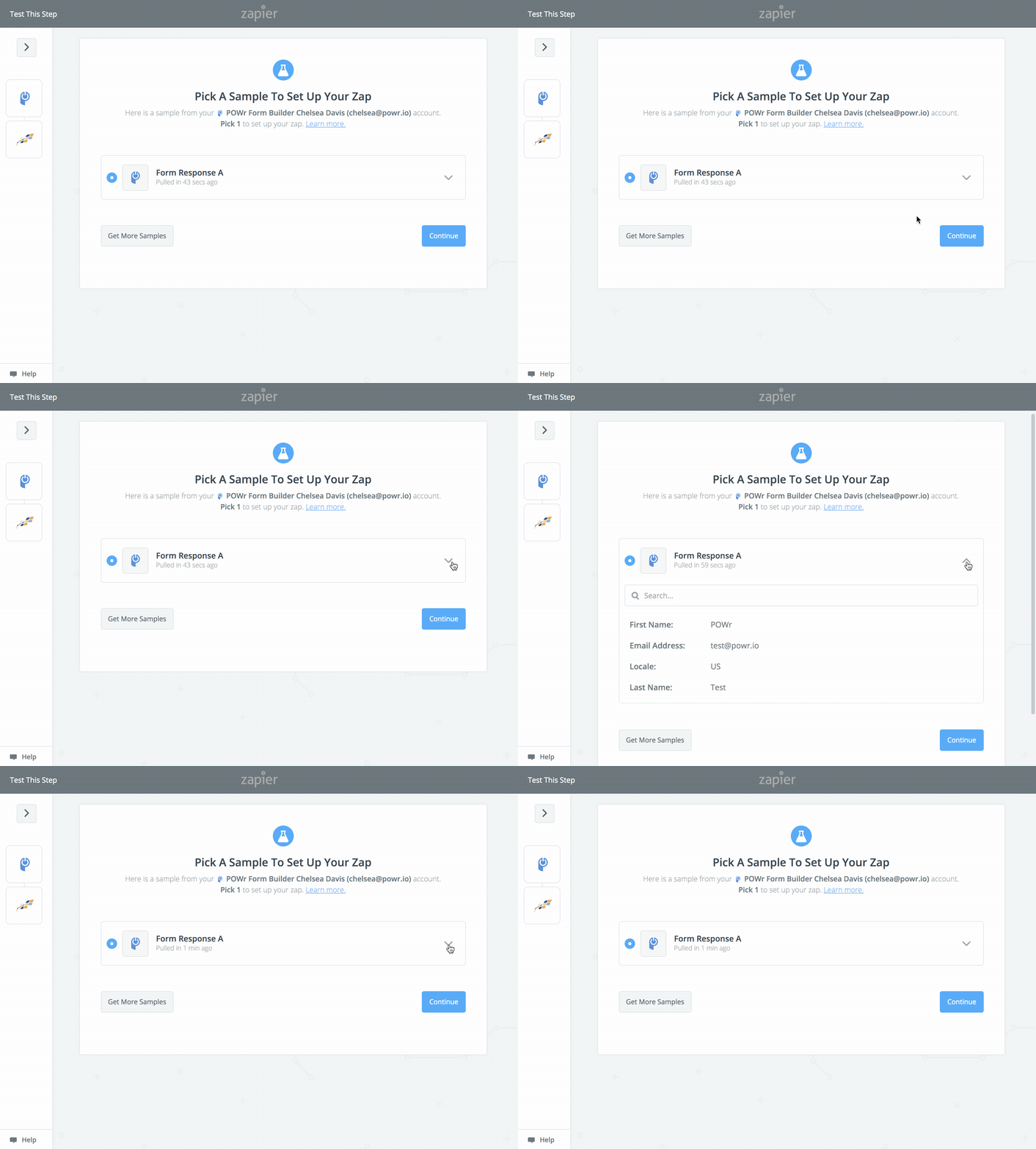
Once you make a test submission, click Pull Samples. You should then see the details of your test submission when clicking the down arrow.
Click Continue.
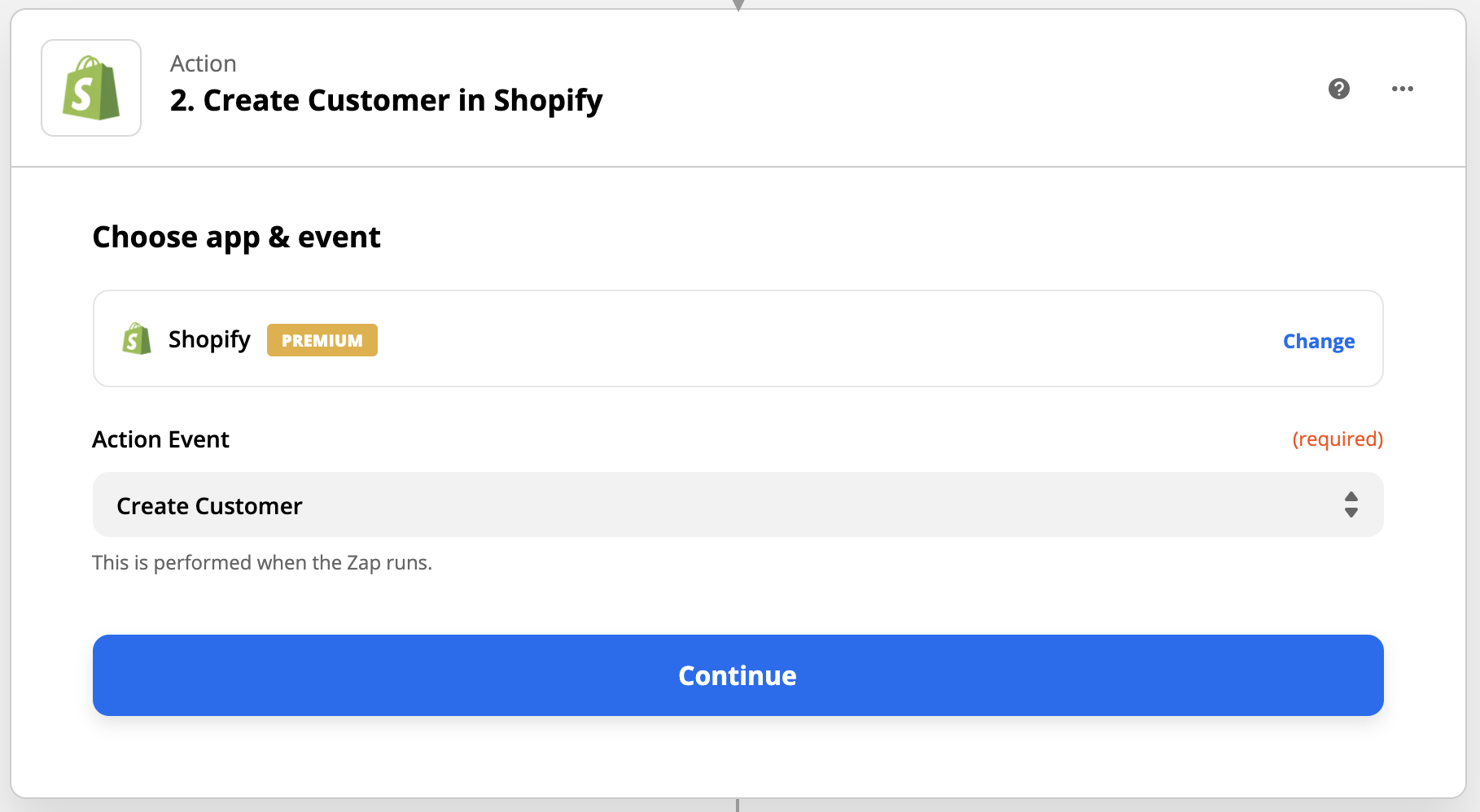
6. Connect to Shopify
Follow the prompts to connect to your Shopify Account. Choose Create Customer as your action and click Continue.
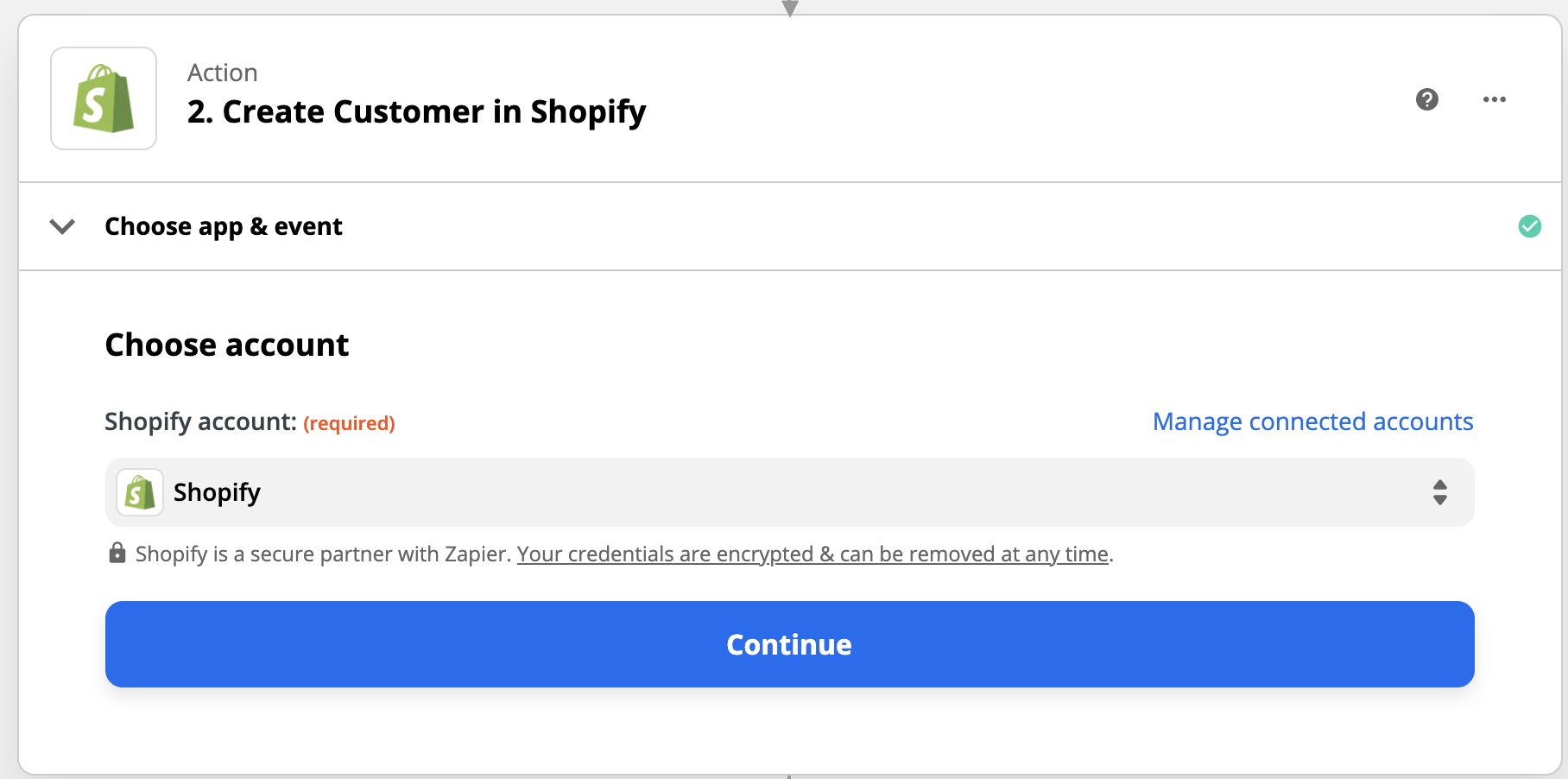
Confirm the correct Shopify account is selected and click Continue.
From here choose the POWR Form fields to map to your Shopify Customer fields.
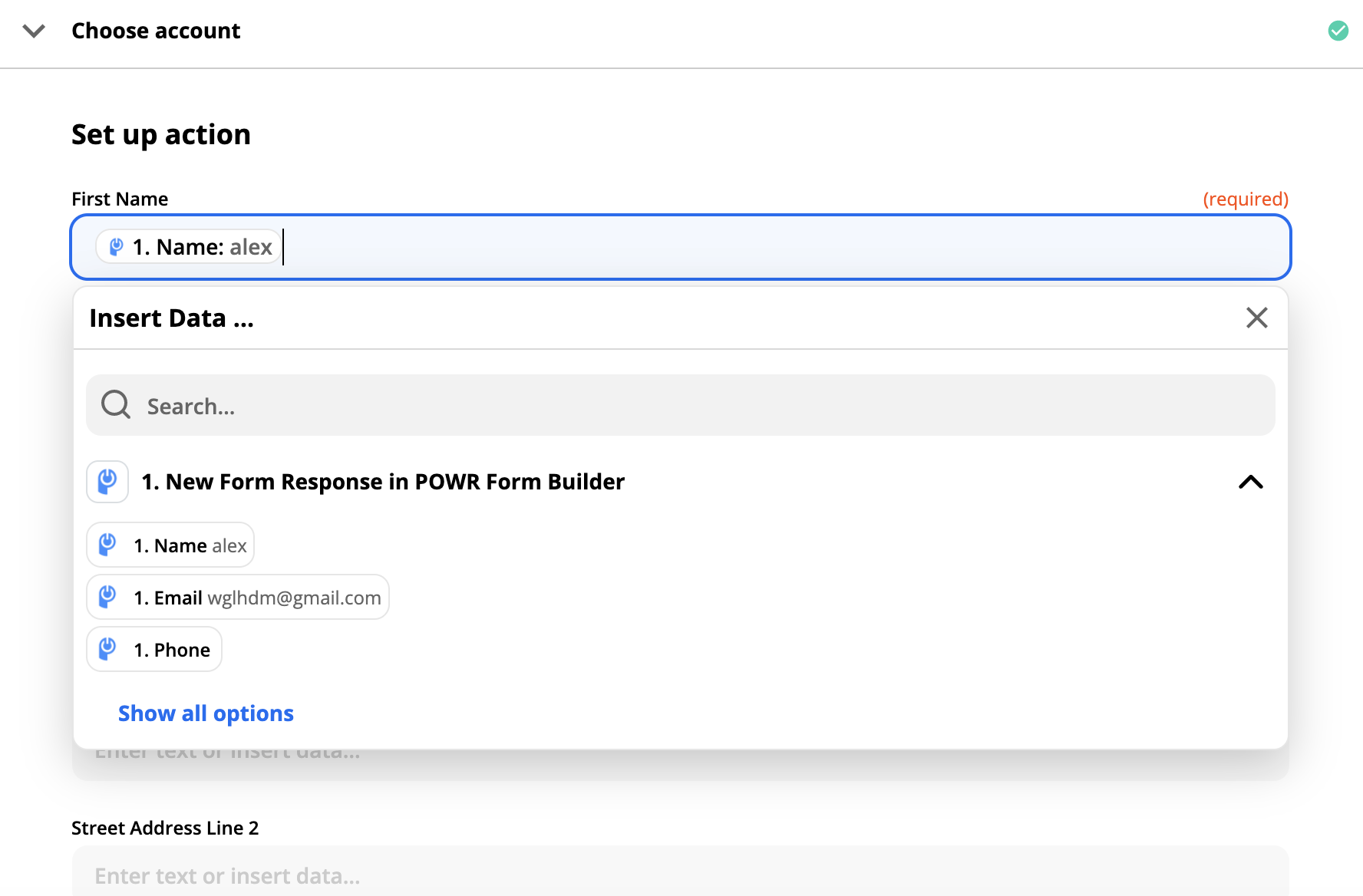
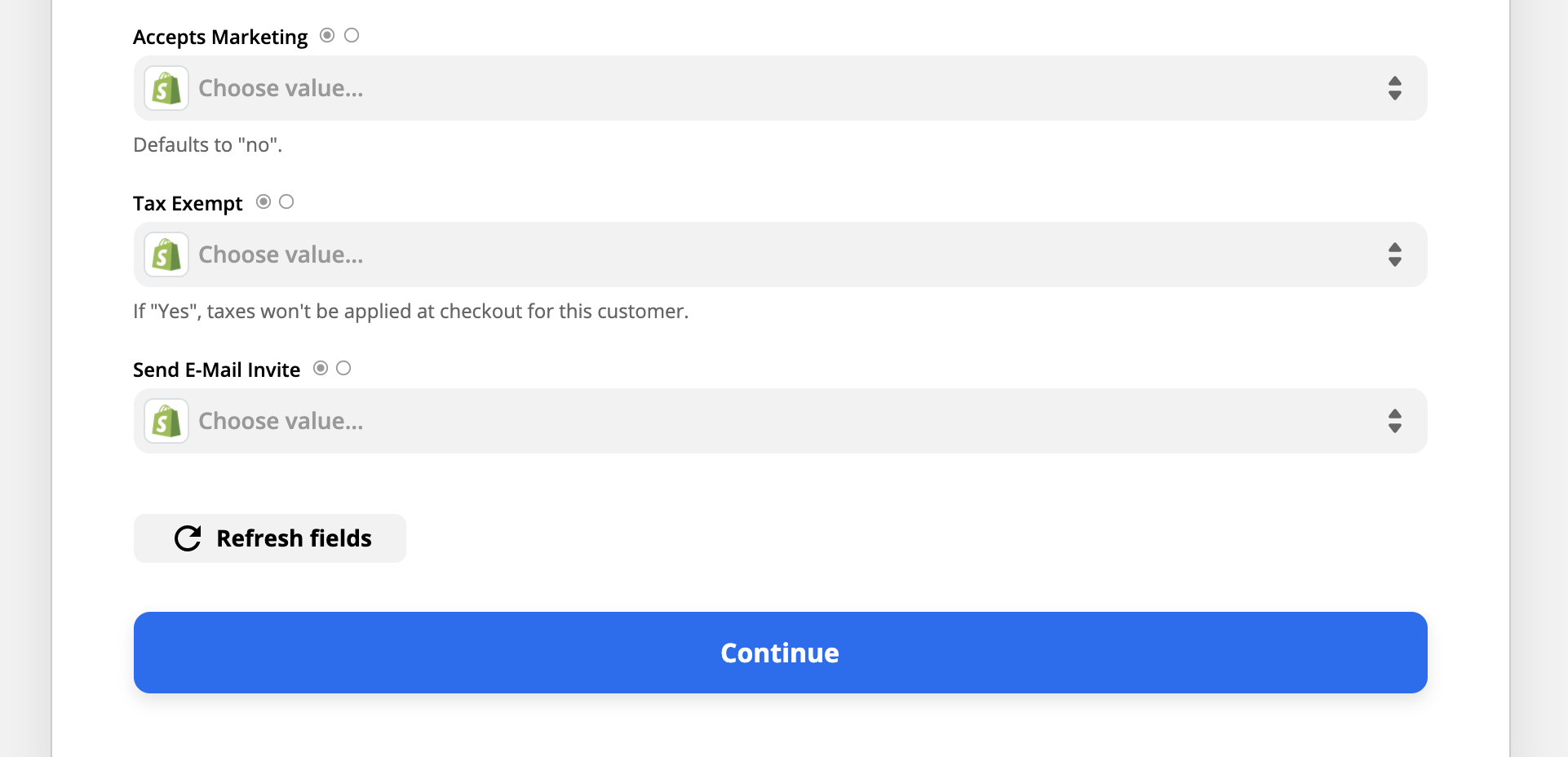
Be sure to set up marketing and tax information. When finished, click Continue.
7. Test the Zap
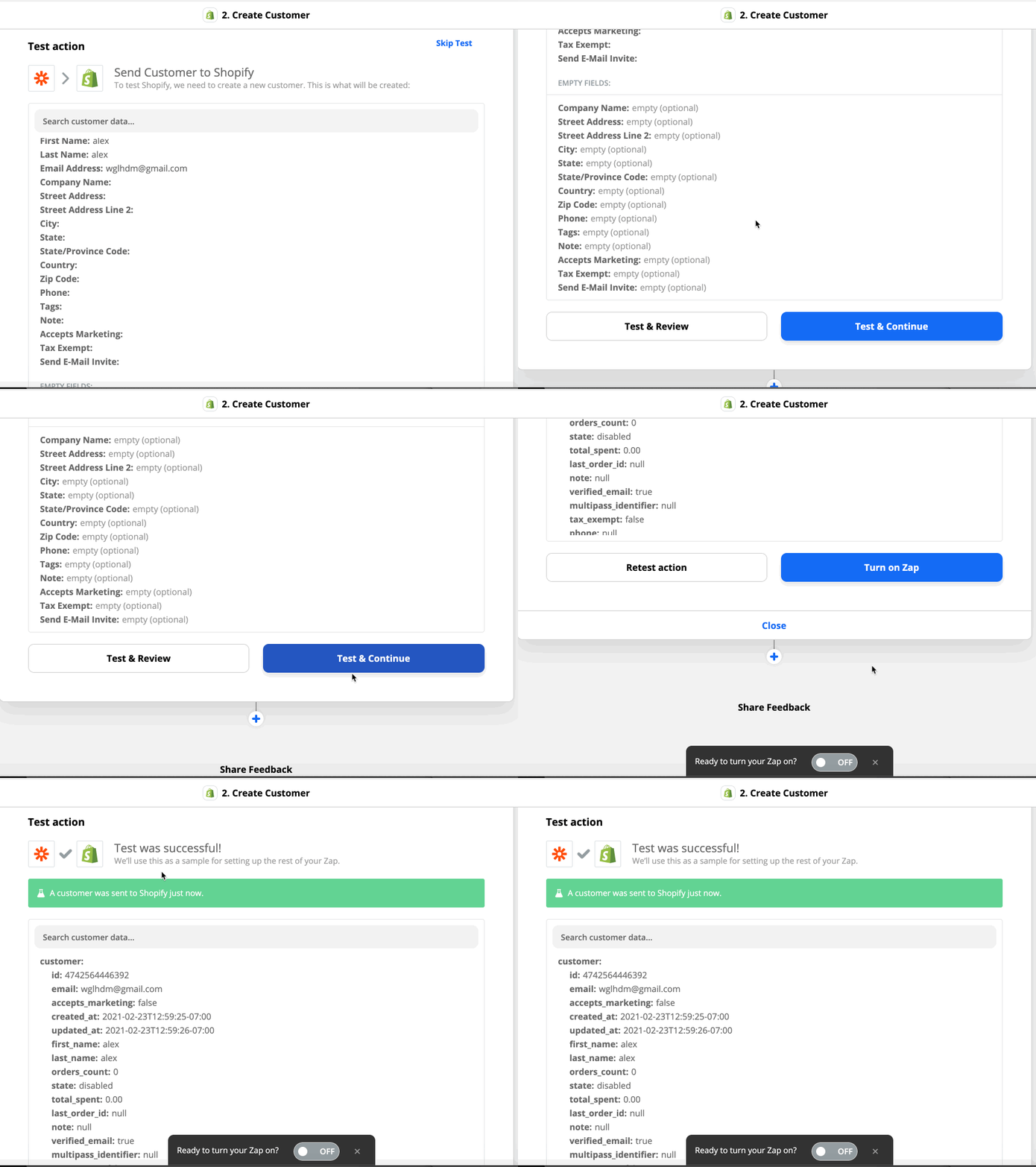
Click Test and Continue to ensure your contacts sync correctly.
Then click Turn on Zap.
Your Zap is connected now! Check that your test form submission is now in your Shopify Customers list.
Important: To manage your Zap moving forward, you will need to do so through Zapier.com and NOT through your POWR Form.